BHT-805B
6.2 Using the BHT after Long Non-Use
Data stored in the BHT may be lost or damaged and the calendar clock may stop if the BHT is left unused for a long
period of time.
Take appropriate measures in accordance with the procedure below.
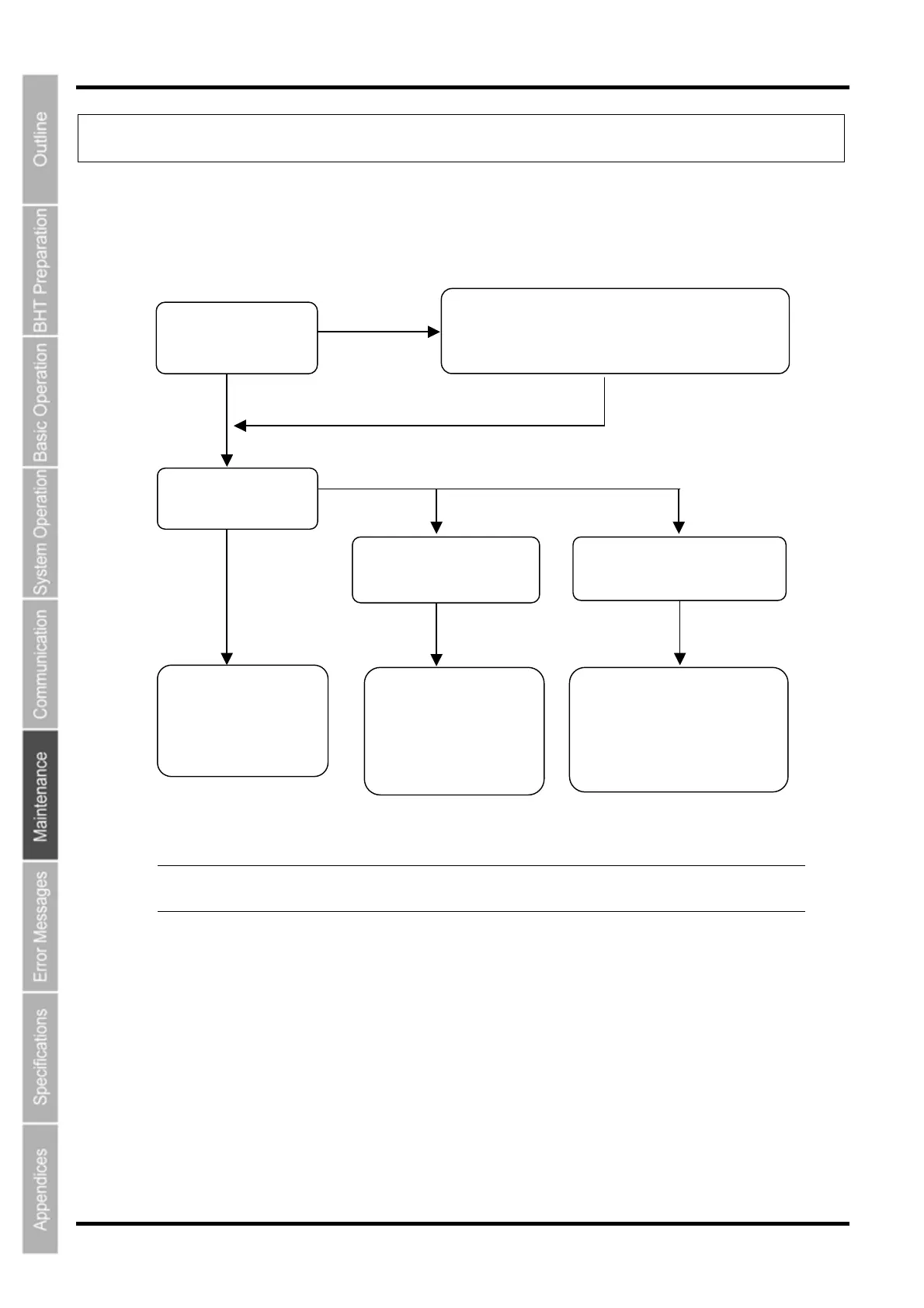
Can the power be
turned ON?
Yes
Power ON
No
Insert a fully charged battery cartridge.
* This is used as a memory back-up power source
and therefore should not be removed from the BH
for at least 10 minutes.
Does the normal
screen display?
The “Set the current date
and time” screen displays.
The ”Contact you
administrator” screen displays.
The BHT can be used.
Charge promptly before
the battery becomes
fully depleted. (*)
No
Yes
Set the current date and
time.
Refer to “Chapter 2 BH
Preparation” – “2.4 Initial
Setup”.
The following reasons may be
considered. Contact the system
administrator.
• Hardware damage
• Application failure
− Point − *: Files may become corrupt if left for a long period of time without replacing
the battery cartridge.
142



 To Next Page