Barcode Handy Terminal
2.5 Turning OFF the Power
You can turn off the BHT in one of the following three methods.
Normal power OFF → Press the Power key (
).
Turning the power OFF after data back-up → Hold down the Power key (
) for at least 3 seconds.
A turns OFF itself w
the specified pe
2.5.1 Normal Power OFF
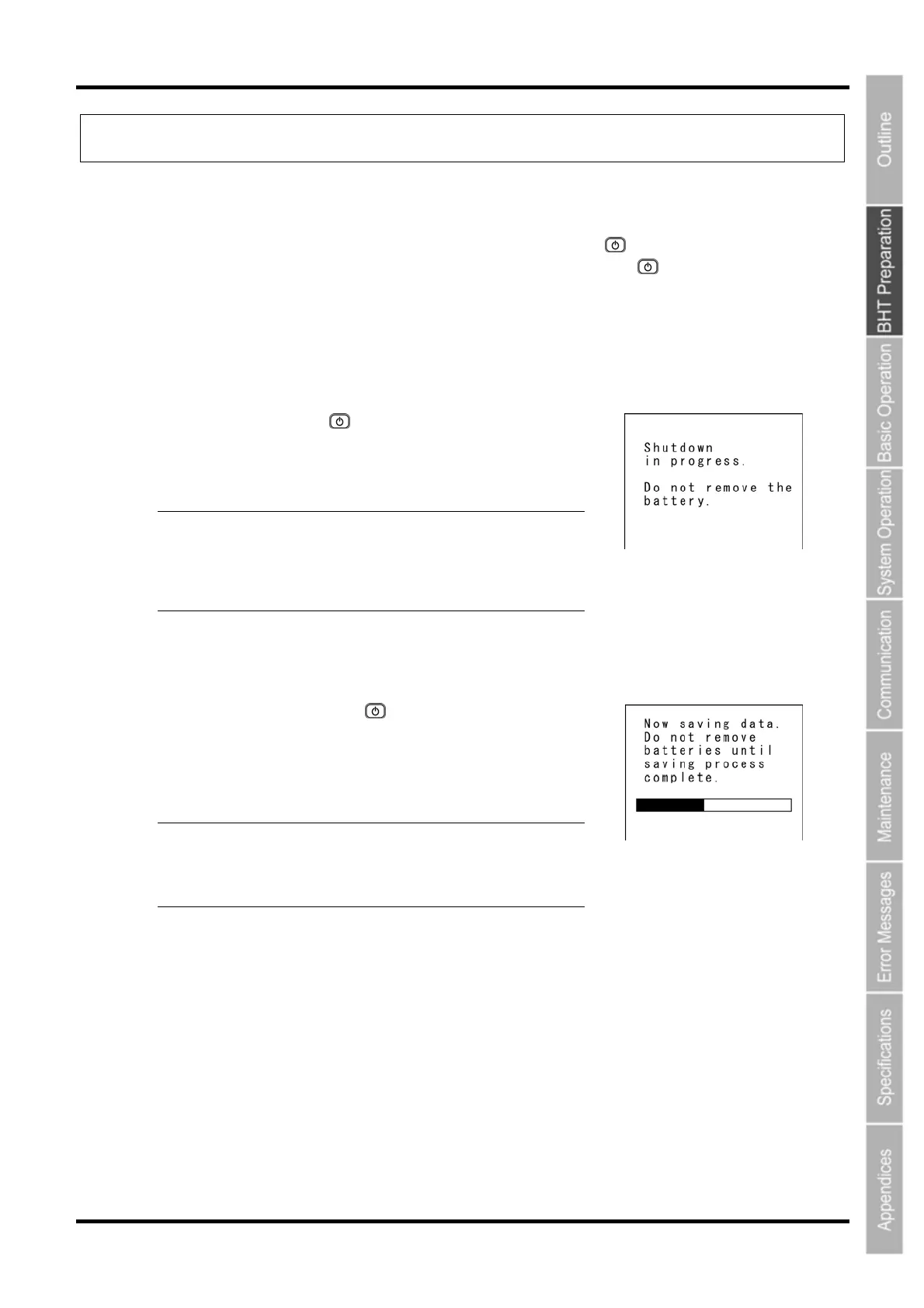
1. Press the Power key (
uto power OFF → The power hen the BHT is not used for
riod of time set at the user program.
).
iven to the
right displays.
− Point − Do not remove the battery cartridge while the
ting you to contact the
administrator may appear when the power is turned
ON next time.
The BHT turns OFF after the message on the screen g
message on the right is displayed.
Otherwise, a message reques
2. ata Back-up
1. old down the Power key (
5.2 Turning the Power OFF after D
H ) for at least 3 seconds.
he message shown on the appears and data back-up is
ommenced.
er turns OFF automatically when the back-up is complete.
ht is displayed.
T
c
The pow
− Point − Do not remove the battery cartridge while the
message on the rig
The back-up process may take several tens o
seconds depending on the amount of data.
2.5.3 Auto Power OFF
wer turns OFF itself when the BHT is not used for the specified period of time set at the user
rogram.
This is set to 3 minutes at default when the BHT is shipped from the factory.
* Refer to “BHT-800 Programmer’s Manual” for details of auto power OFF.
The po
p
21



 To Next Page