Barcode Handy Terminal
4.5.9 Downloading/Uploading Files by FTP (FTP MENU)
Use the following procedure to download and upload files by FTP.
1. Select “7: FTP” at the SYSTEM MENU and then press
the ENT key.
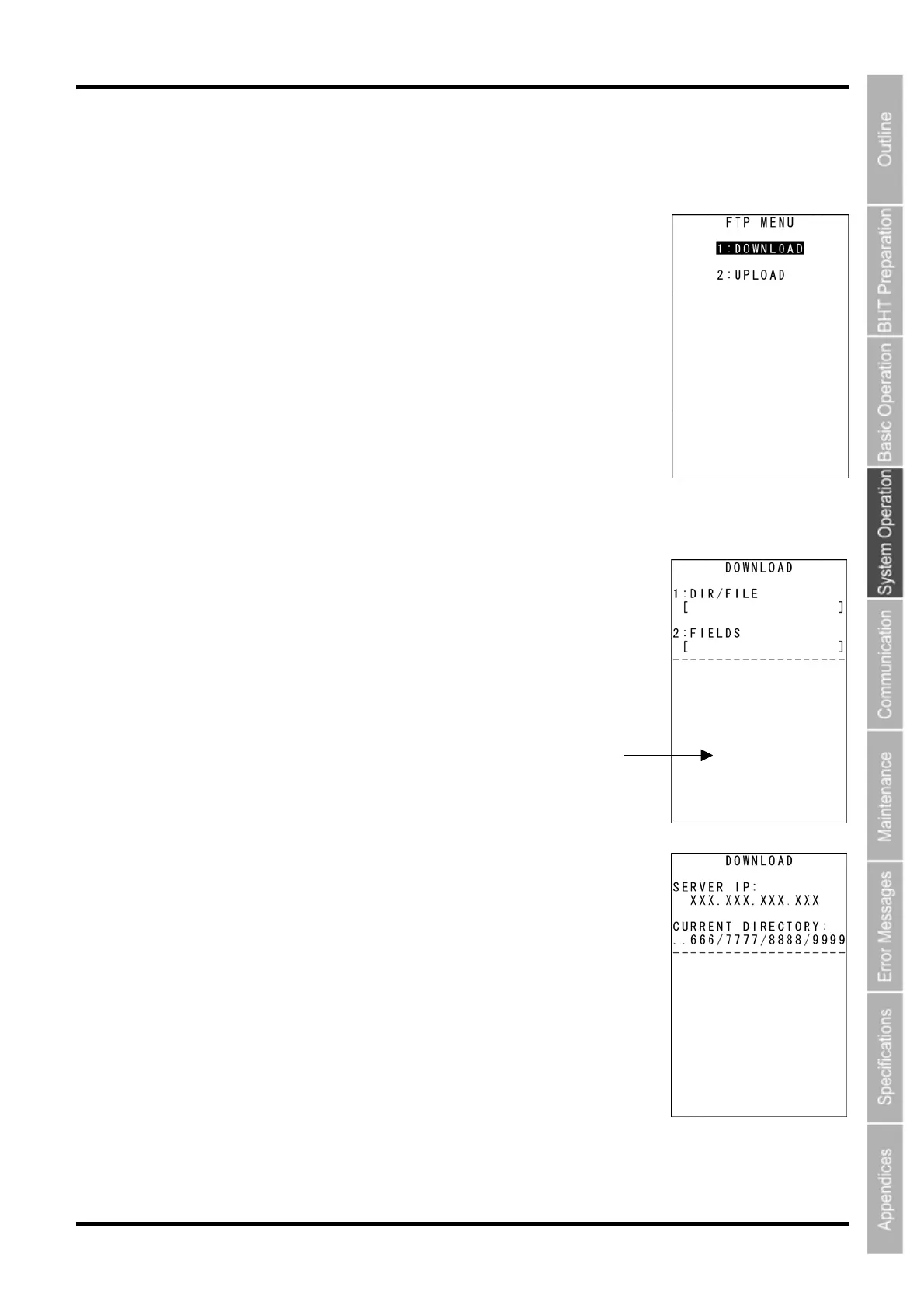
The FTP MENU screen on the right displays.
“1: DOWNLOAD”: Downloads a file by FTP.
“2: UPLOAD”: Uploads a file(s) by FTP.
Refer to the following section for details of the above items.
Press the BS/C key to return to the SYSTEM MENU.
[1] Downloading by FTP
1. Select “1: DOWNLOAD” at the FTP MENU and then press the ENT
key.
The screen displays as shown on the right.
[1: DIR/FILE]: Specifies the directory and/or file name.
[2: FIELDS]: Specifies field information for data files.
A message indicating the status displays at the bottom of the screen.
Press the M2 key to display the screen on the right.
[SERVER IP]: Set IP address
[CURRENT DIRECTORY]: Acquired current directory
Press the M1 key to return to the previous screen.
113



 To Next Page