BHT-805B
If the System Update File Does not Exist when Updating the
CU-811 System
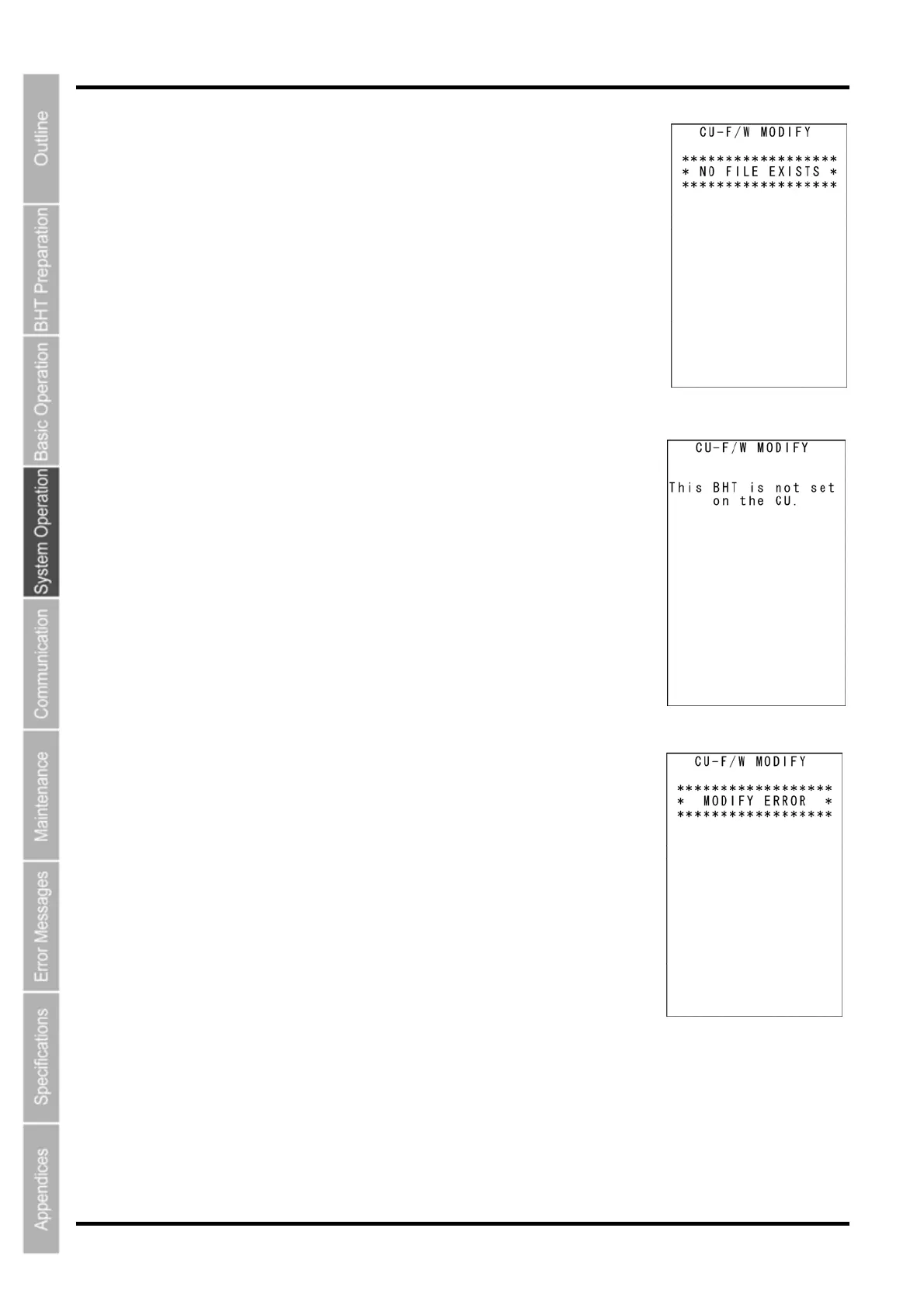
The screen displays as shown on the right if the CU-811 system update file
does not exist when updating the CU-811 system.
Download the CU-811 system update file and update the CU-811 system
again.
Press the BS/C key to return to the CU-F/W MODIFY menu.
If the BHT Has not been Set on the CU-811 when Updating
the CU-811 System
The screen displays as shown on the right if the BHT has not been set on
the CU-811 when updating the CU-811 system.
Set the BHT on the CU-811 and try again.
Press the BS/C key to return to the CU-F/W MODIFY menu.
If the CU-811 System Update Fails
The screen displays as shown on the right if the CU-811 system update
fails.
Ensure that the BHT has been set properly on the CU-811 and then try
again.
Press the BS/C key to return to the CU-F/W MODIFY menu.
132



 To Next Page