BHT-805B
No.
Key Name Function and Description
(6)
Numerical keys
Used to enter data.
(7)
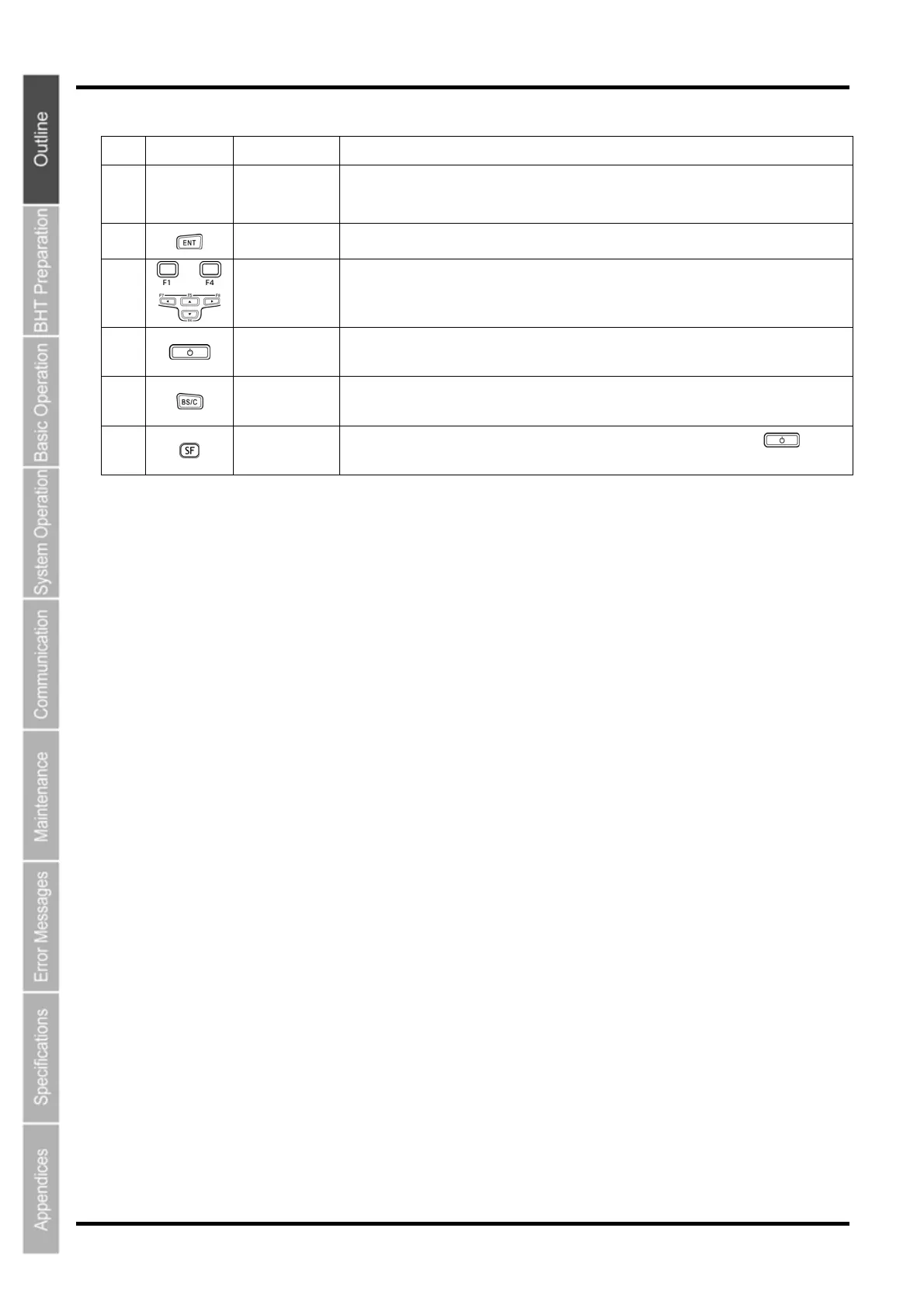
Enter key
Press to finalize entered data or execute operations.
(8)
-
Function keys
Used to select functions. *Function key functions are assigned at user programs. Refer to
the “BHT-BASIC Programmer’s Manual (For BHT-800 Series)”.
(9)
Power key Turns ON or OFF.
(10)
Backspace/clear
key
Deletes the last entered character (backspace). When pressed and held for 1 second or
more, cancels entry and returns the LCD display to the previous screen (clear.)
(11)
Shift key
Used in combination with other keys such as the numerical keys and
key for
special input procedures.
8



 To Next Page