BHT-805B
Setting the FTP
1. Select “2: SET FTP” at the SET TCP/IP menu and then press the
ENT key.
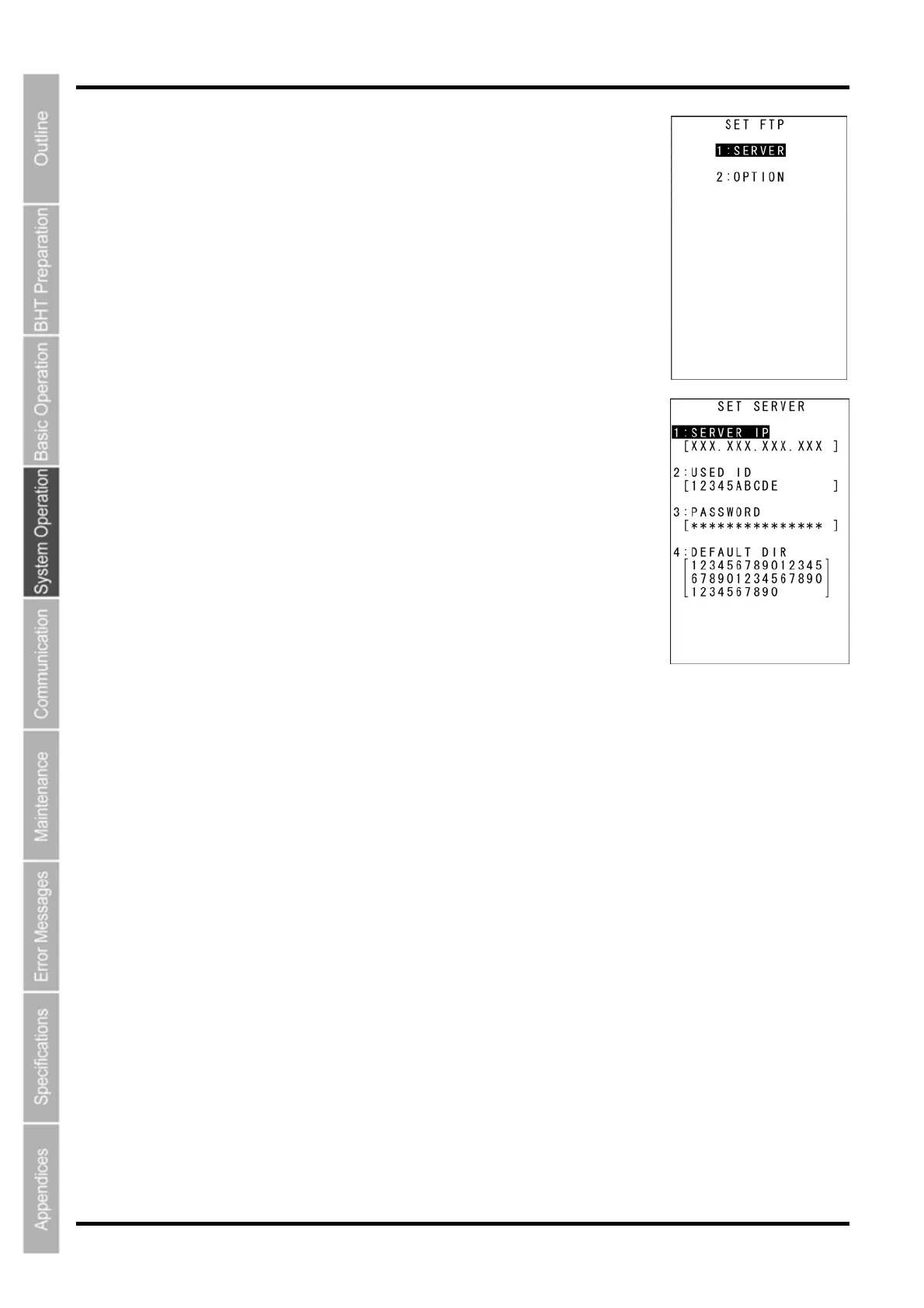
The SET FTP menu screen on the right displays.
2. Use the cursor keys ([▲] [▼]) or numerical keys ([1] [2]) to highlight
the item to be set, and then press the ENT key.
Press the BS/C key to return to the SET TCP/IP menu.
“1: SERVER”: Setting the FTP server connection environment
Select “1: SERVER” at the SET FTP menu to display the screen on the right
where the current settings are displayed.
“1: SERVER IP”:
Sets the IP address for the FTP server.
“2: USER ID”:
Sets the user name.
“3: PASSWORD”:
Sets the password.
“4: DEFAULT DIR”:
Specifies an initial directory through which the FTP server will
search for files for transfer first when the FTP client establishes a
connection to the server.
To change the setting:
(1) Use the cursor keys ([▲] [▼]) or numerical keys ([1] [2] [3] [4]) to
highlight the item to be set and press the ENT key.
(2) The mode changes to entry mode and the cursor displays, allowing the
setting to be entered with the numerical keys and dot key.
Press the SF key to change the entry mode [numeric entry
(with no guidance display) and alphabet entry].
To delete a single character, press the BS/C key. To delete the entire entry,
press and hold the BS/C key, or press the SF key and BS/C key simultaneously.
(3) Enter the desired value, and then press the ENT key.
Press the BS/C key to return to the SET FTP menu.
82



 To Next Page