Barcode Handy Terminal
[8] Setting the resume function
Use the following procedure to set the resume function.
1. Select “1: RESUME” from the SET SYSTEM Menu 2/2 and then
press the ENT key.
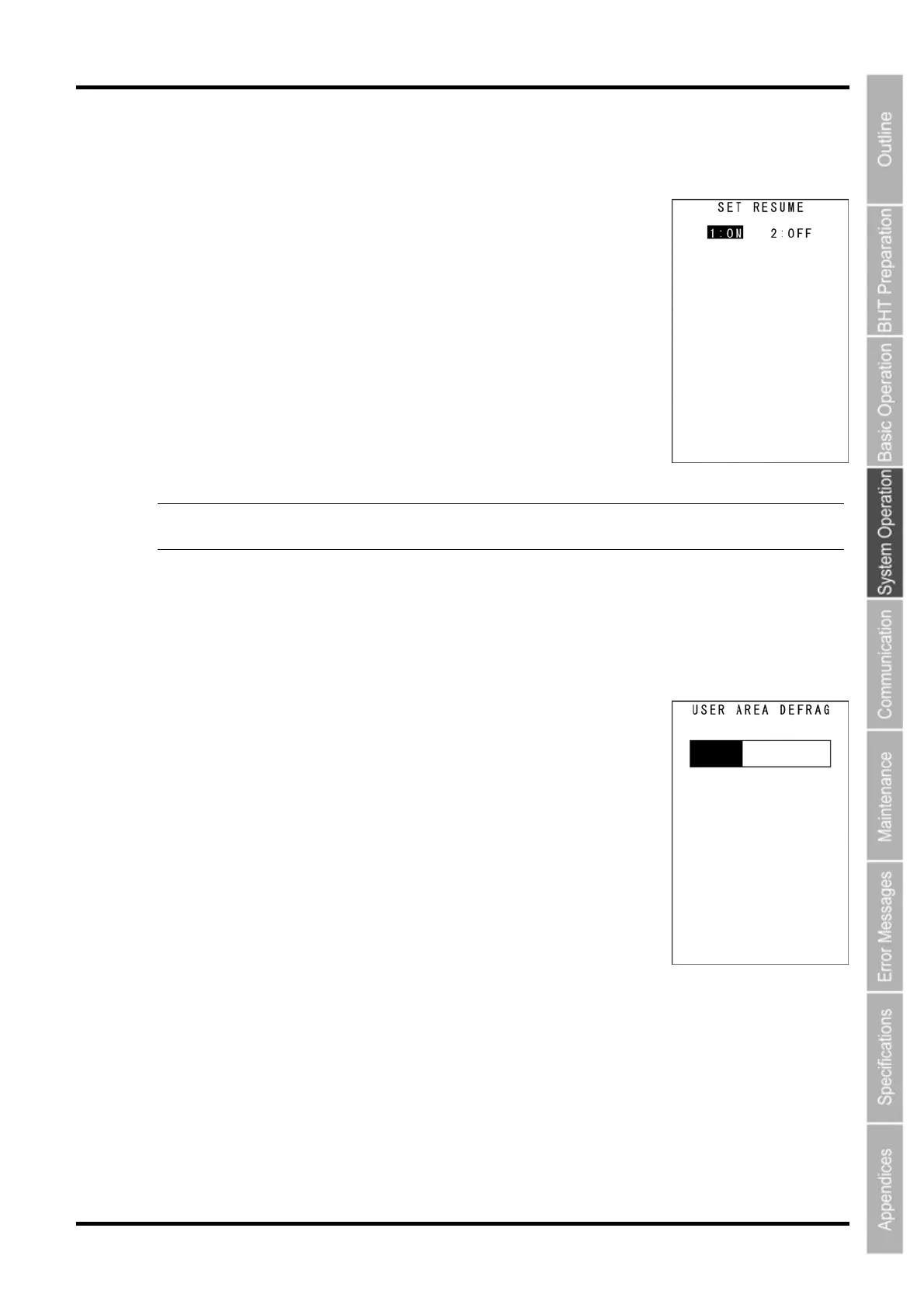
The SET RESUME screen on the right displays.
The highlighted setting will be the current setting.
2. Use the cursor keys ([▲] [▼]) or numerical keys ([1] [2]) to change
the setting, and then press the ENT key.
Press the BS/C key to return to the SET SYSTEM Menu.
1:ON: Enables the resume function.
2:OFF: Disables the resume function.
-Point- When the power is turned ON, the resume function starts the BHT from the position in the
program (screen) where the BHT power was last turned OFF.
[9] defragging the drive
Use the following procedure to perform drive defrag.
1. Select “2: DEFRAG” from the SET SYSTEM Menu 2/2 and then
press the ENT key.
The screen displays as shown on the right and the defragmentation process
is
performed for the entire user area.
The screen returns to the SYSTEM MENU when defragmentation is
complete.
Defragmentation reorganizes the user area in order to increase the amount
of available space.
If defragmented, the BHT may download files more efficiently than before
performing defragmentation.
85



 To Next Page