3-10 Using The Built In Keypad / Display XL™ Series
Stage = X.XX
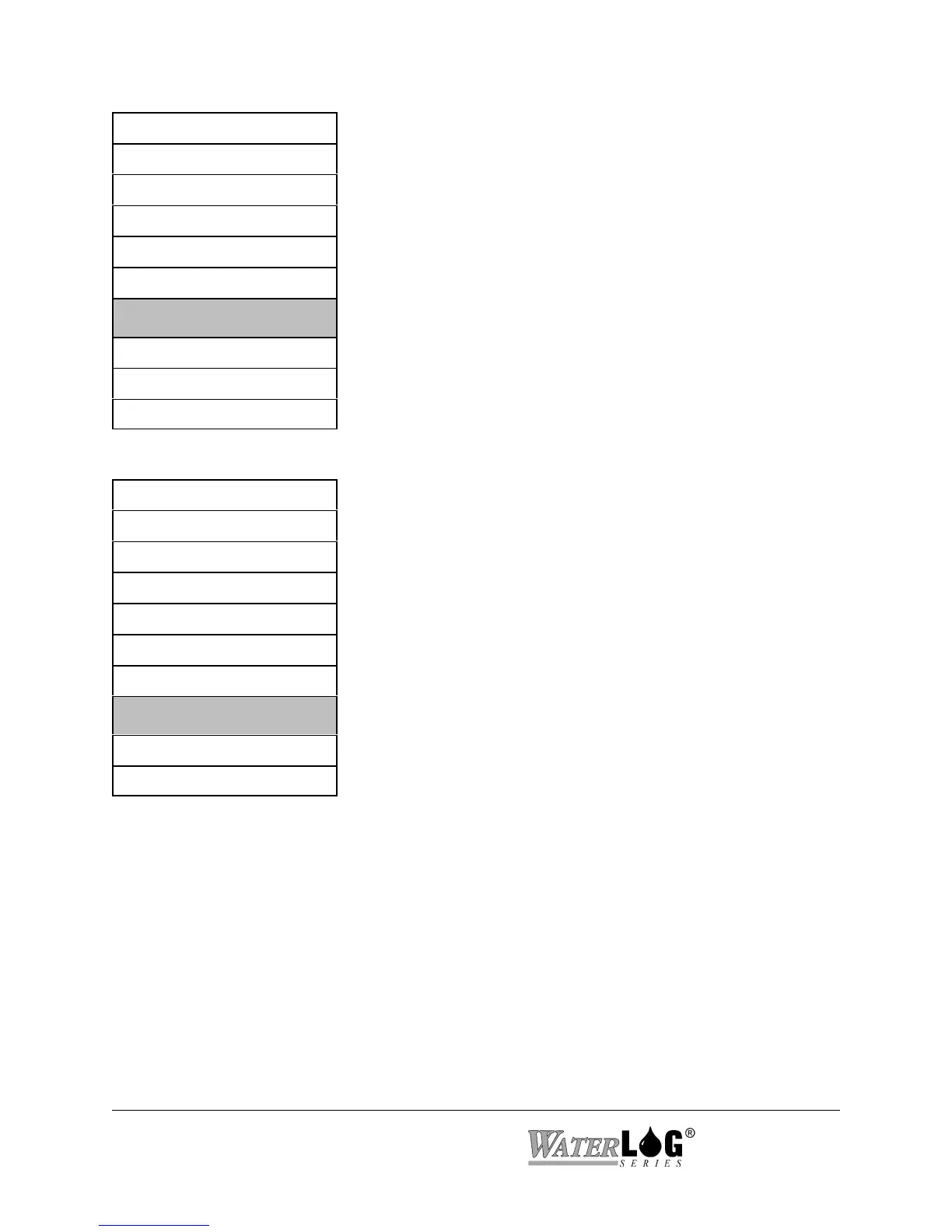
The “Scan Setup” screen is a sub menu header screen. The
sub menu options allow the user to enable and disable
scanning and define how often to scan the connected sensors.
NOTE: Scanning is the heart of the system. All major
operations are based on scanning being enabled. Logging,
GOES radio operations, ALERT radio operations, and
several other options will only happen if scanning is enabled.
PtTemp= XX.XX
BATT = XX.XX
Sensor Input Setup->
Output Options ->
Data Options ->
Scan Setup ->
³
System Setup ->
System Status ->
Accessory Setup ->
Stage = X.XX
The “System Setup” screen is a sub menu header screen. The
sub menu options under this heading are used to define
generic system options such as the time of day, date, serial
port settings, etc.
PtTemp= XX.XX
BATT = XX.XX
Sensor Input Setup->
Output Options ->
Data Options ->
Scan Setup ->
System Setup ->
³
System Status ->
Accessory Setup ->



 To Next Page