Technical Specification DESKO PENTA Scanner
®
&
Page 27 of 37
DESKO PENTA Scanner
®
BGR & DESKO PENTA Scanner
®
CKI
12 Appendix A – Battery Adapter and Battery Pack
The DESKO PENTA Scanner
®
, DESKO PENTA Scanner
®
BGR, DESKO PENTA Scanner
®
CKI
provides the option to be used with a rechargeable battery from DESKO, making the device
independent from any wire-bound power supply.
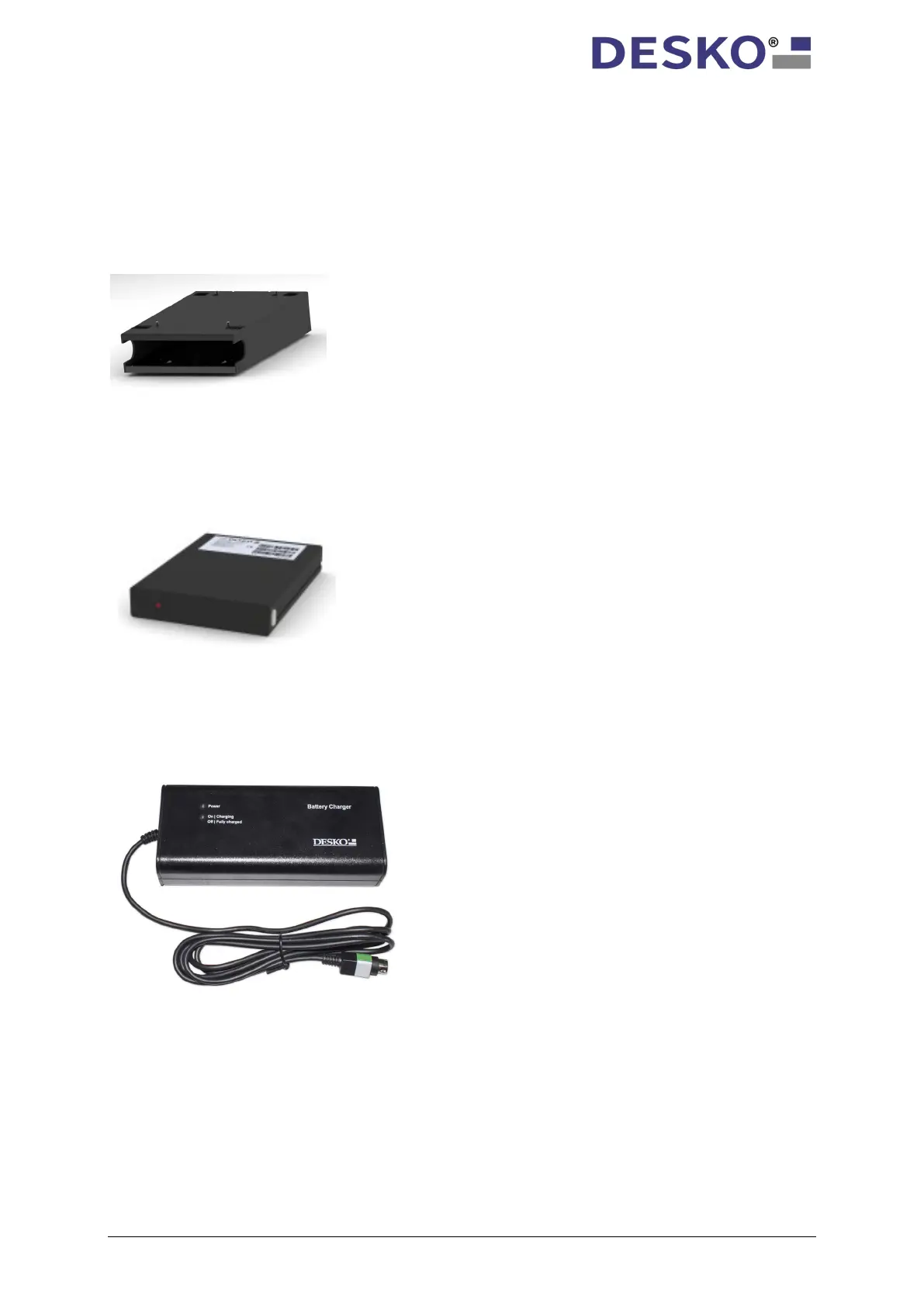
12.1 Battery Adapter
12.2 Battery Pack
12.2.1 Charging the Battery
Before first time use, you have to charge the battery.
Every DESKO PENTA Scanner
®
, DESKO PENTA Scanner
®
BGR and
DESKO PENTA Scanner
®
CKI equipped with a rechargeable battery,
has a pre-installed battery adapter at the bottom. The battery
adapter acts as plug-in module for the battery itself and as a power
supply connection to the DESKO PENTA Scanner
®
, DESKO PENTA
®
BGR and DESKO PENTA Scanner
®
As an optional accessory, the Battery Pack powers your DESKO
PENTA Scanner
®
, DESKO PENTA Scanner
®
BGR, DESKO PENTA
Scanner
®
CKI up to 10 hours without the need of a power socket.
1. Connect charger to power socket.
2. Green power LED will start to flash.
3. Connect battery pack to charger.
4. As long as battery is charging,
the red LED of charger will remain on.
5. As soon as red LED of charger is turned
off, charging procedure is completed.
Note: It is not necessary to disconnect/ connect
the charger to the power socket again after first
installation!



 To Next Page