Technical Specification DESKO PENTA Scanner
®
&
Page 36 of 37
DESKO PENTA Scanner
®
BGR & DESKO PENTA Scanner
®
CKI
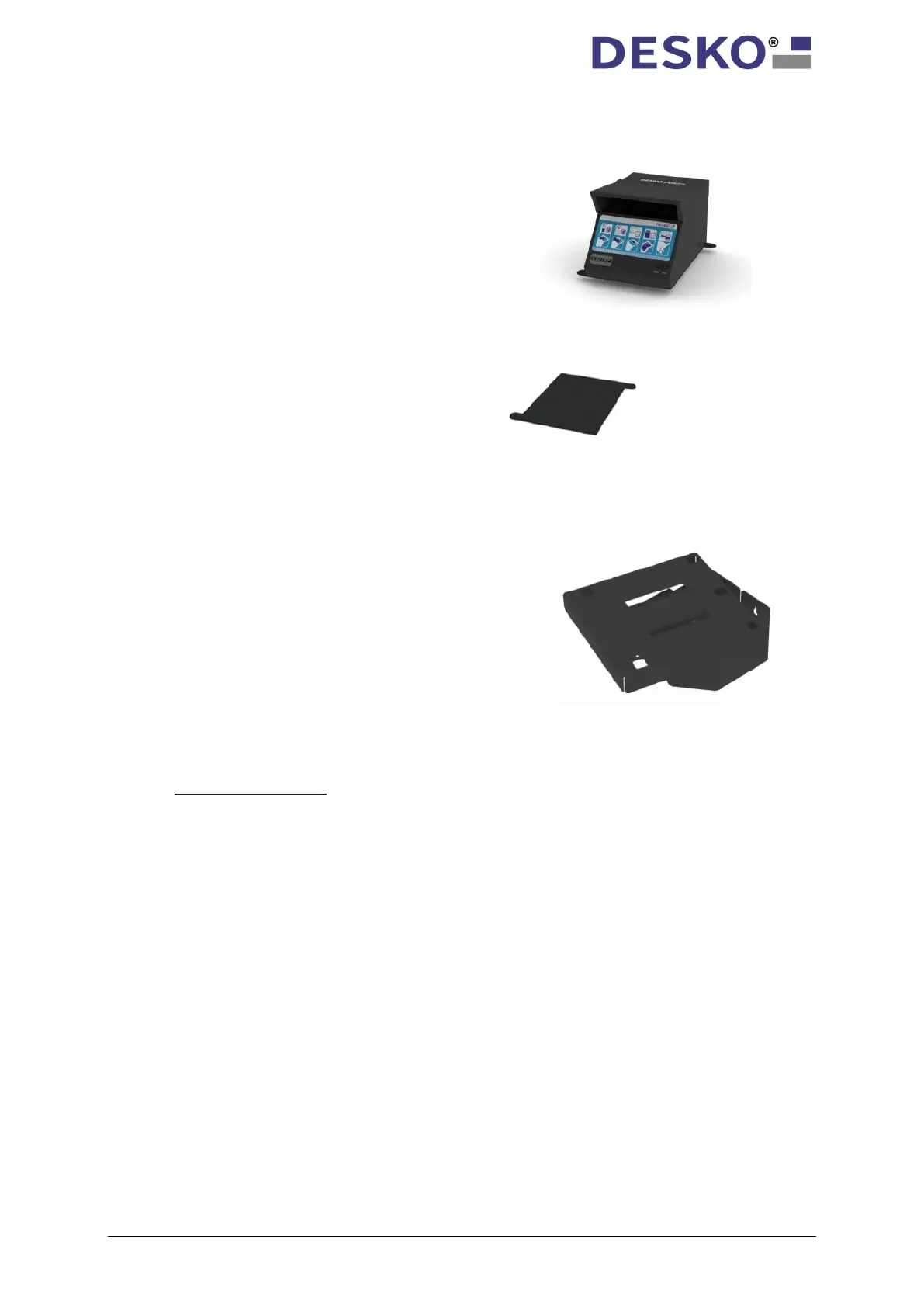
14.2 Base Mount
14.3 Wall Mount
For further information concerning the mounting options, please contact our DESKO support
team at support.desko.com
.
With the mounting kit for table mounting the
DESKO PENTA Scanner
®
, DESKO PENTA Scanner
®
BGR, DESKO PENTA Scanner
®
mounted on a flat surface, e.g. table or pedestal.
Without compromise, the Wall Mount is the best
way to install the DESKO PENTA Scanner
®
, DESKO
PENTA Scanner
®
Scanner
®
CKI where space is rare. Fastening the
Wall Mount to a wall and fitting the scanner on
top will bring you the features of the DESKO
PENTA Scanner
®
, DESKO PENTA Scanner
®
BGR, or
®



 To Next Page