Part Number
Issue
Date
Page
6159938880
13
01/2018
63 / 249
63 (249) 01/2018
After the first time, perform the following steps:
Launch the DeltaQC software.
Turn on the Delta and wait for the Delta for its startup (the main menu is shown on the display).
Connect the Delta to the PC through USB cable (with the Delta already turned on).
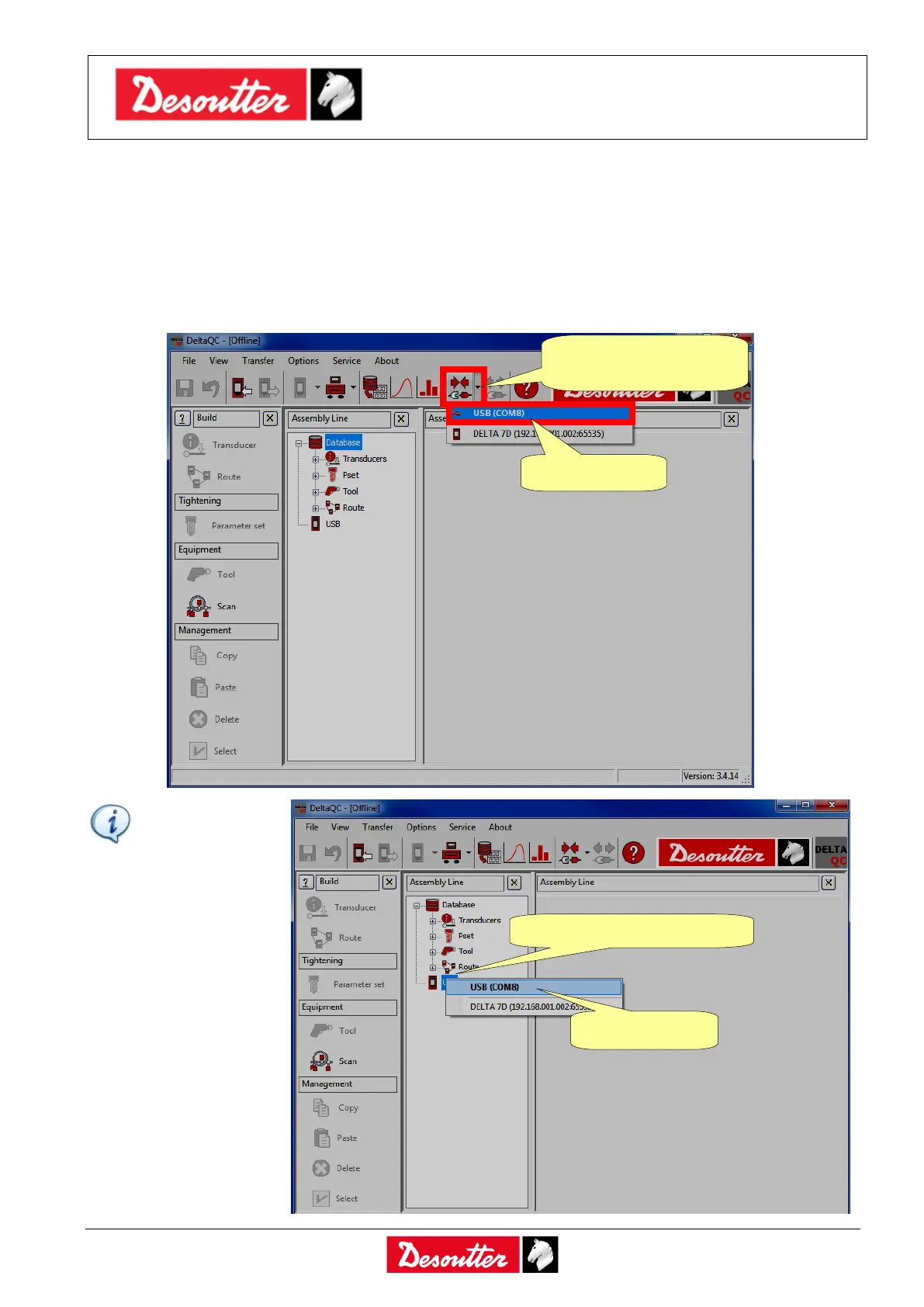
Click on the arrow of the Connect icon placed on the main toolbar and select USB to establish the
connection between the Delta and the PC:
NOTE: To
establish the
connection
between the
Delta and the
PC, it is also
possible to
right-click on
USB icon in
the Assembly
Line area
(refer to the
screen on the
right):
1. Click on the arrow
of the Connect icon
1. Right-click on USB icon



 To Next Page