Part Number
Issue
Date
Page
6159938880
13
01/2018
64 / 249
01/2018 64 (249)
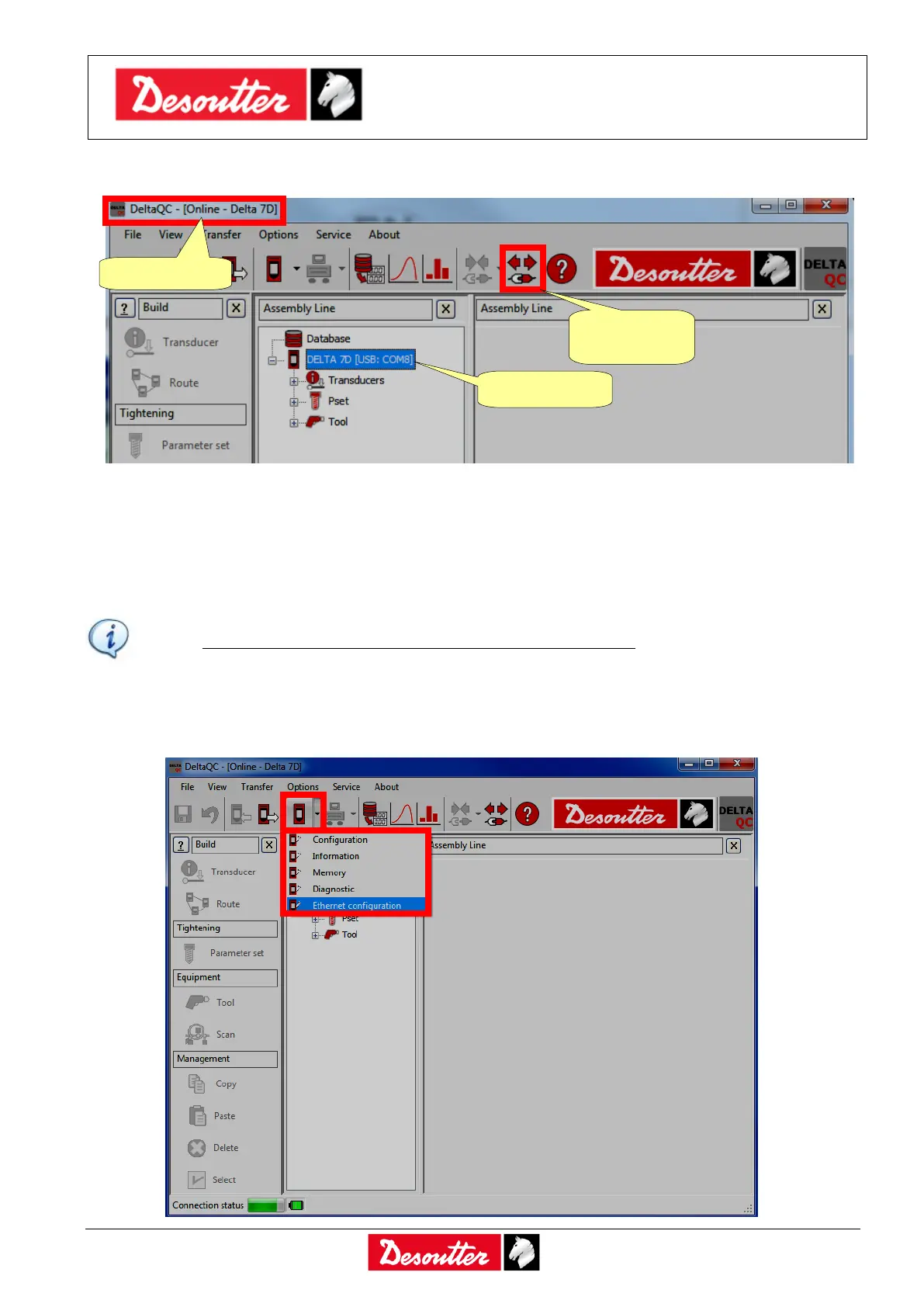
When the Delta is connected, the Connect icon is disabled and the Disconnect icon is active:
4.4.2 Ethernet connection
The Ethernet connection can be done either by using a network cable between the PC and the Delta
6D/7D or by connecting both of them to the same network.
NOTE: The Ethernet connection is not available for the Delta 1D.
The Delta must be configured with the network parameters.
If not already done, connect the Delta to the PC with DeltaQC software via USB cable (as described
in the previous paragraph “USB connection”), and select Controller → Ethernet configuration:



 To Next Page