Part Number
Issue
Date
Page
6159938880
13
01/2018
87 / 249
87 (249) 01/2018
8 USE OF DELTA 6D/7D
The Delta 6D/7D are instruments developed to test tools and wrenches; the Delta 7D also gives a set
of test strategies to evaluate the residual torque on joints and to make joint analysis.
The tests must be programmed by the DeltaQC software, which can retrieve the test results and
calculate statistics.
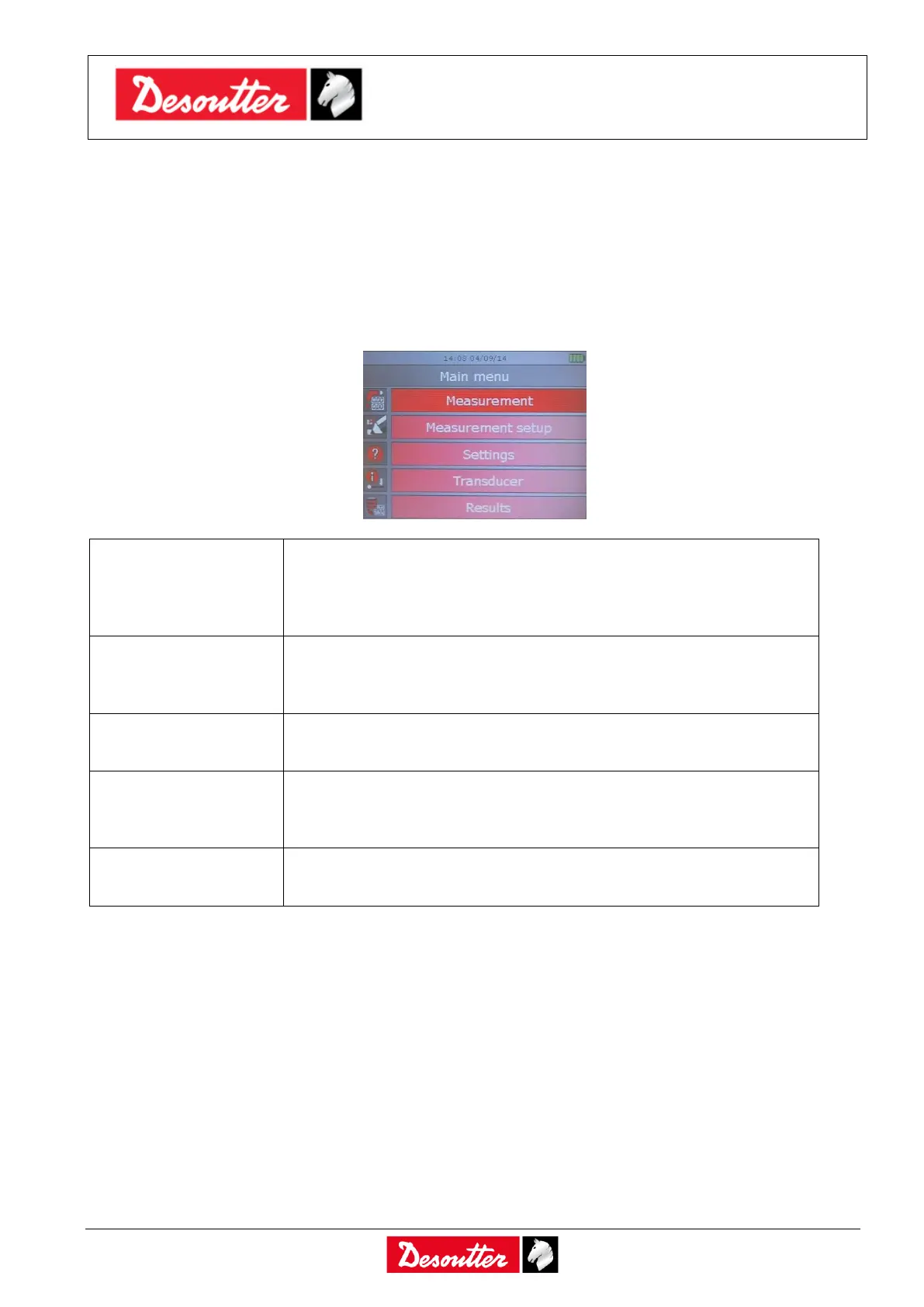
The main menu is as follows:
This option enters the test submenu: Quick Test mode, Production
tests, Quality Audit tests, Tools tests and Advance functions (read
barcode and CVI calibration).
Refer to the next paragraphs for further details.
This option defines Psets and Tools directly from the Delta keyboard
instead of programming by the DeltaQC software, and defines the
general settings for the Quick Test mode.
This menu allows to customize the Delta settings.
Refer to the paragraph “Delta 6D/7D Settings” for further details.
This function shows the details of the transducer connected to the
Delta.
Refer to the paragraph “Transducers” for further details.
It shows the results coming from the Production tests, Quality Audit
tests, Tools tests and Quick Test mode.



 To Next Page