TC500 Ethernet Cabling Certifier Operation Manual
10
6.1. Test Configuration
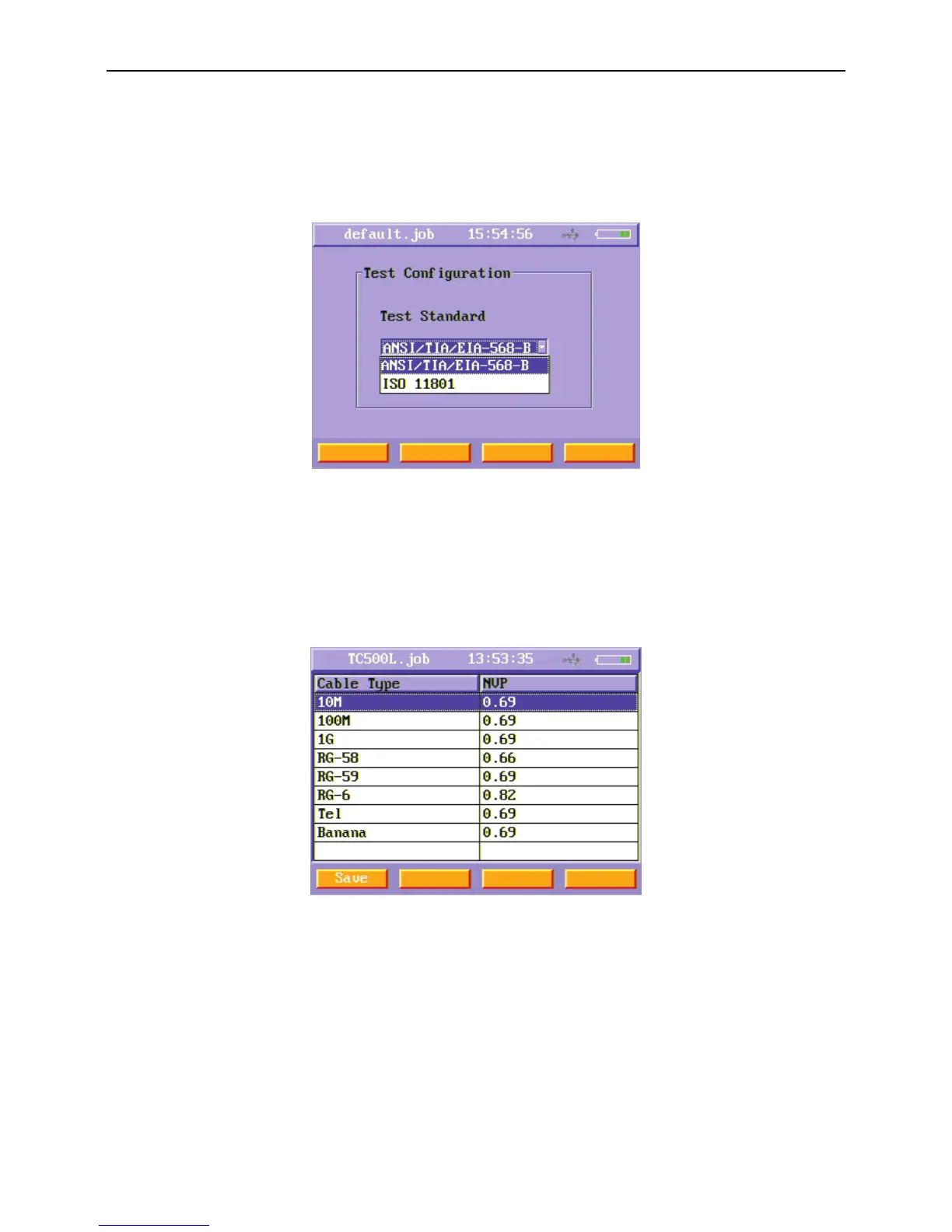
This instrument supports two test standards: International standard ISO/IEC 11801 and American standard TIA/EIA-568-B. Users can
choose one of these two standards when testing UTP/STP cabling. In the second page of setting menu, select Test Configuration
function button and press enter key to enter this menu. Press Save (F1) soft key after you choose the standard you want to use.
Figure6 Test Configuration menu
6.2. NVP Setting
NVP is Nominal Velocity of Propagation. Users can change NVP of different type of cables in the NVP menu. After enter NVP Setting
menu, you will see a list of different type of cables and their NVP. To change their NVP, you just select that type of cable using up
and down arrow keys and using enter key to enter the edit mode, then use number keys and backspace key to change it. When you
have finished, press Save (F1) soft function key.
Figure7 NVP Setting menu



 To Next Page