TC500 Ethernet Cabling Certifier Operation Manual
28
7.6. Calibration
The calibration procedure is performed to set a reference for cable testing. Before you certify the cabling, you should do once
calibration and you do not do another calibration unless you change the two equipment cords for testing permanent link.
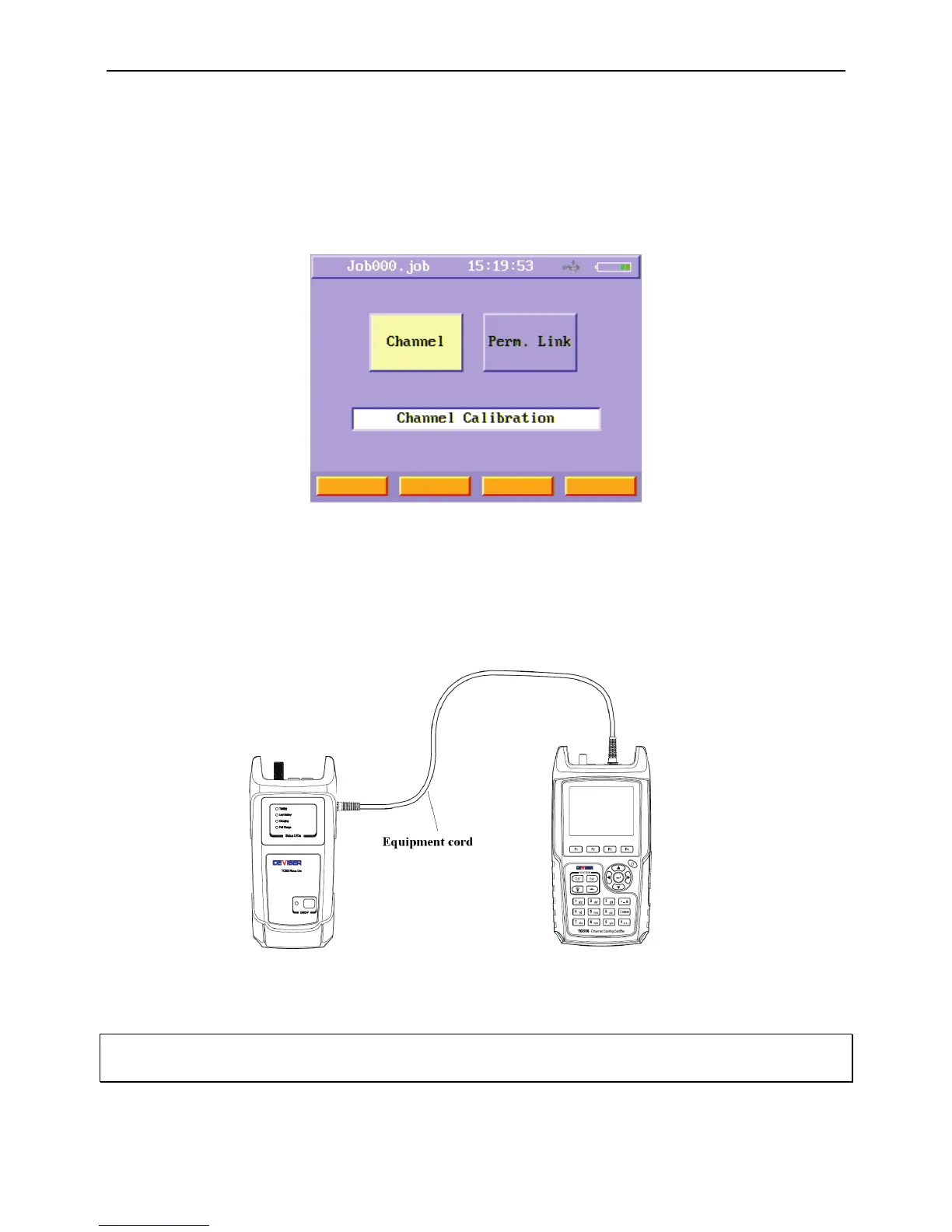
After entered calibration menu, you will see two function buttons, one is for channel calibration, the other is for permanent link
calibration.
Figure 46 Calibration menu
For channel calibration, you just do not connect any equipment cord to the main unit and remote unit. Then press “Channel”
function button to run a channel calibration.
For permanent link calibration, after press “Perm. Link” function button, turn on remote unit and connect the first equipment cord
with two units, then press any key. After the first cord calibrated, connect the second cord with two units and press any key.
Figure47 Calibration connection
WARNING: If you do not run a permanent link calibration after you change the equipment cords, the length result and RF results
may be not correct.



 To Next Page