TC500 Ethernet Cabling Certifier Operation Manual
14
6.8. LCD Brightness Setting
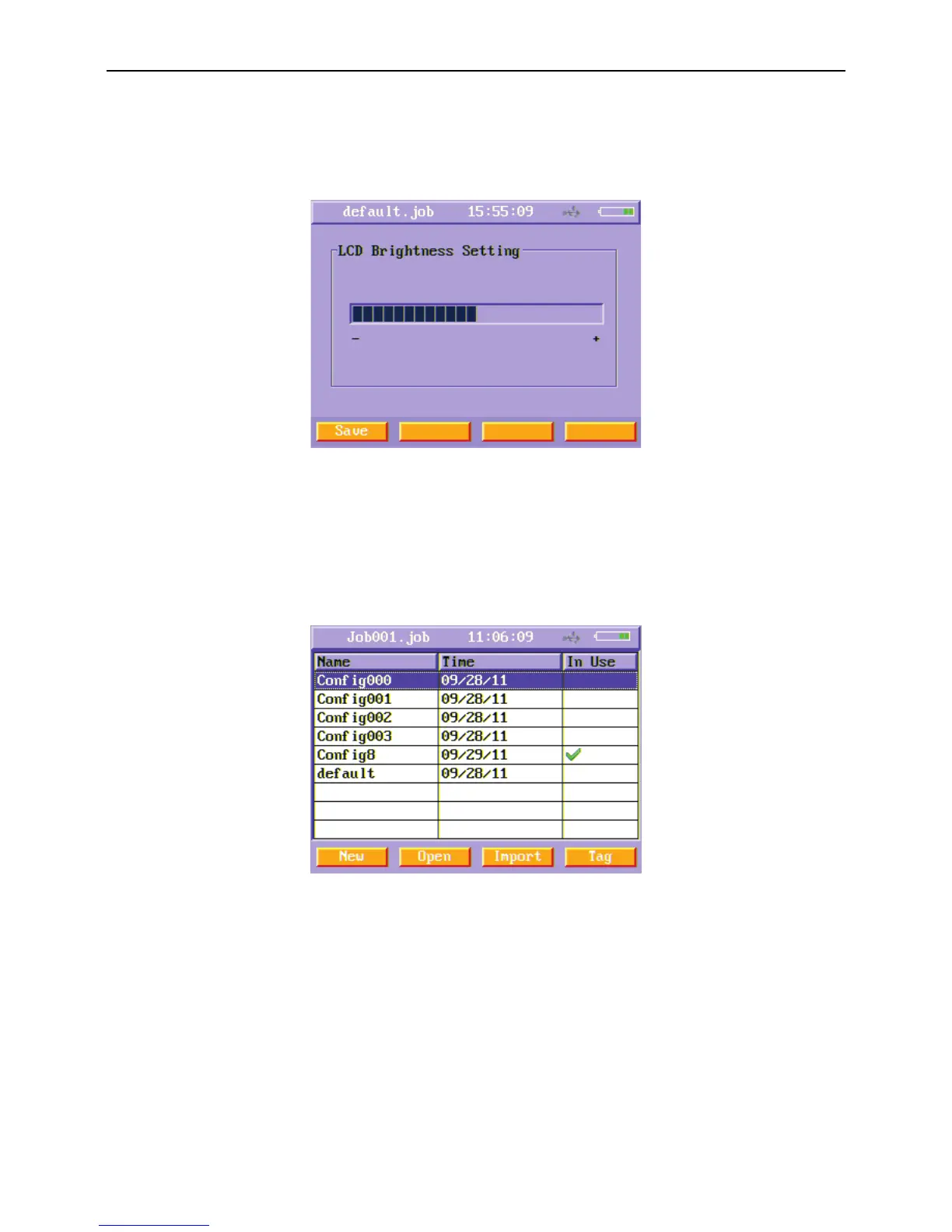
In the second page of setting menu, select LCD Brightness Setting function button and press enter key to enter this menu. Press left
or right arrow keys to change the LCD backlight bright. Press Save (F1) soft function key after you choose the bright you want.
Figure16 LCD Brightness Setting menu
6.9. Config. Management
Users can import and export individual configuration files using this menu. When you finished setting the items of this instrument,
you can export the configuration files which save all the setting items you just set. The value of all setting items is saved in the in
used configuration file. You can choose another configuration file just choose it and press Open (F2) soft button key. After you
choose one configuration file, you can tag it and then export it to U-disk.
Figure17 Config Management menu
6.10. Default Setting Restore
Users can restore default settings using this menu.



 To Next Page