TC500 Ethernet Cabling Certifier Operation Manual
29
8. Information
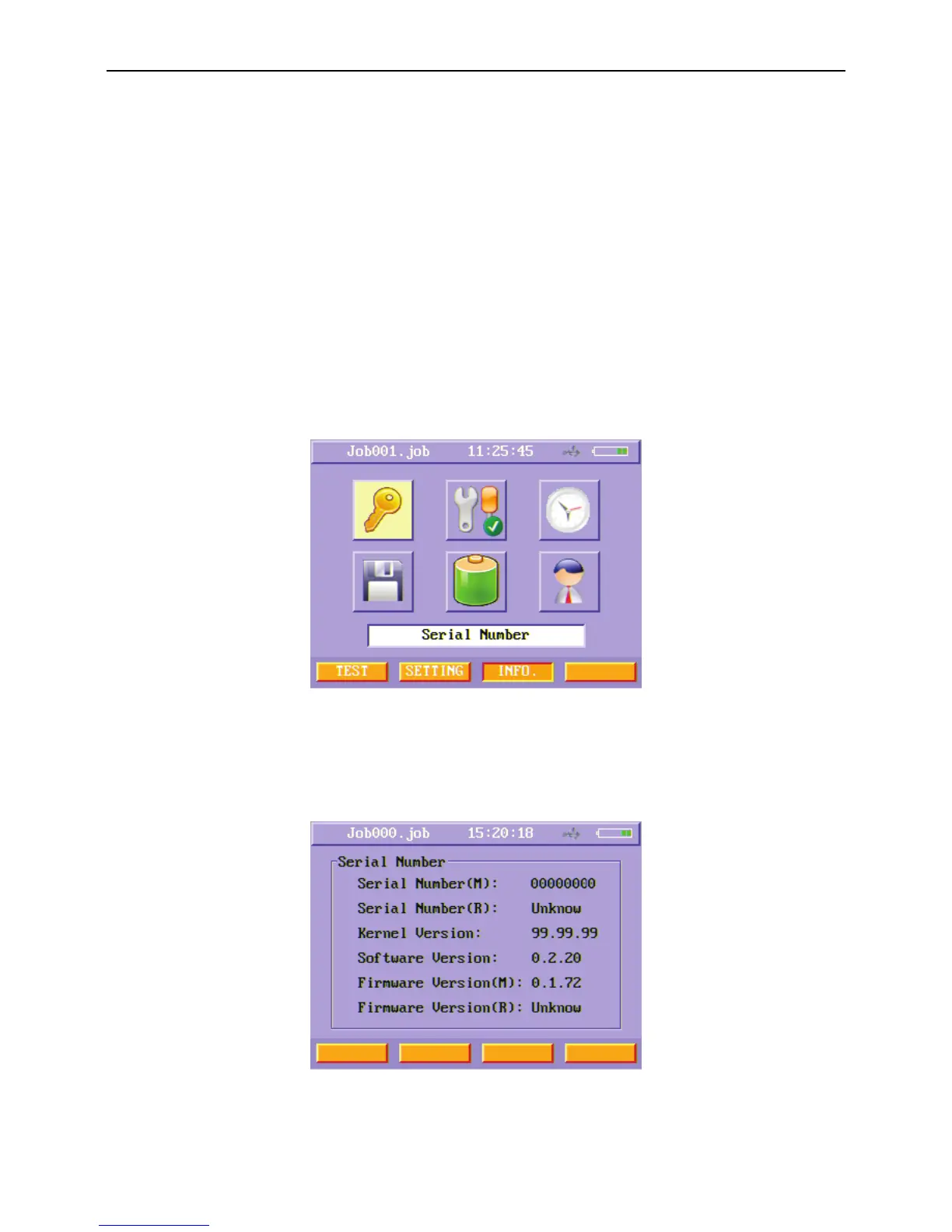
In the main menu, press “INFO.” (F3) soft function key to enter Information menu. Users can check these kinds of information below
in Information menu:
Serial Number
Previous Calibration Date
Time and Date
Remaining Memory
Battery Information
Support Information
Figure48 Information menu
8.1. Serial Number
When enter Serial Number information menu, users can see the instrument’s serial number and the version levels of OS Kernel,
Software and firmware.
Figure49 Serial Number information menu



 To Next Page