TC500 Ethernet Cabling Certifier Operation Manual
26
7.4. Network Test
Users can ping the network using main unit in Network test. The ping test verifies connectivity to devices on the network. When
running ping test, you just connect the main unit to the network using an UTP/STP cable. Remote unit is not used in ping test.
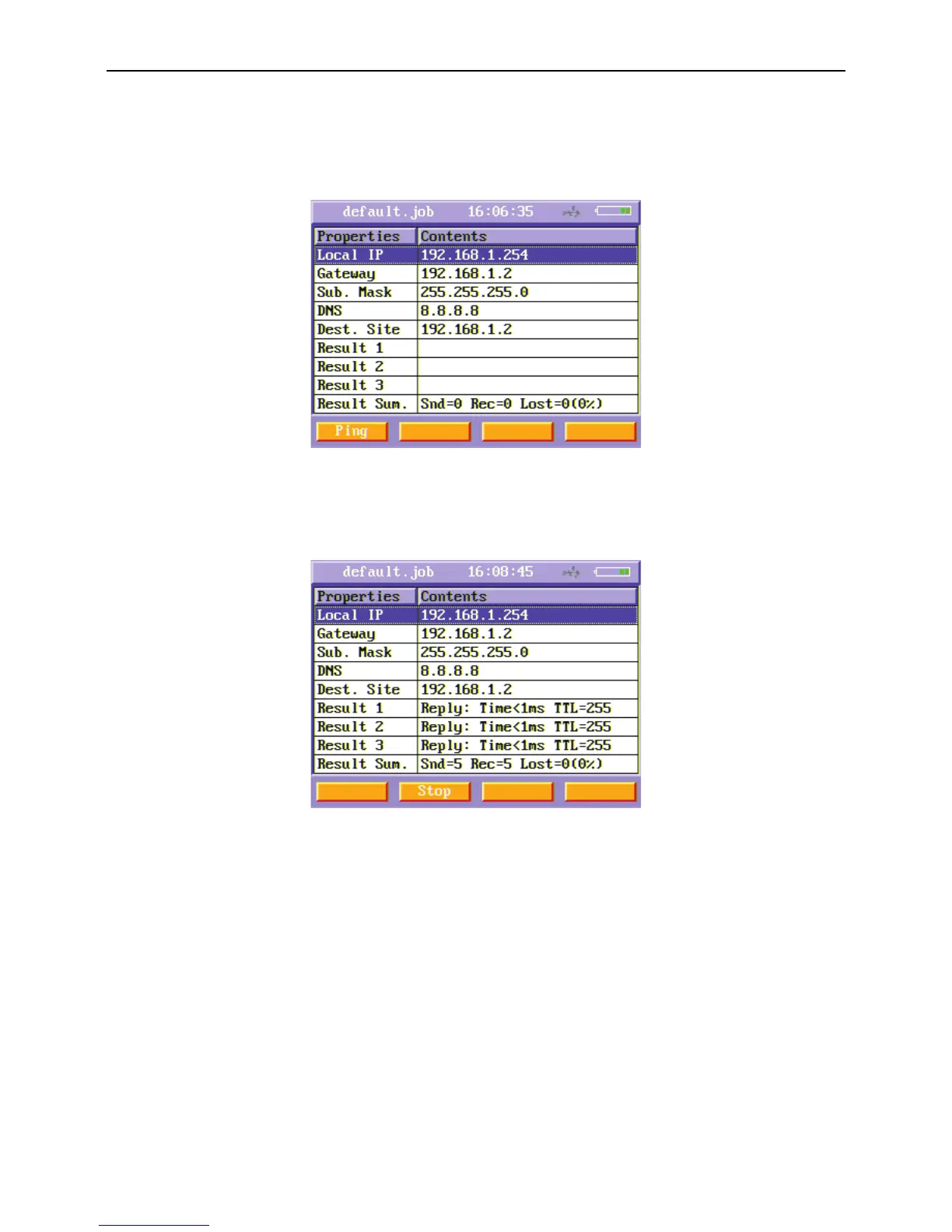
Figure41 Network test menu
In the Network test menu, edit the Local IP, Gateway, Sub. Mask, DNS and Destination Site using alphanumeric keypad. Press Ping
(F1) soft function key and ping test starts. The ping results are shown on Result1, Result2, Result3 and Result Sum.
Figure42 Ping result



 To Next Page