TC500 Ethernet Cabling Certifier Operation Manual
25
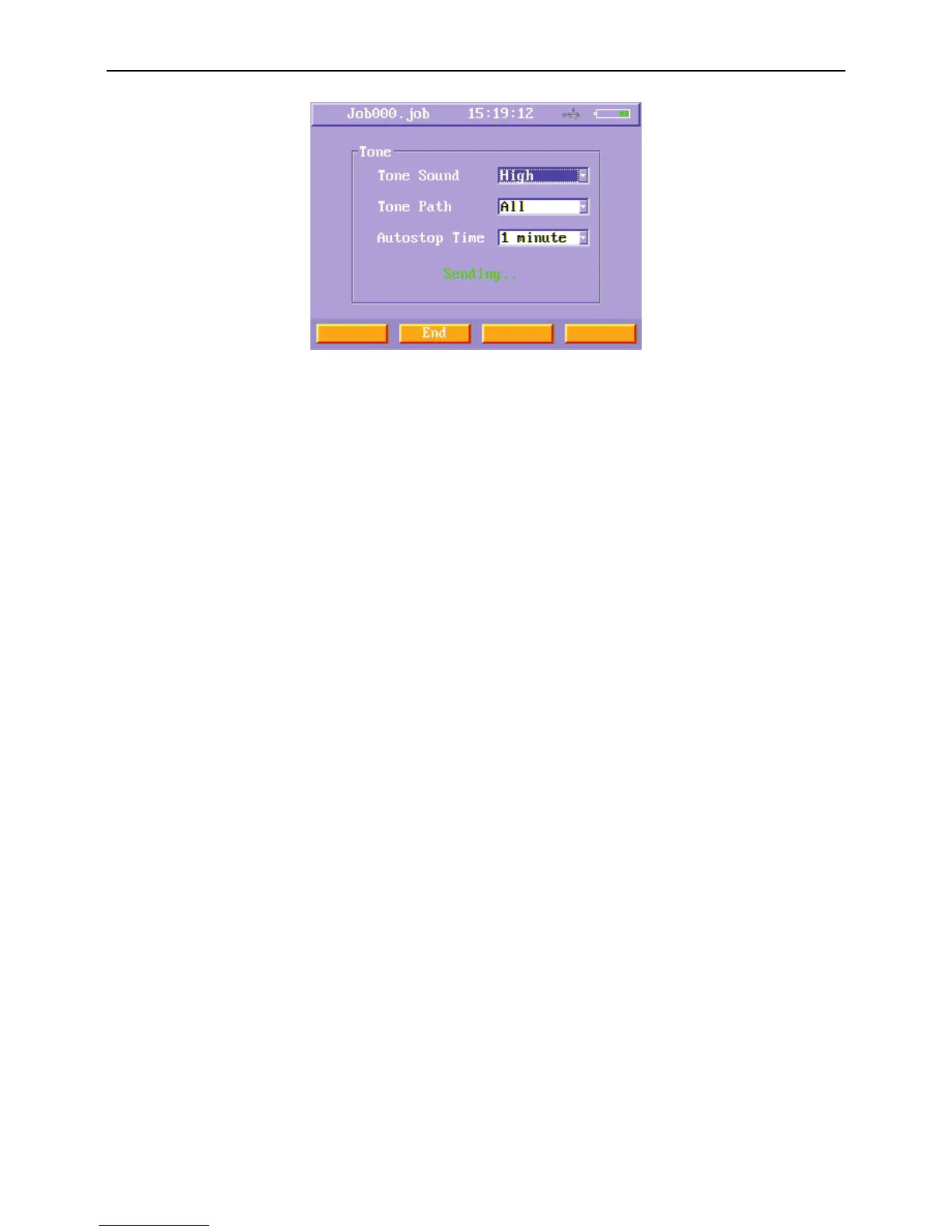
Figure40 Data cable TONE sending menu
3) When sound is sending, you can stop TONE just press End (F2) soft function key or wait the sound auto stop.
2. Phone cable
Turn on main unit and remote unit and then connect the phone cable tested to these two units, you can run phone cable manual
test.
TDR Test
In phone cable manual test menu, press “TDR” function button to run a TDR test for the phone cable. The wire map and length will
be tested.
TONE
Press “TONE” function button to run a TONE test. The operation steps are similar to data cable.
2-wire cable
Turn on main unit and remote unit and then connect the coax cable or 2-wire cable tested to these two units, you can run 2-wire
cable manual test.
TDR Test
In 2-wire cable manual test menu, press “TDR” function button to run a TDR test for the 2-wire cable. The wire map and length will
be tested.
TONE
Press “TONE” function button to run a TONE test. The operation steps are like in data cable.



 To Next Page