TC500 Ethernet Cabling Certifier Operation Manual
5
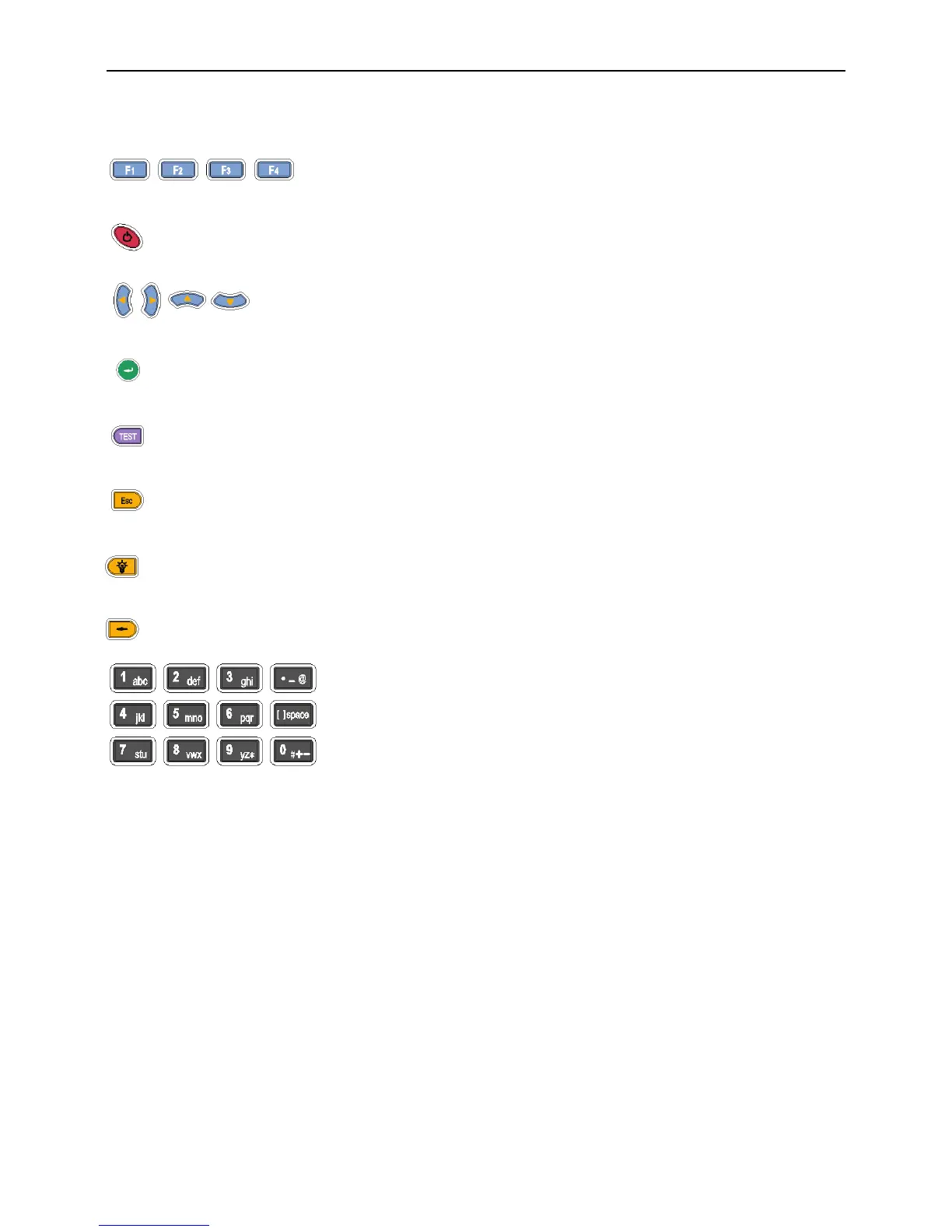
4.2. Key Pad
: Function Keys provide functions related to the soft function keys on the bottom of the current
menu.
: On/Off Key.
: Arrow Keys are used for navigating through the current menu.
: Enter Key selects the highlighted item from a menu or the selected function button.
: TEST Key starts an auto test for the selected cable.
: Quit Key exits the current menu or item.
: LCD Backlight Key changes LCD backlight between bright and dim settings.
: Backspace key deletes the last alphanumeric value when editing job information and some items.
: Alphanumeric keypad. Enter letter and number when editing job information and other
items.



 To Next Page