TC500 Ethernet Cabling Certifier Operation Manual
13
6.6. Time and Date Setting
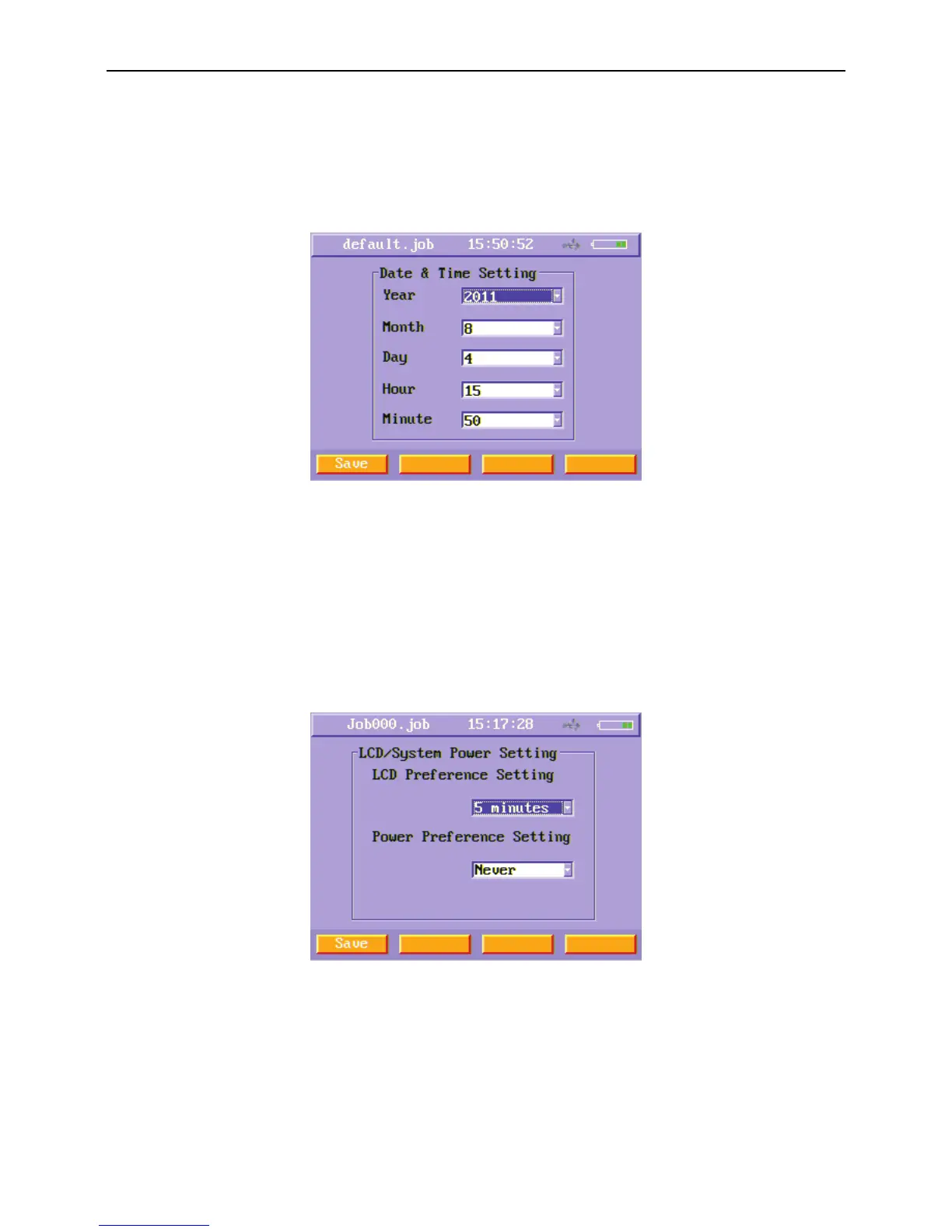
Select Time and Date Setting function button and press enter key, you will enter Time and Date Setting menu.
Select the Year, Month, Day, Hour and Minute using up and down arrow key and enter key , when you finish setting, press Save (F1)
soft function key to save time. Then the time on the title will change.
Figure14 Time and Date Setting
6.7. LCD/System Power Setting
If users do not operate the instrument for a period of time, the main unit can shut down LCD backlight or power down automatically
for saving power. Select LCD/System Power Setting function button and press enter key, you will enter this menu. Users can set LCD
backlight auto-shutdown time and the main unit auto-shutdown time using this menu. Press Save (F1) soft function key to save the
timeouts you set.
When LCD backlight shuts down because the timeouts reached, you can turn on LCD backlight just press any key.
Figure15 LCD/System Power Setting menu



 To Next Page