TC500 Ethernet Cabling Certifier Operation Manual
24
Note: If the wire map of the UTP/STP under test is not correct, a message box will display “Wire map is error or the remote unit not
exists” and the BER test can’t run.
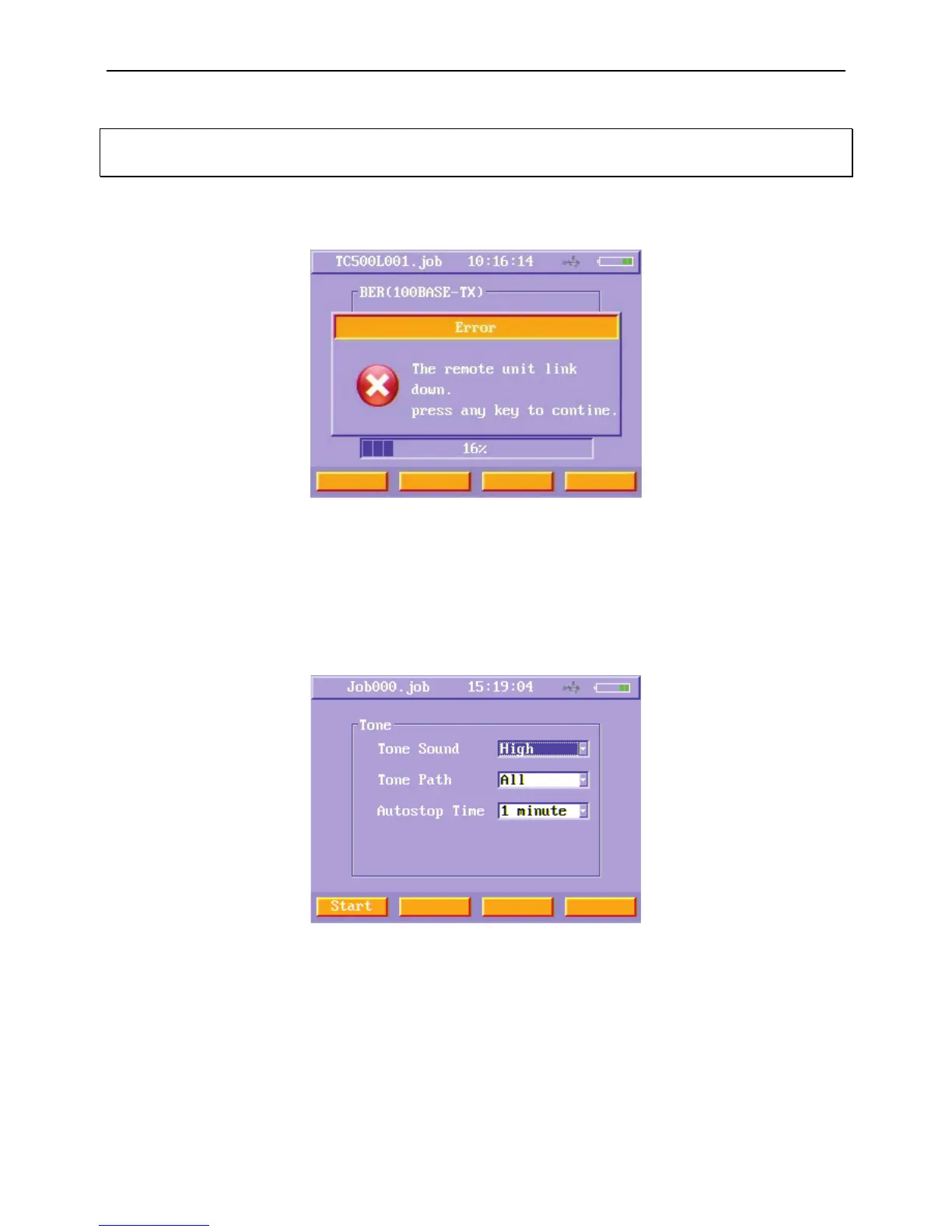
If the inspector disconnects the instrument from the UTP/STP when the BER is testing, the main unit will display “The remote unit
link down”.
Figure38 Data cable BER test menu (error)
TONE
When do TONE test, users just connect main unit to the cable, and do not use remote unit. When run TONE test, main unit sends
TONE sound on the pair you want.
1) Select TONE function button to enter TONE menu.
Figure39 Data cable TONE test menu
2) Select the desired Tone Sound, Tone Path and Autostop Time. Press Start (F1) soft function key to start the tone.



 To Next Page