DIMAX804KC User’s Manual
16
DEXON Systems
3.4
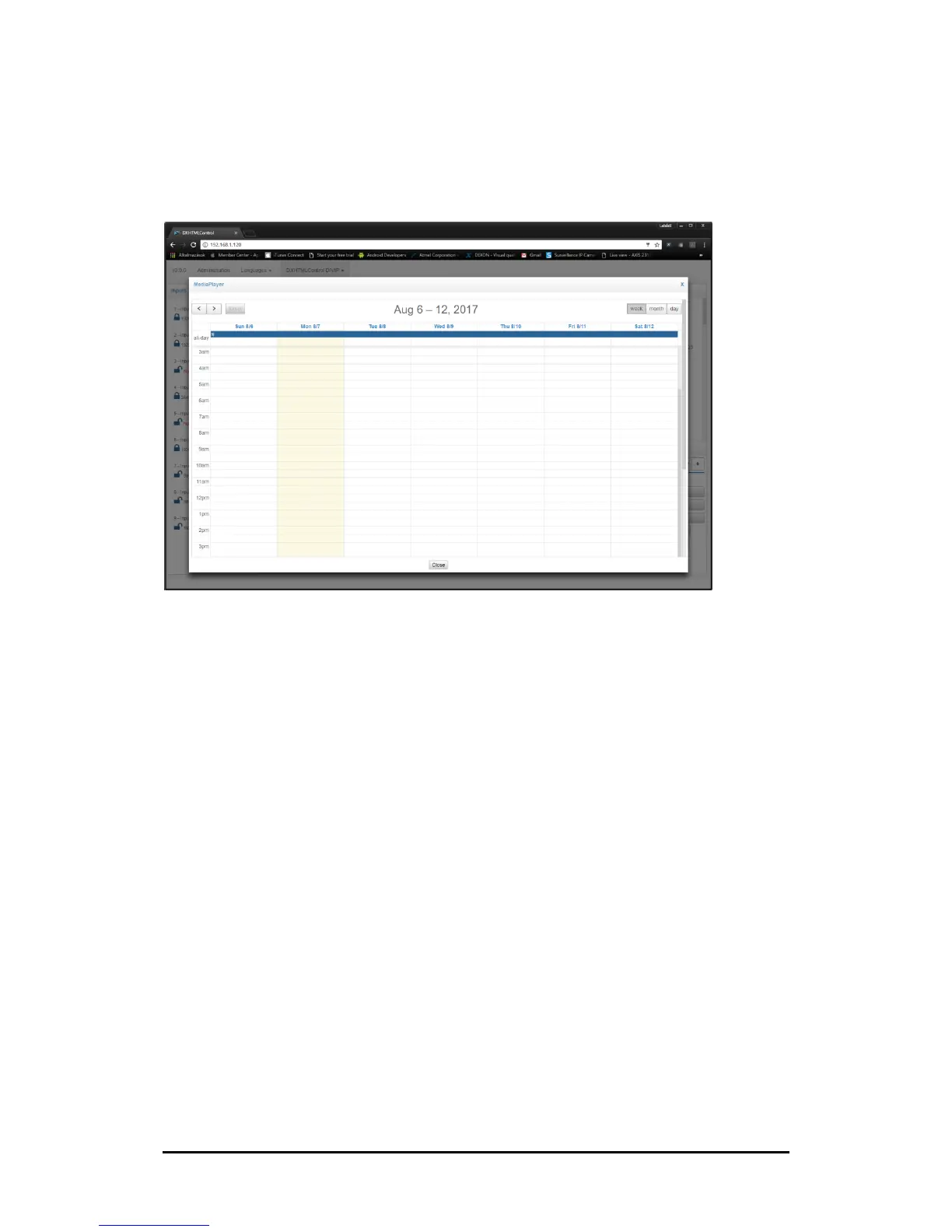
Media Player Panel
Figure 3-8. Media Player Panel
The Media Player feature allows you to create digital-signage presentations. The presentations
can be performed with various types of content:
• videos (file or directory) (FHD, H.264)
• network video (file or directory) (FHD, H.264)
• IP streaming (over rtsp protocol)
• HTML5 web pages
• VNC Client
The Media Player source can be accessed by selecting the last input source (DIMAX804KC: #9)
3.4.1
Create Playlist Presentation
Follow these steps to add a presentation:
1. Click the Playlist button
2. Click the New button
3. Add a name of the presentation
4. Select a Presentation type from the Protocol dropdown list
5. Fill data form
6. Click Store once you have finished creating playlist presentation.
Note: You can activate a presentation with checkbox. One presentation can be active at one
time, this activation can be change in control section also.
This playlist presentation priority is higher than calendar based presentation.


 To Next Page