www.dfi .com
43
Chapter 3 BIOS Setup
Chapter 3
Memory Information
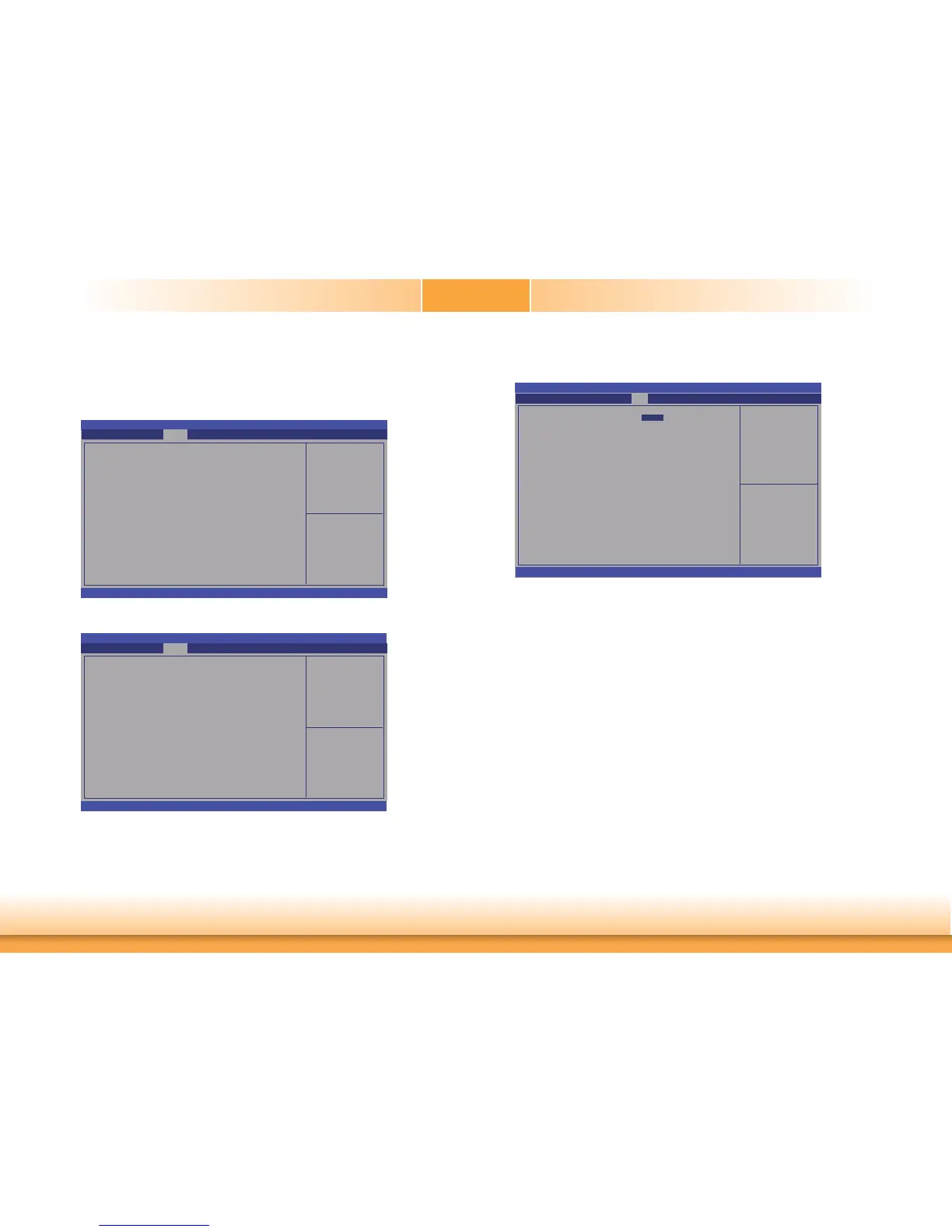
Aptio Setup Utility - Copyright (C) 2011 American Megatrends, Inc.
Version 2.14.1219. Copyright (C) 2011 American Megatrends, Inc.
Memory Information
Memory RC Version
Memory Frequency
Total Memory
DDR3 slot 1
DDR3 slot 2
CAS Latency (tCL)
Minimum delay time
CAS to RAS (tRCDmin)
Row Precharge (tRPmin)
Active to Precharge (tRASmin)
XMP Profi le 1
XMP Profi le 2
1.5.0.0
1333 Mhz
4096 MB (DDR3)
Not Present
4096 MB (DDR3)
9
9
9
24
Not support
Not support
Chipset
Select Screen
Select Item
Enter: Select
+/
-:
Change Opt.
F1: General Help
F2: Previous Values
F3: Optimized Defaults
ESC: Exit
Setup Prompt Timeout
Selects the number of seconds to wait for the setup activation key. 65535(0xFFFF) denotes
indefinite waiting.
Bootup NumLock State
This allows you to determine the default state of the numeric keypad. By default, the
system boots up with NumLock on wherein the function of the numeric keypad is the
number keys. When set to Off, the function of the numeric keypad is the arrow keys.
Quiet Boot
Enables or disables the quiet boot function.
Boot
Number of seconds to
wait for setup activation
key.
65535(0xFFFF) means
indefi nite waiting.
Aptio Setup Utility - Copyright (C) 2011 American Megatrends, Inc.
Version 2.14.1219. Copyright (C) 2011 American Megatrends, Inc.
Boot Confi guration
Setup Prompt Timeout
Bootup NumLock State
Quiet Boot
CSM16 Module Version
Boot Option Priorities
CSM Parameters
Save & ExitChipset
Advanced
Security
Main
Boot
Select Screen
Select Item
Enter: Select
+/
-:
Change Opt.
F1: General Help
F2: Previous Values
F3: Optimized Defaults
ESC: Exit
1
[On]
[Disabled]
07.69
ME Subsystem
Aptio Setup Utility - Copyright (C) 2011 American Megatrends, Inc.
Version 2.14.1219. Copyright (C) 2011 American Megatrends, Inc.
Intel ME Subsystem Confi guration
ME FW Version
8.0.4.1441
Chipset
Select Screen
Select Item
Enter: Select
+/
-:
Change Opt.
F1: General Help
F2: Previous Values
F3: Optimized Defaults
ESC: Exit
Enabled PEG
To enable or disable the PEG.


 To Next Page