www.dfi .com
53
Chapter 4 Supported Software
Chapter 4
MyGuard Hardware Monitor
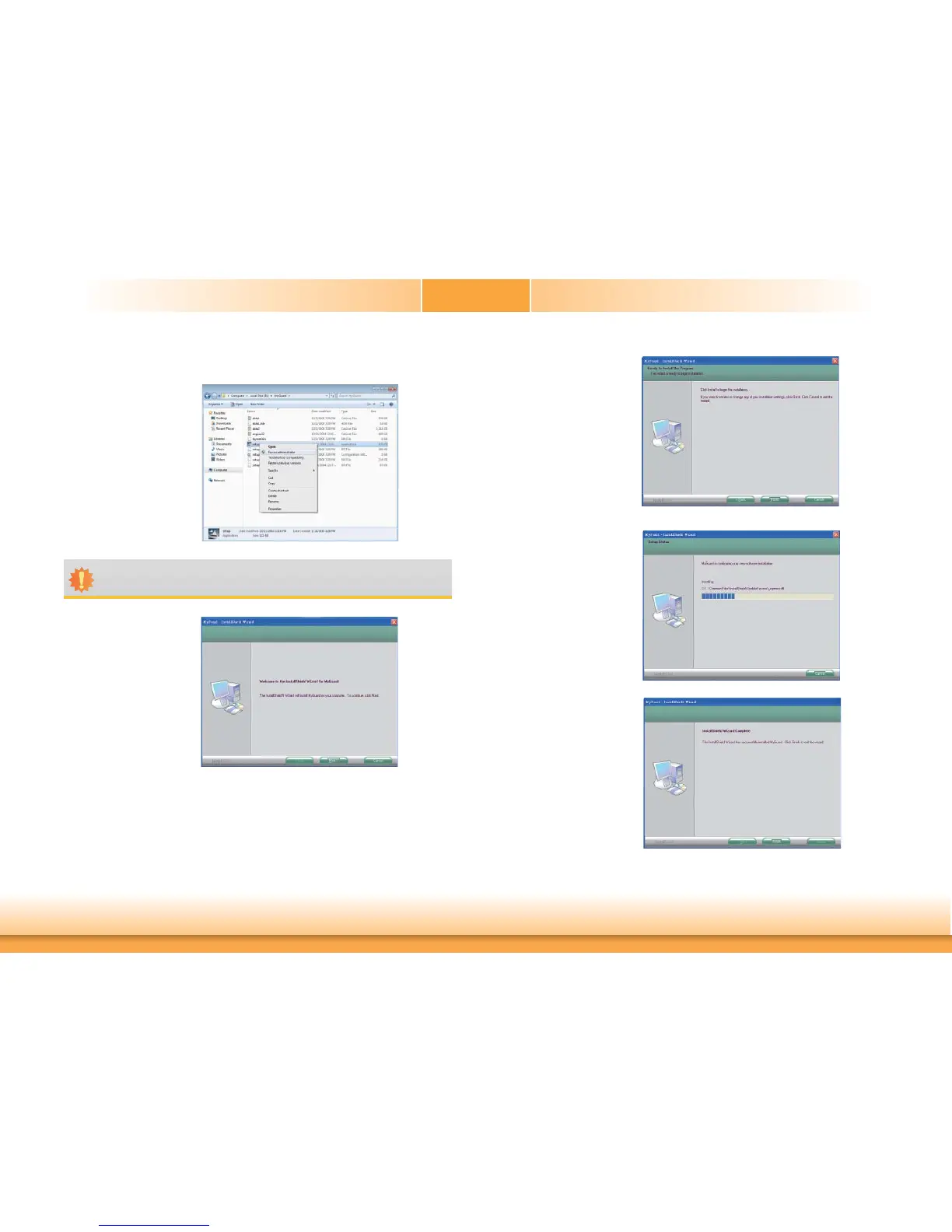
5. Setup is ready to install the
utility. Click Next.
6. Click Install to begin instal-
lation.
1. Locate for the MyGuard
folder in the provided disc.
2. In the MyGuard folder,
right-click on the “setup”
file.
3. Select Run As Administrator.
4. Double-click Setup.
8. After completing instal-
lation, click Finish to exit
setup.
7. Setup is currently installing
the utility.
Important:
Perform steps 1-3 only when using Windows 7 or Windows Vista.


 To Next Page