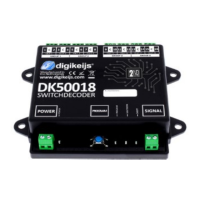
DK50018 - Bluetooth accessory and switching decoder Bluetooth connecon
DK50018 - Bluetooth accessory and switching decoder
www.digikeijs.com
*R-Bus, B-Bus are registered trademarks of Modelleisenbhan GmbH. XpressNet and RS-Bus are registered trademarks of Lenz 33www.digikeijs.com
www.digikeijs.com
5.1 Program mode does not stay acve
Some control units have the following problem:
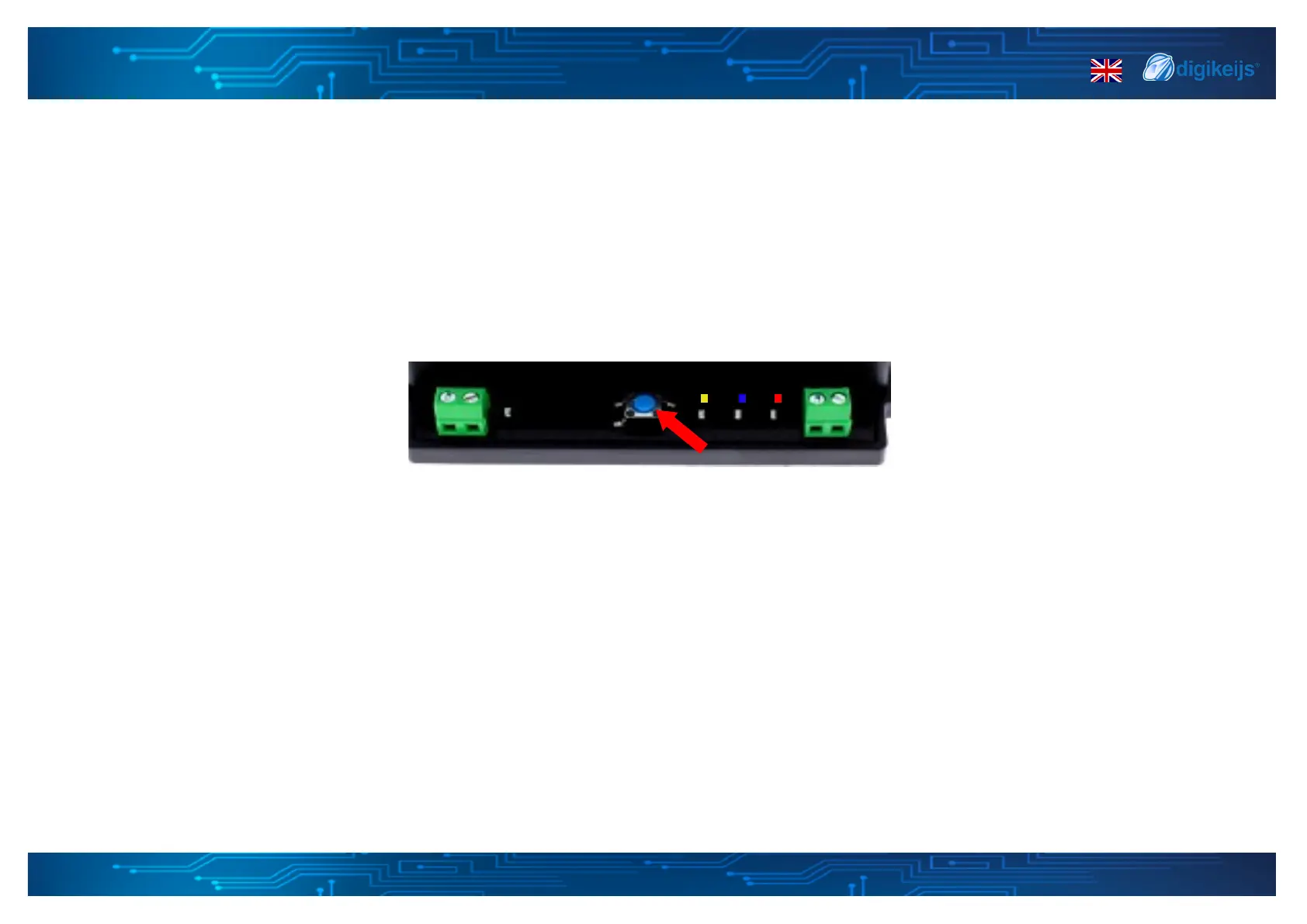
when pressing the programming buon on the DK50018, the yellow LED goes o again shortly aer the programming mode has been acvated and the
DK50018 automacally terminates the programming mode. This happens only if the locomove address 9999 has not been taken into account by the
control unit. This can be easily bypassed by acvang the locomove address 9999 before pressing the programming buon of the DK50018.
To prevent the red LED from going o, please use the following procedure for POM programming:
1. Set the locomove address to 9999 (in DCC 128 steps) in your control unit or applicaon.
2. Acvate the locomove with the above address in your control unit or applicaon by switching the lights on/o (F0).
3. Press the programming buon of the DK50018 only then, the LED must light up which means that the module is waing for programming.
4. Now change the selected CV's via the POM mode to address 9999.
5. To exit the DK50018 "Programming" mode, press the buon on the module again and the yellow LED on the decoder must go o, which means the
modicaon has been saved.


 To Next Page