D
D
D
L
L
L
P
P
P
P
P
P
r
r
r
o
o
o
j
j
j
e
e
e
c
c
c
t
t
t
o
o
o
r
r
r
—
—
—
U
U
U
s
s
s
e
e
e
r
r
r
’
’
’
s
s
s
M
M
M
a
a
a
n
n
n
u
u
u
a
a
a
l
l
l
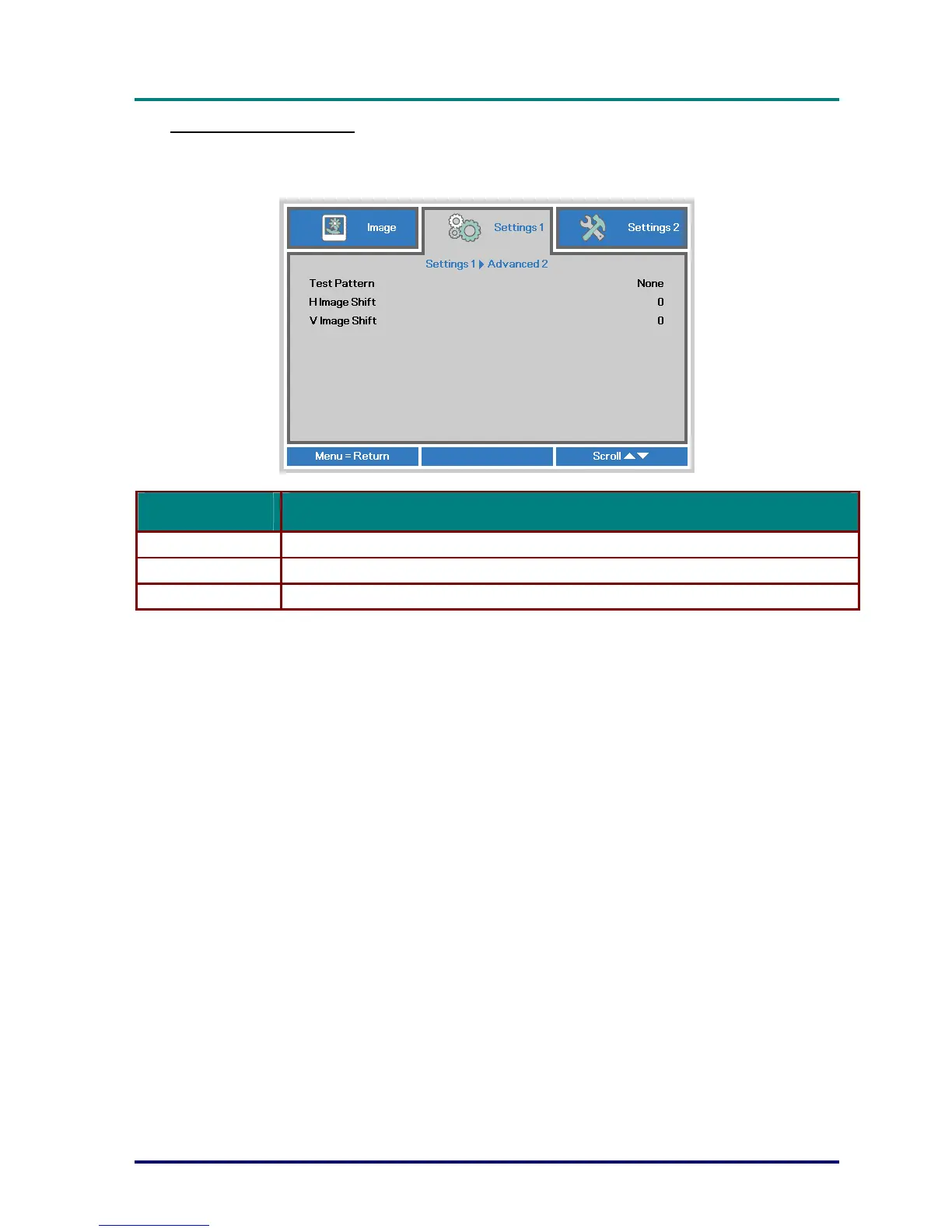
Advanced 2 Feature
Press the Menu button to open the OSD menu. Press ◄► to move to the Settings 1 menu.
Press ▲▼ to move to the Advanced 2 menu and then press Enter or ►. Press ▲▼ to move up
and down in the Advanced 2 menu. Press ◄► to enter and change values for setting.
ITEM DESCRIPTION
Test Pattern Press the cursor ◄► button to enter and select internal test pattern.
H Image Shift Press the cursor ◄► button to enter and select H Image Shift.
V Image Shift Press the cursor ◄► button to enter and select V Image Shift.
– 33 –


 To Next Page
 Loading...









