UltiMate 3000 Nano and Cap- System Installation and Application
50
Flow splitter assignment also affects the properties that are available for the pump in the
Commands dialog box:
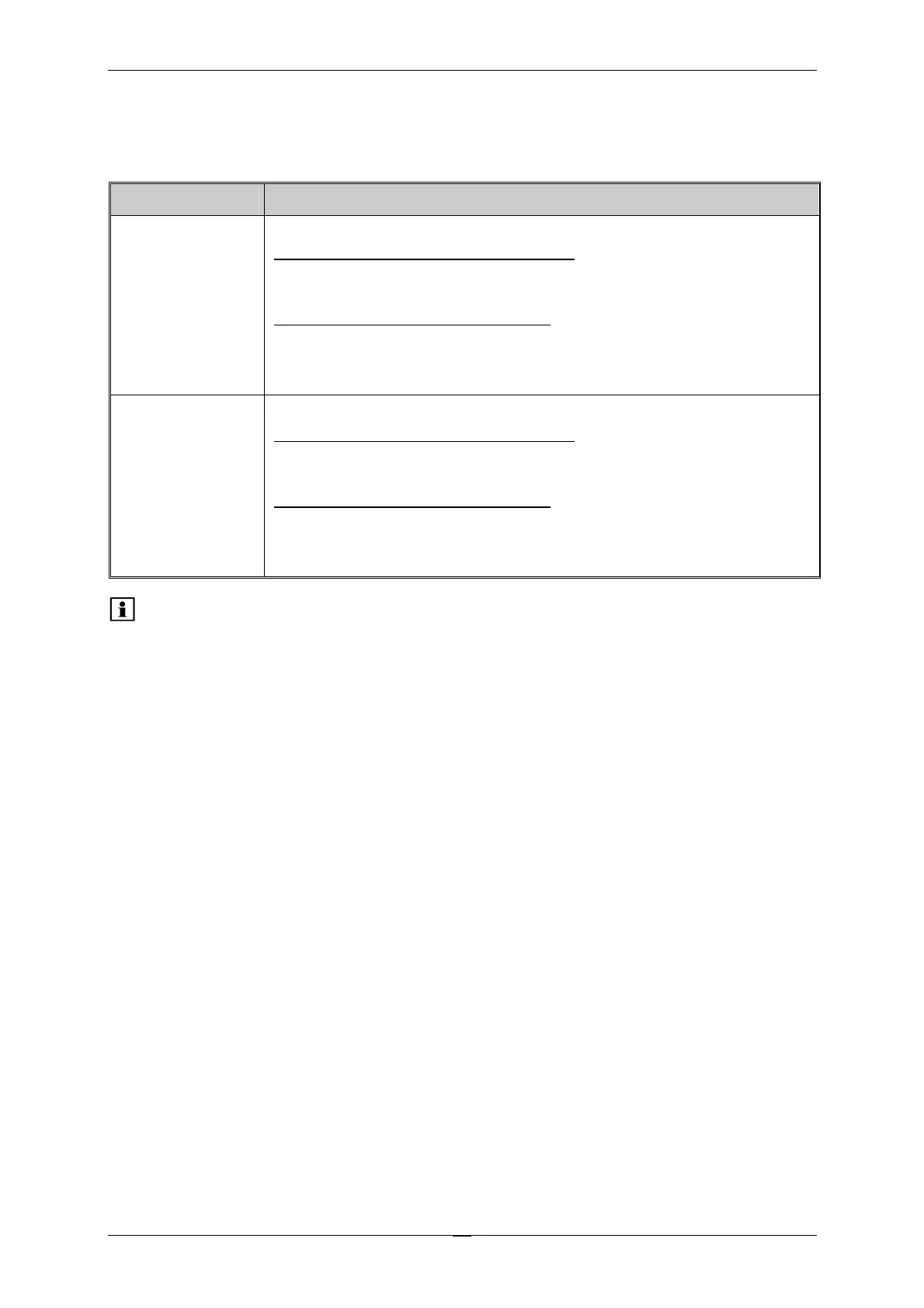
Chromeleon Description
Flow and/or
MasterFlow
Flow rate in µl/min
Pumps without flow splitter assignment:
Flow indicates the total flow through the pump.
MasterFlow is not available.
Pumps with flow splitter assignment:
Flow indicates the flow through the column.
MasterFlow indicates the flow through the master pump, i.e., the total
flow which is the flow before the flow splitter.
Pressure and/or
MasterPressure
Indicates the pressure
Pumps without flow splitter assignment:
Pressure indicates the pump pressure.
MasterPressure is not available.
Pumps with flow splitter assignment:
Pressure indicates the current column pressure.
MasterPressure indicates the pressure of the master pump, i.e., the
pressure before the flow splitter.
Please note: The purges via WPS-3000SL option is only available when using an
autosampler with split-loop injection (WPS-3000(T)SL)..
For more information, refer to the Operating Instructions for the pump and/or flow manager
or to the Chromeleon Online Help.



 To Next Page