EasyManua.ls Logo

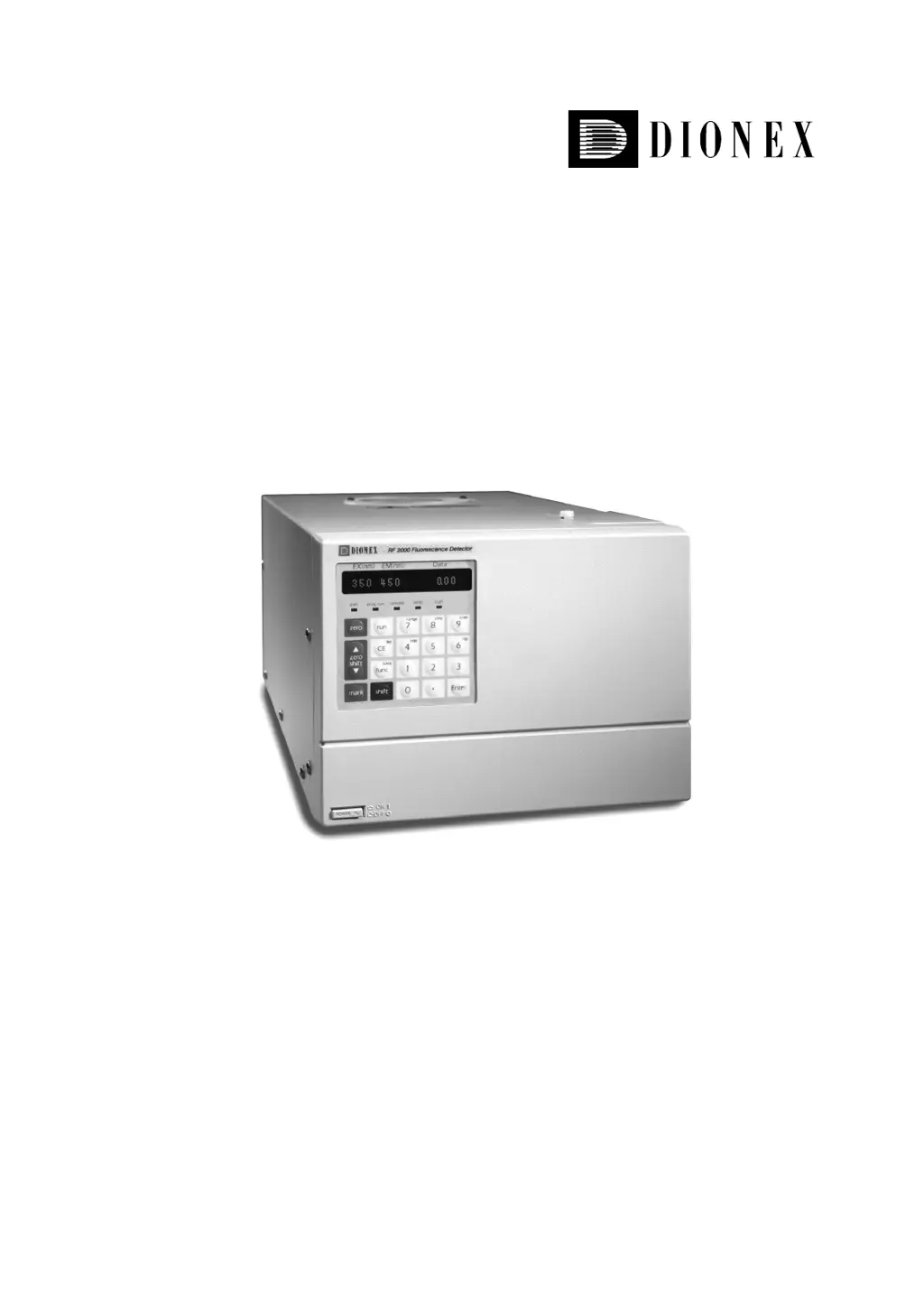
Dionex RF-2000 - User Manual

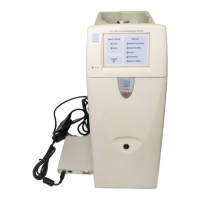
Dionex RF-2000
88 pages
Print Icon
To Next Page IconTo Next Page
Loading...
Fluorescence Detector
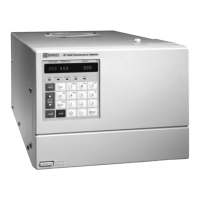
RF-2000
Operating Instructions
Version: 1.40
Datum: July 7, 2000
© 2000 Dionex Softron GmbH
Doc.: RF2000_OI_E_V140.doc

Table of Contents

Questions and Answers

  • F
    Frank WrightAug 13, 2025
    How to troubleshoot no signal output from Dionex Laboratory Equipment?
    • S
      stewartsarahAug 13, 2025
      If you're getting no signal from your Dionex Laboratory Equipment, consider these potential causes: 1. Lamp is not lit: Check the lamp. 2. Light source position: Readjust the light source position. 3. Measuring conditions: Check the wavelength and sensitivity settings. 4. If the issue persists, contact the Dionex Service department.
  • E
    eroseAug 16, 2025
    Why is the noise level excessive on my Dionex Laboratory Equipment?
    • S
      Susan HernandezAug 16, 2025
      Excessive noise level in your Dionex Laboratory Equipment can stem from several factors: * Improper flow cell installation: Ensure the flow cell is correctly installed in the sample compartment. * Improper light source position: Readjust the light source position. * Xenon lamp flickering: Check the xenon lamp for flickering. * Bubbles in the flow cell: Drive any bubbles out of the flow cell. * If none of these resolves the issue, contact our service department.
  • B
    Brandon TaylorAug 20, 2025
    What to do if "OVER" is displayed on Dionex RF-2000?
    • R
      Robert WardAug 20, 2025
      If "OVER" is displayed on your Dionex Laboratory Equipment, it indicates that the integrator output is too high or the sensitivity setting is too high. * Press the ZERO key to adjust the zero point. * Lower the sensitivity setting.
  • B
    Brianna LeonardAug 25, 2025
    Why is the signal level low on my Dionex Laboratory Equipment?
    • K
      Kayla HawkinsAug 25, 2025
      A low signal level (improper S/N value) on your Dionex Laboratory Equipment could be due to: * Improper flow cell installation: Ensure the flow cell is properly installed in the sample compartment. * Improper light source position: Readjust the light source position.
  • S
    Sarah HebertAug 27, 2025
    How to fix a Dionex Laboratory Equipment Xenon lamp that won't light?
    • L
      Leslie DavisAug 28, 2025
      If the Xenon lamp on your Dionex Laboratory Equipment isn't lighting, consider the following: * AUX. FUNC. LAMP setting: Set the AUX. FUNC LAMP to "1" to turn the light ON. * Wiring contact: Check the high voltage cable connection to the + pole of the xenon lamp after disconnecting the AC cable. * Lamp temperature: Allow the lamp to cool for about 10 minutes. * If the issue persists, contact the Dionex Service department.
  • E
    Edward GarciaAug 31, 2025
    What causes the Raman peak of water to not display on Dionex Laboratory Equipment?
    • S
      snorrisAug 31, 2025
      If the Raman peak of water is not displayed on your Dionex Laboratory Equipment, it could be due to: * Water impurities: Use new distilled water. * Flow cell stains: Clean the cell. * Bubbles in the flow cell: Drive bubbles out of the flow cell. * Improper wavelength: Check the wavelength. If it is out of range, contact our service department for wavelength adjustment. * Defective M2 mirror: Contact our service department for cleaning of the mirror.
  • J
    Joel WellsSep 4, 2025
    How to resolve power issues on Dionex Laboratory Equipment?
    • K
      Karen FreemanSep 4, 2025
      If your Dionex Laboratory Equipment isn't powering on, check the fuse in the fuse holder at the rear of the instrument and replace it if it's blown. If the problem persists, contact the Dionex Service department.
  • R
    Ronald MarshSep 7, 2025
    What to do if there is no output at the recorder terminal of Dionex RF-2000 Laboratory Equipment?
    • R
      rharperSep 7, 2025
      If there's no output at the recorder terminal of your Dionex Laboratory Equipment, ensure that the range is set to an appropriate value. If the problem persists, contact the Dionex Service department.

Dionex RF-2000 Specifications

General IconGeneral
TypeFluorescence Detector
Excitation SourceXenon lamp
Wavelength Range200 - 900 nm
Excitation Wavelength200 - 900 nm (programmable)
Emission Wavelength200 - 900 nm (programmable)
Light SourceXenon lamp
Power Requirements100–240 V~, 50–60 Hz

Related product manuals