Operating Instructions RF-2000
74
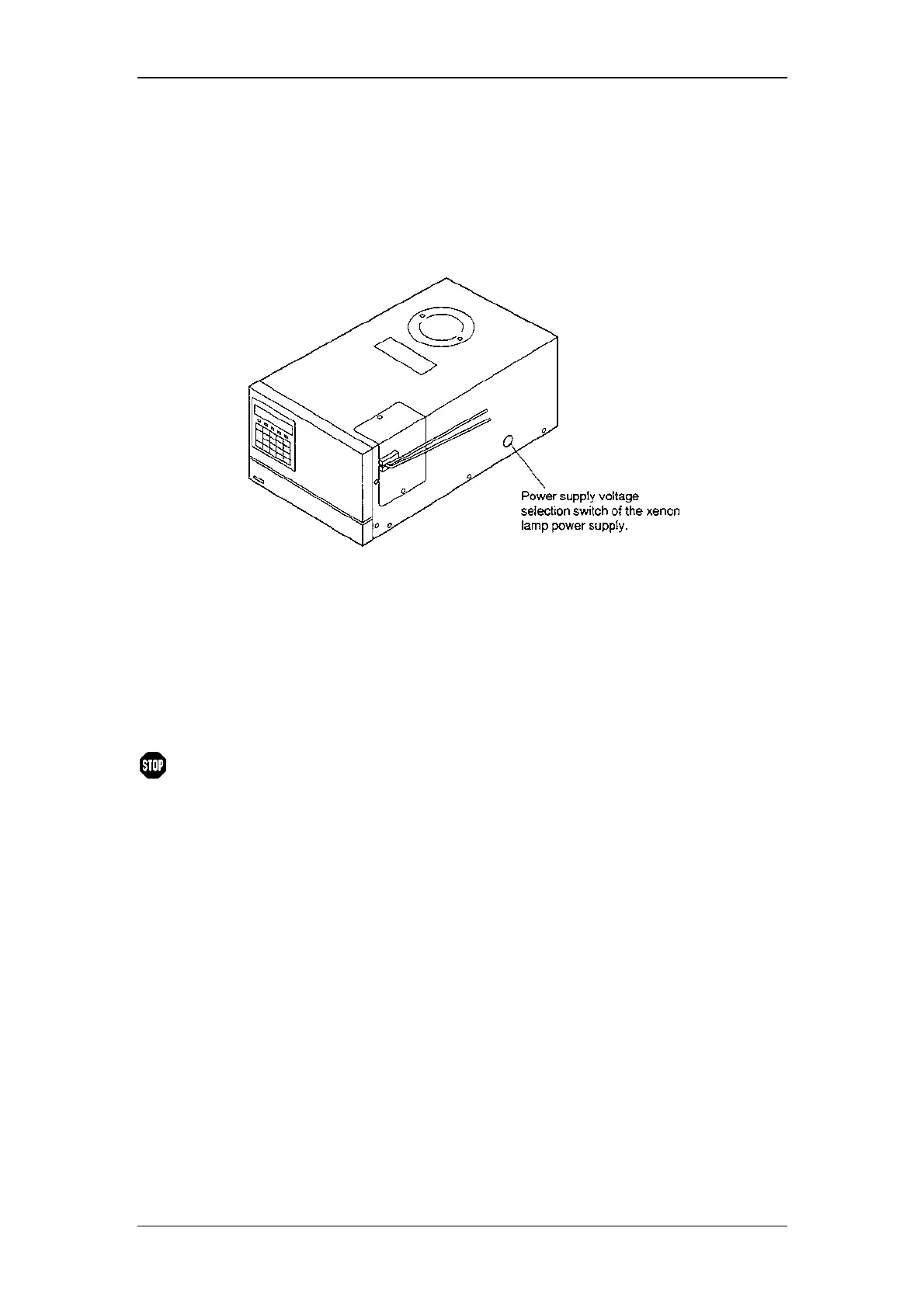
8.4.2 Setting of the Xenon lamp power supply
(1) Turn OFF the power supply switch.
(2) Remove the rubber lid of the power supply voltage switch of the xenon lamp
located on the right side of this unit.
(3) Conform the selection switch of the xenon lamp power supply to the power
supply voltage as the following table.
Power supply voltage Setting of the xenon lamp
power supply
100V±10% 100V
120V±10% 100V
220V±10% 200V
230V±10% 200V
240V±10% 200V
Warning:
If the power supply voltage is 100 or 120 Va.c, a different fuse
type must be used! Please contact Dionex Service.
(4) Push in the rubber rid into the hole to seal the switch.
8.5 Periodical Cleaning
If the cover or the panel of the unit is stained, wipe out dirt or dust with soft cloth or a
piece of paper. If necessary, use a non-ionic detergent.



 To Next Page