Operating Instructions RF-2000
75
9 Troubleshooting
9.1 Summary of the Most Frequently Problems
Symptom Probable cause Remedy
1. Power is not
supplied even by
turning the power
switch ON.
Fuse for power supply is
blown.
Check the fuse in the fuse holder at the
rear of this instrument and replace if it
is blown.
Causes other than above
cause.
Contact the
Dionex Service
department.
2. Xenon lamp is not lit
on.
AUX. FUNC. LAMP is "0". Set the AUX. FUNC LAMP to "1" (light
ON). (See "5.5 AUX. FUNC.")
Failure of wiring contact Check the connection of high voltage
cable connected to the + pole of the
xenon lamp. Be sure to disconnect the
AC cable from the plug socket before
this check. It is very dangerous if the
power is accidentally turned ON.
Lamp is not cooled. Leave the lamp for about 10 minutes to
allow it cool.
Power supply for xenon
lamp is defective.
Contact the
Dionex Service
department.
An overheat error occurs. Contact our service sales office or
representatives. (See "9.2 List of Error
messages".)
3. No signal comes
out.
Lamp is not lit. Referring to item 2, check the lamp.
Adjustment of light source
position is considerably
bad.
Readjust the light source position.
Measuring conditions are
not set properly.
Check the settings of wavelength and
sensitivity.
Causes other than above
causes.
Contact the
Dionex Service
department.
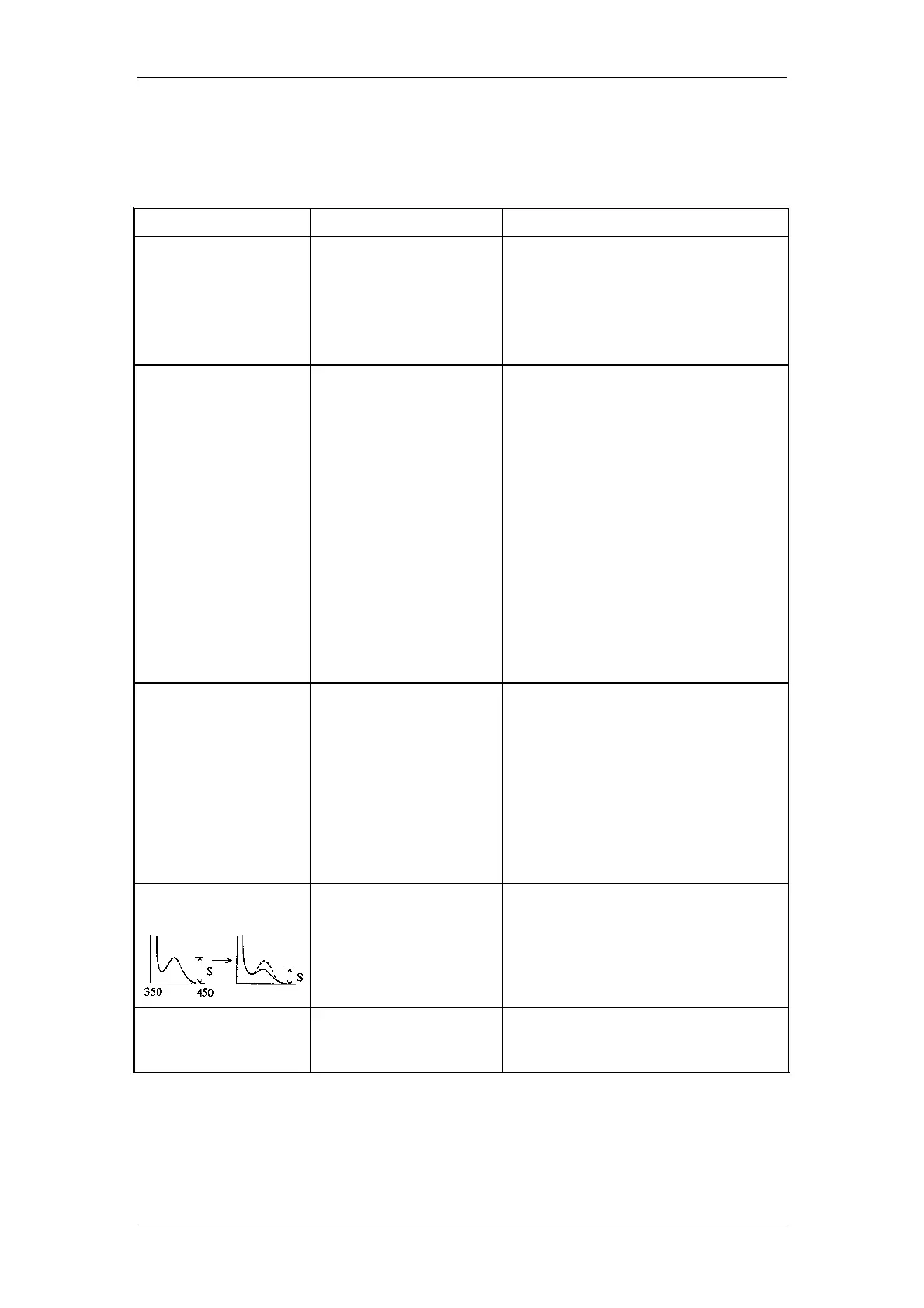
4. Improper S/N value
(Signal level is low.)
Improper installation of
the flow cell
Check that the flow cell is properly
installed in the sample compartment.
(See "8.1.1 Mounting and dismounting
the flow cell")
Improper light source
position
Readjust the light source position. (See
"4.7 Adjusting the Xenon Lamp
Alignment")



 To Next Page