Operating Instructions RF-2000
76
Symptom Probable cause Remedy
(cont.:)
4. Improper S/N value
(Signal level is low.)
Bubbles in the flow cell Drive bubbles out of the flow cell. (See
"8.1.8 Driving Bubbles out of Flow Cell
and Liquid Leakage Test")
Check that the knurled setscrews are
tightened. (See "8.1 Maintenance of
Flow Cell")
Replace the packings to new ones.
(See "8.1 Maintenance Flow Cell")
Improper wavelength
Check wavelength.
If the wavelength is out of the specified
range, contact our service department
for wavelength adjustment.
Improper sensitivity
adjustment
Contact our service department for
sensitivity adjustment.
Defective-HV board
(preamplifier circuit)
Contact our service department.
Causes other than above
causes
Contact our service department.
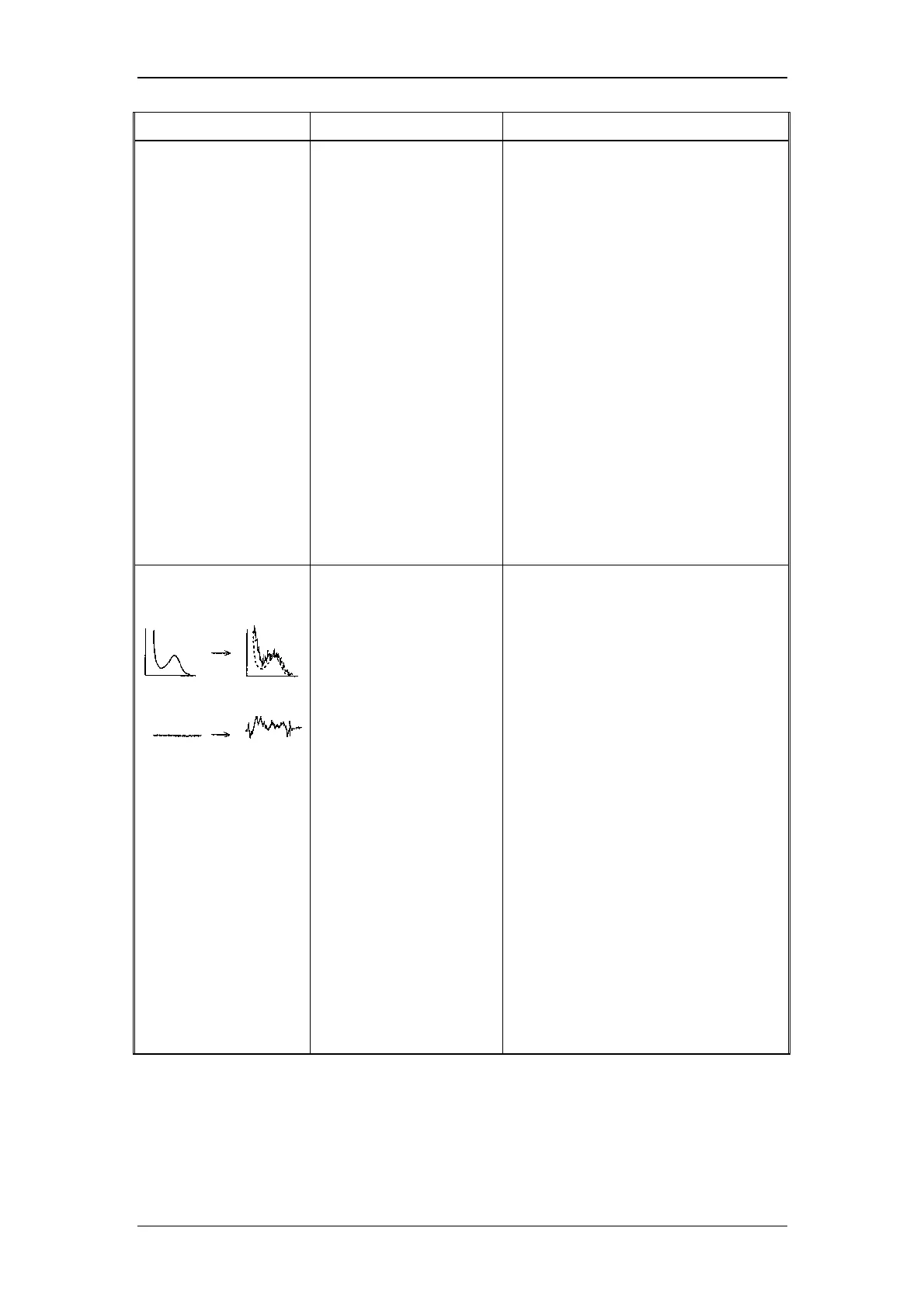
5. Improper S/N value
(Noise level is
excessive.)
Improper installation of
flow cell
Check that the flow cell is properly
installed in the sample compartment.
(See "8.1.1 Mounting and dismounting
the flow cell")
Improper light source
position
Readjust the light source position. (See
"4.7 Adjustment of Xenon Lamp
Alignment")
Flickering of the xenon
lamp
Check the xenon lamp for flickering.
(See "8.2.2 Service life of xenon lamp")
Replace the xenon lamp. (See "4.6
Installing the Xenon Lamp")
Bubbles in the flow cell Drive bubbles out of the flow cell. (See
"8.1.8 Driving Bubbles out of the Flow
Cell and Liquid Leakage Test")
Check that the knurled setscrews are
tightened (See "8.1 Maintenance of
Flow Cell")
Replace the packings to new ones (See
"8.1 Maintenance of Flow Cell")
Causes other than above
causes
Contact our service department.



 To Next Page