Operating Instructions RF-2000
77
Symptom Probable cause Remedy
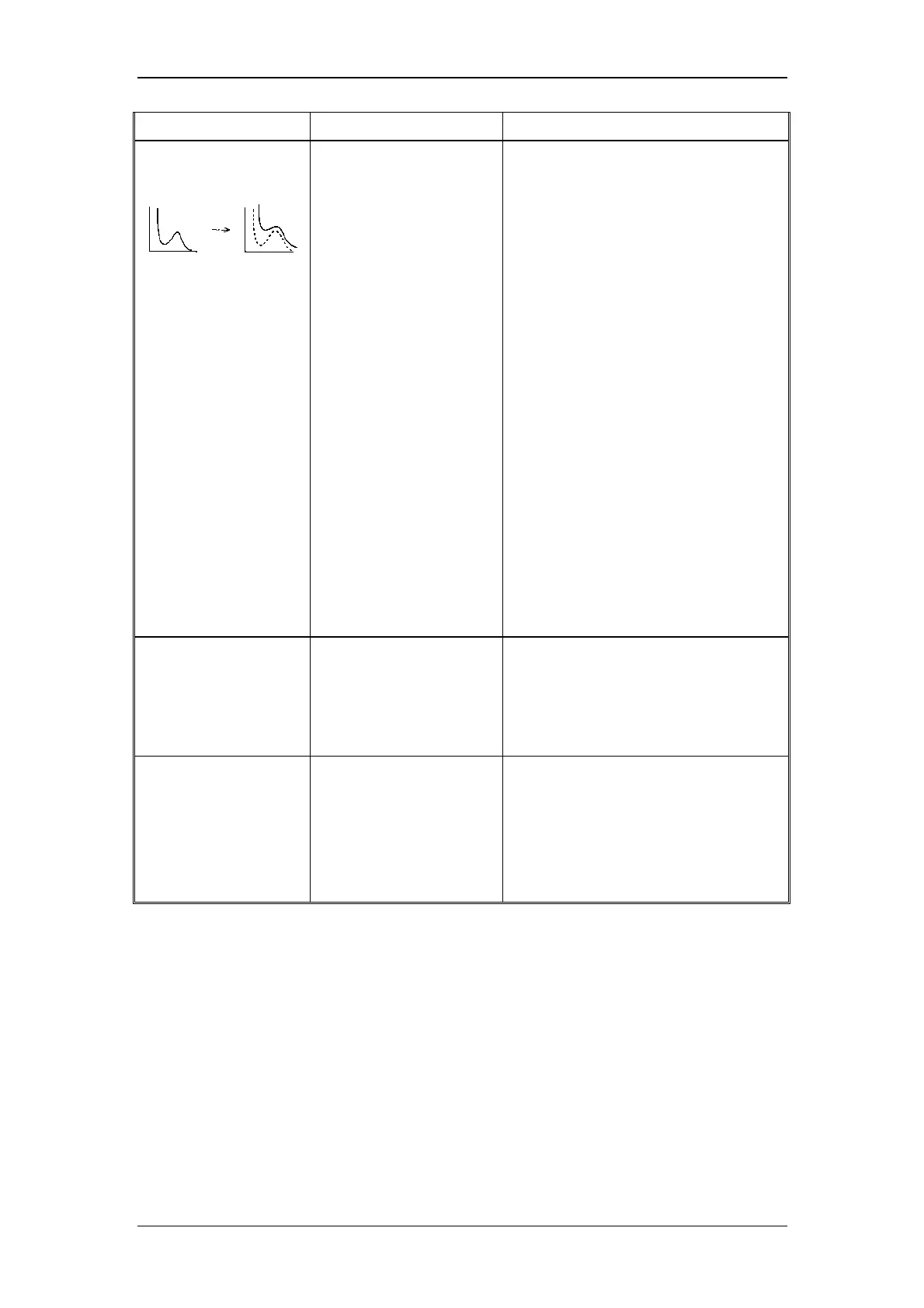
6. Raman peak of
water is not
displayed.
Impurities in water Use new distilled water.
Stains of the flow cell Clean the cell (See "8.1 Maintenance of
Flow Cell")
Replace the cell (See "8.1 Maintenance
of Flow Cell")
Bubbles in the flow cell Drive bubbles out of the flow cell. (See
"8.1.8 Driving Bubbles out of the Flow
Cell and Liquid Leakage Test")
Check that the knurled setscrews are
tightened (See "8.1 Maintenance of
Flow Cell")
Replace the packing (See "8.1
Maintenance of Flow Cell")
Improper wavelength Check wavelength.
If the wavelength is out of the specified
range, contact our service department
for wavelength adjustment.
Defective M2 mirror Contact our service department for
cleaning of the mirror.
Causes other than above
causes
Contact our service department.
7. There is no output at
the recorder
terminal.
Range is set to 0. Set the range to an appropriate value.
Causes other than above
cause.
Contact the
Dionex Service
department.
8. "OVER" is displayed Integrator output is over to
+ side.
Press the ZERO key to adjust zero
point.
Sensitivity setting (SENS)
is too high. ("OVER" is
still displayed even if
ZERO key is pressed.)
Set sensitivity lower (see "5.2.5 Setting
Sensitivity")
Causes other than above
causes
Contact the
Dionex Service
department.



 To Next Page