Operating Instructions RF-2000
73
8.4 Changing the Set Power Supply Voltage
To change the power voltage setting of this unit, it is necessary to change the setting
of the power supply connector unit, of the Xenon lamp power supply and the fuse.
Warning:
Setting of the power supply voltage for this unit should conform
to the operating power supply voltage.
8.4.1 Setting of the power supply connector
(1) Turn OFF the power switch.
(2) Pull out the power supply cable from the power supply connector.
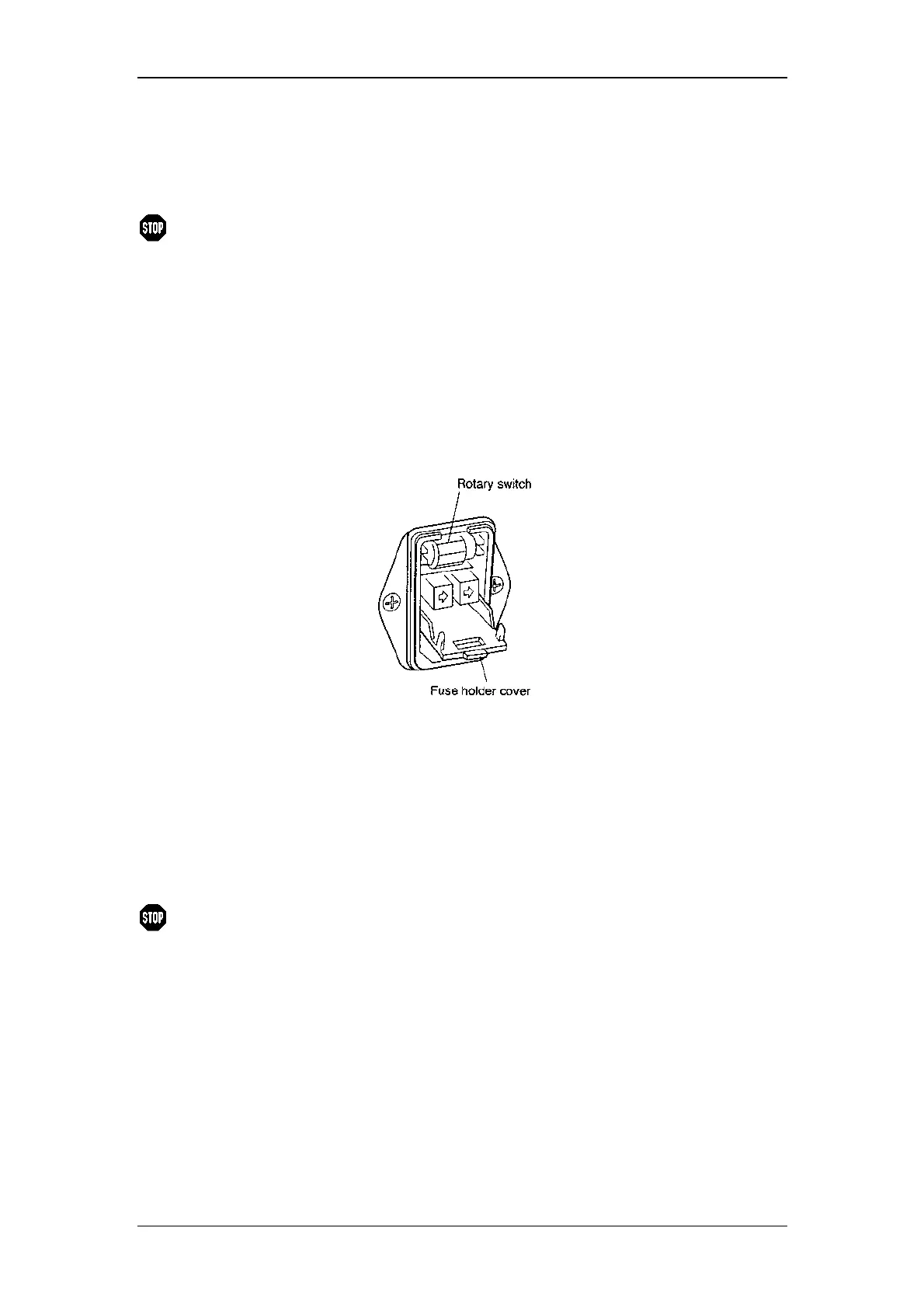
(3) Open the fuse holder cover at the rear of this unit by a slotted screwdriver
(see illustration in the previous section).
(4) Change the rotary switch showing the voltage in the fuse holder as follows.
Power supply voltage Setting of rotary switch
100V±10% 100Va.c
120V±10% 120Va.c
220V±10% 230Va.c
230V±10% 230Va.c
240V±10% 240Va.c
(5) Close the fuse holder cover until a clicking sound is heard.
Warning:
If the power supply voltage is 100 or 120 Va.c, a different fuse
type must be used! Please contact Dionex Service.



 To Next Page