(
!
After following instructions in the Installation Guide to connect your DIRECTV
Receiver with TiVo to your other audio/visual equipment, you can start Guided Setup
for your DIRECTV
®
and TiVo services. Guided Setup includes three steps:
• Satellite Dish Guided Setup
• Activating DIRECTV
®
and TiVo Services
• Phone Setup
To complete Guided Setup, you use the remote control to move through screens and to
select menu items on your television’s display. You use the remote control’s navigation
buttons (RIGHT, LEFT, UP and DOWN arrows) to highlight items, then press
SELECT to choose a highlighted item and move to the next screen. The LEFT arrow
typically returns you to a previous screen. For an introduction to the remote control,
see “Introducing the Remote Control” on the inside front cover of this guide.
!&
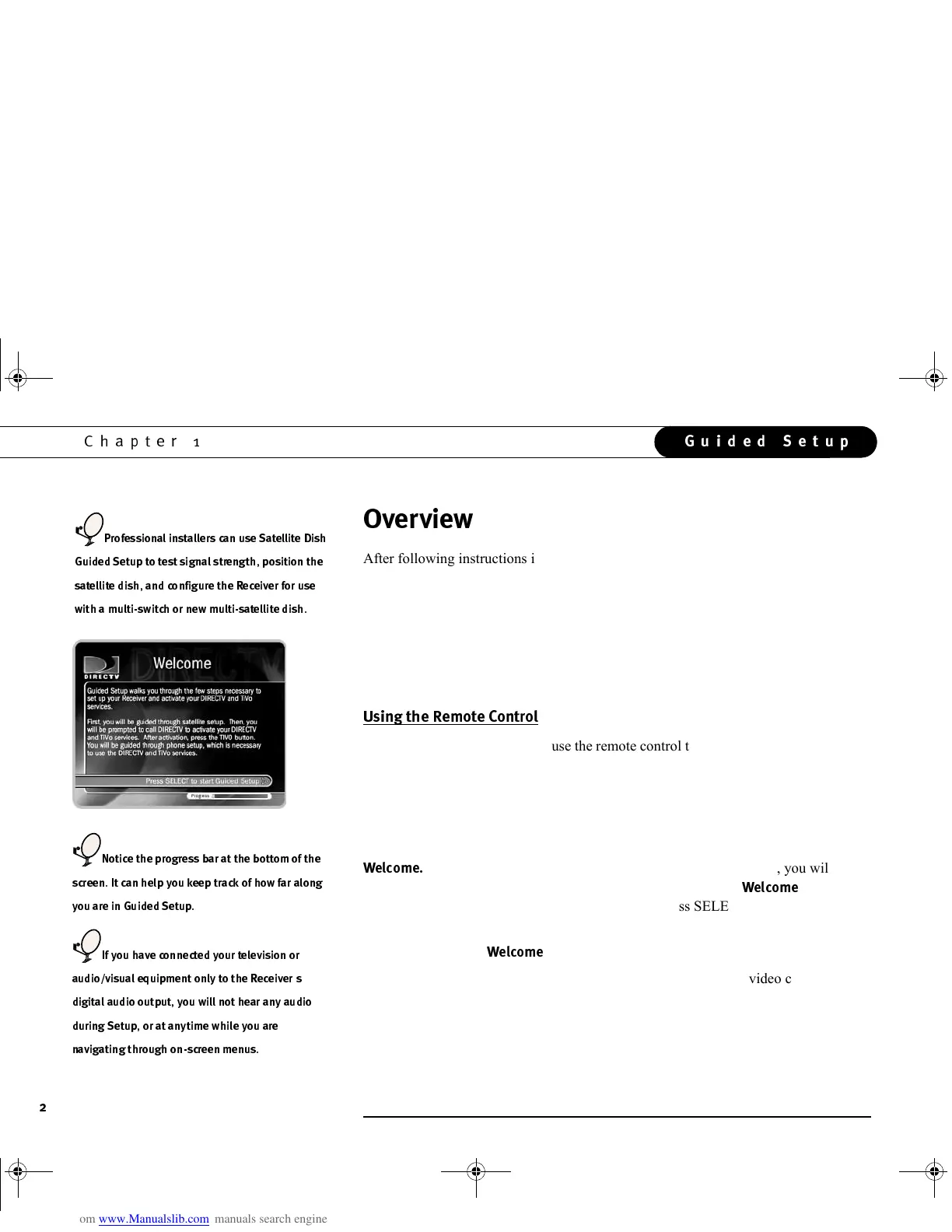
When you first turn on your DIRECTV Receiver with TiVo, you will see a
gray screen that says “Welcome. Powering up,” followed by the
!&
screen
shown to the left. Read the text on the screen then press SELECT to move to the next
screen.
If you do not see the
!&
screen:
• Make sure your Receiver is plugged in and that the audio and video cables are
connected correctly, as described in the Installation Guide.
• Make sure your TV is set to the correct video input. There may be a “Video” or
“Input” button on your TV’s remote. If you used RF cables to connect the Receiver
to the TV, check that your TV is tuned to channel three or four.
#
''
)
),
)
(3
44
33
536(3
)
34
GC Viewer's Guide.book Page 2 Tuesday, March 13, 2001 8:59 AM



 To Next Page