(+
)
&" # +
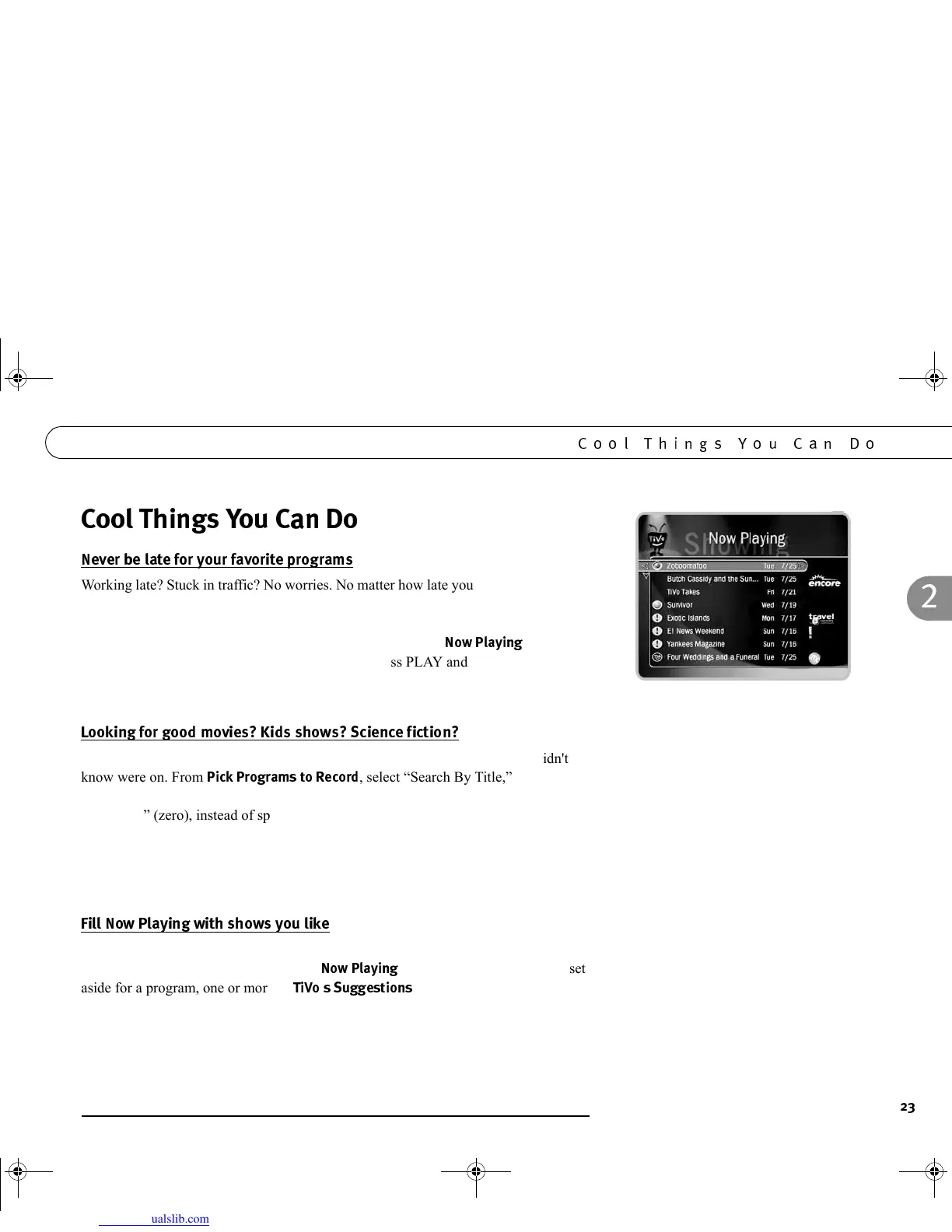
Working late? Stuck in traffic? No worries. No matter how late you get home—10, 20,
or even 40 or more minutes into your favorite program, you can still start watching a
recording from the beginning, right away. If you've set your Receiver to record your
programs, when you get home they will be waiting for you in
3!$
. Even if a
program is still recording, highlight its name and press PLAY and it will start playing
from the beginning, while it finishes recording. And, you can fast forward through the
boring parts, or press ADVANCE to instantly catch up to live TV.
+.%
You can browse all the programs in a particular category and find shows you didn't
know were on. From
"$&*
, select “Search By Title,” then select
the category you want to browse. At the next screen, use the remote to enter the
number “0” (zero), instead of spelling the name of a show. A list of upcoming
programs in the category you selected appears on the right. Because you entered a
zero, the top of the list is visible (numbers are sorted before letters). Press the RIGHT
arrow until the highlight is in the list. When you are ready, press CHAN DOWN to
page down through the list. Press SELECT on shows you want to record.
!&%$#%%#
Mark a show with three THUMBS UP, to indicate that you really like that show and
others like it. Whenever there is space in
3!$
that you haven't specifically set
aside for a program, one or more of
$$
will be automatically
recorded.
$(
GC Viewer's Guide.book Page 23 Tuesday, March 13, 2001 8:59 AM



 To Next Page