0
!!$!$
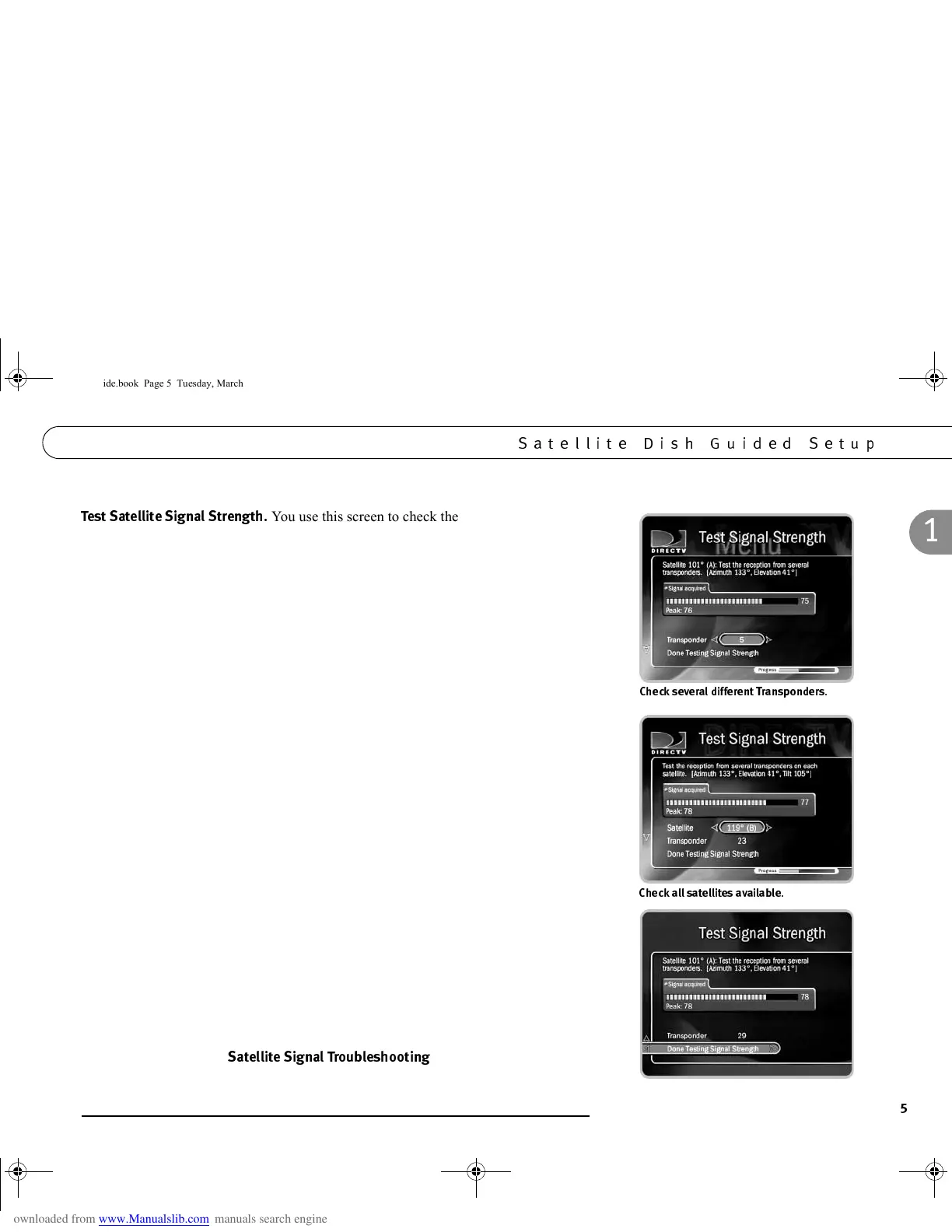
You use this screen to check the strength of the signal
received by your satellite dish. It lets you see the signal strength from individual
transponders one at a time. To be sure you receive all your channels, you should check
signal strength on several transponders. (A transponder is a piece of radio equipment
on a satellite. DIRECTV transponders receive information from DIRECTV and
rebroadcast it to your satellite dish. Different channels are rebroadcast by different
transponders, and different satellites have different numbers of transponders.)
Note: You can check signal strength while you adjust the pointing of your satellite
dish. The signal strength meter on this screen provides audio feedback—a tone that
becomes higher pitched as the signal gets stronger. You may be able to turn the volume
on your TV up so you can hear the tone while you adjust the position of your satellite
dish. Alternatively, you might have someone watching the signal strength meter and
then reporting through a cell phone or walkie-talkie to the person who is adjusting the
satellite dish.
• To change the currently selected transponder, use the UP arrow to highlight the
transponder number. Press the RIGHT or LEFT arrow to change the transponder. It
is best if all of your available transponders have a signal strength above 60,
however, you may get a satisfactory reception at a lower number.
If you have a 2 or 3 satellite dish, you should check the signal strength from
transponders on each satellite.
• To change the selected satellite, press the UP arrow until the satellite number is
highlighted. Press the RIGHT or LEFT arrow to change the satellite.
• Press the DOWN arrow to highlight the transponder number, then press LEFT or
RIGHT arrow to check the signal on different transponders on that satellite.
After testing the signal strength, press SELECT to highlight “Done Testing Signal
Strength,” then press SELECT again to see the next screen. If you cannot acquire a
good satellite signal, see
!!$!!$
, on the next page.
*'3
*'3
GC Viewer's Guide.book Page 5 Tuesday, March 13, 2001 8:59 AM



 To Next Page