4
$&2*
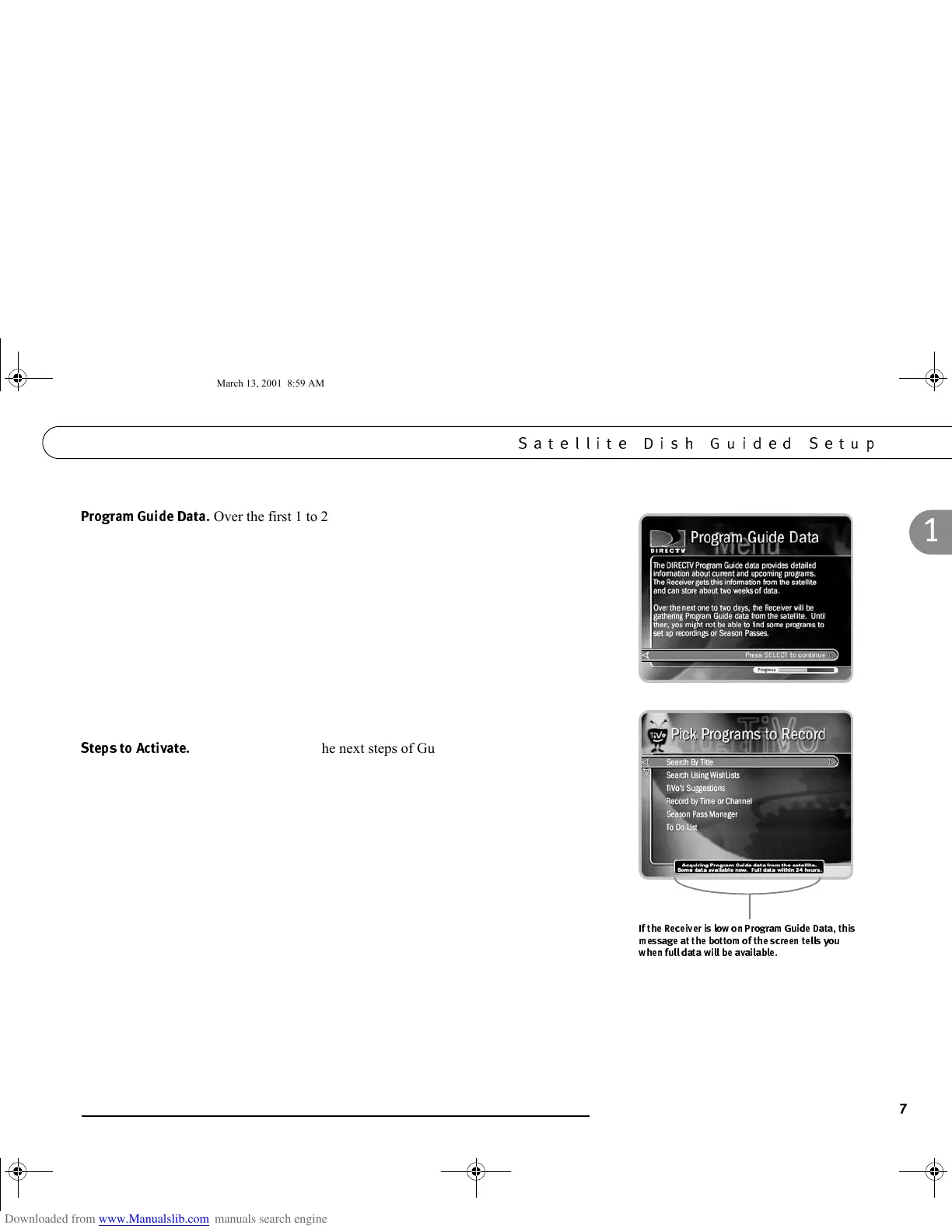
Over the first 1 to 2 days, the Receiver will gather and index up
to two weeks of program data from DIRECTV satellites. Program data includes
program titles, times, channels, descriptions and much more.
Many of the Receiver’s features use program data. Although you may be able to use
such features immediately, you may not be able to find all the programs you are
looking for until the Receiver has gathered all of its program data. If programs you are
looking for do not appear when you search for them, check on them again after the
Receiver has been gathering and indexing program data for a while.
Until the Receiver has gathered all of its Program Guide Data, many screens will have
notices that tell you that Program Guide Data is being acquired. These notices appear
at the bottom of screens.
5
This screen explains the next steps of Guided Setup, activation of
the DIRECTV
®
and TiVo Services. When it appears, press the LIVE TV/GUIDE
button on your remote control and go to the next page of this manual.
GC Viewer's Guide.book Page 7 Tuesday, March 13, 2001 8:59 AM



 To Next Page