6
$"
You can activate both your DIRECTV
®
and TiVo Services with one quick phone call.
To complete the phone call:
• The Receiver should be on, tuned to channel 100, and receiving a signal from the
satellite dish. (You should see special programming from DIRECTV on channel
100.)
• You will need the number on your DIRECTV access card and the make, model and
serial number of your Receiver. This information is on a sticker on the inside back
cover of the Installation Guide, or on the
&&
screen. (You’ll find
&&
by pressing the DIRECTV MENU button, and then selecting
$7
.)
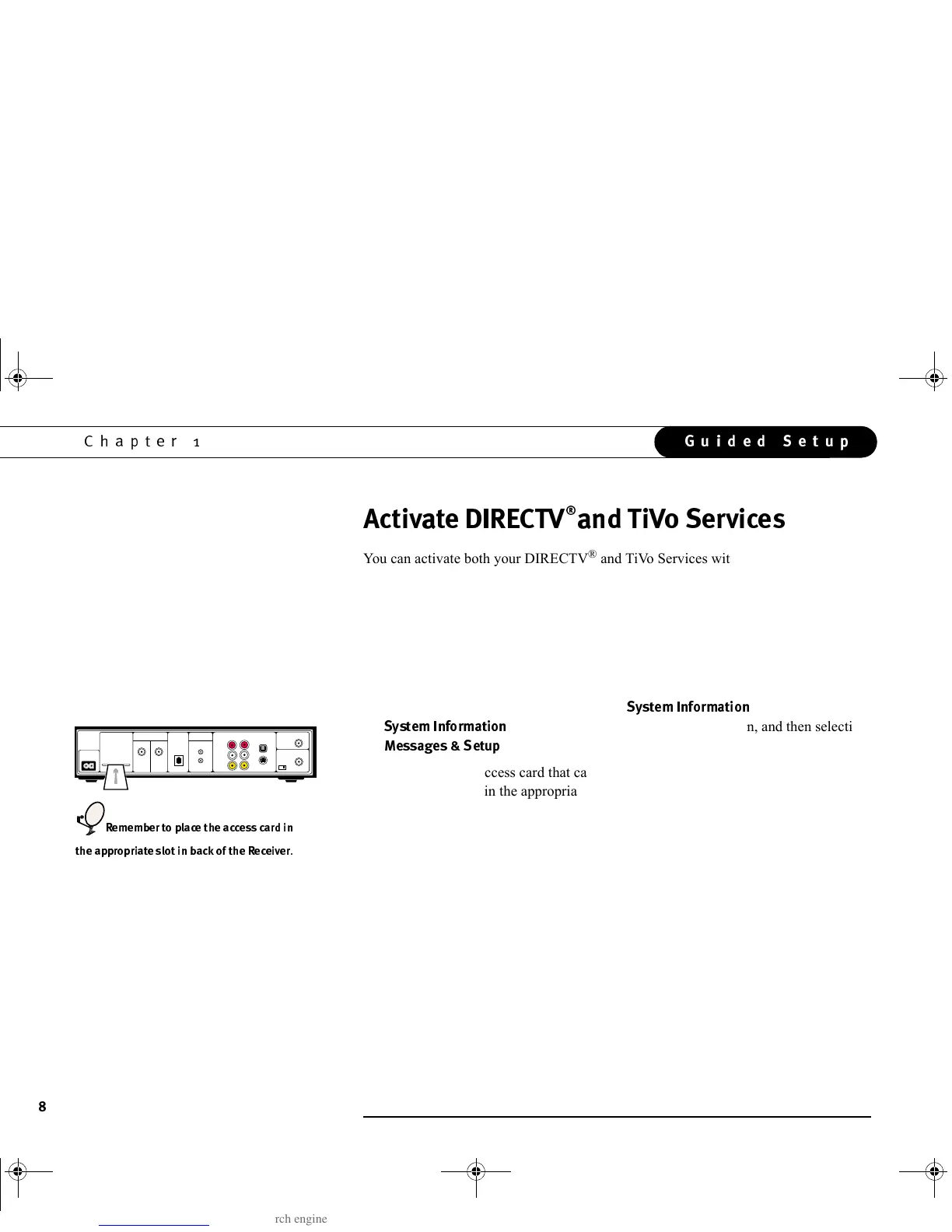
• Important! The access card that came with your DIRECTV Receiver with TiVo
must be inserted in the appropriate slot in back of the Receiver.
When you are ready, call 1-800-DIRECTV (1-800-347-3288) to activate your
DIRECTV
®
and TiVo Services.
• Important! Be sure to tell your customer service agent that you have a “DIRECTV
with TiVo” satellite receiver and that you want to activate the TiVo Service.
Without the TiVo Service, your Receiver will not be able to record programs
After you have activated the services, you can begin Phone Setup, the last step of
Guided Setup, by pressing the TiVo button.
Output
RF Out
Ch 3/4
VHF/UHF In
S-Video
Digital
AudioOut
Video
Audio L
Audio R
Tel Line
IR Out
Serial
2
1
Satellite In
AC~In
Access Card
Optional
Required
Cntrl Out
(
'(3
GC Viewer's Guide.book Page 8 Tuesday, March 13, 2001 8:59 AM



 To Next Page