(9
( &(*!%
The DIRECTV and TiVo services are a great match. DIRECTV provides you with an
incredible variety of top quality programs, while TiVo helps you search those
programs to find what you want to watch, both old favorites and exciting new shows.
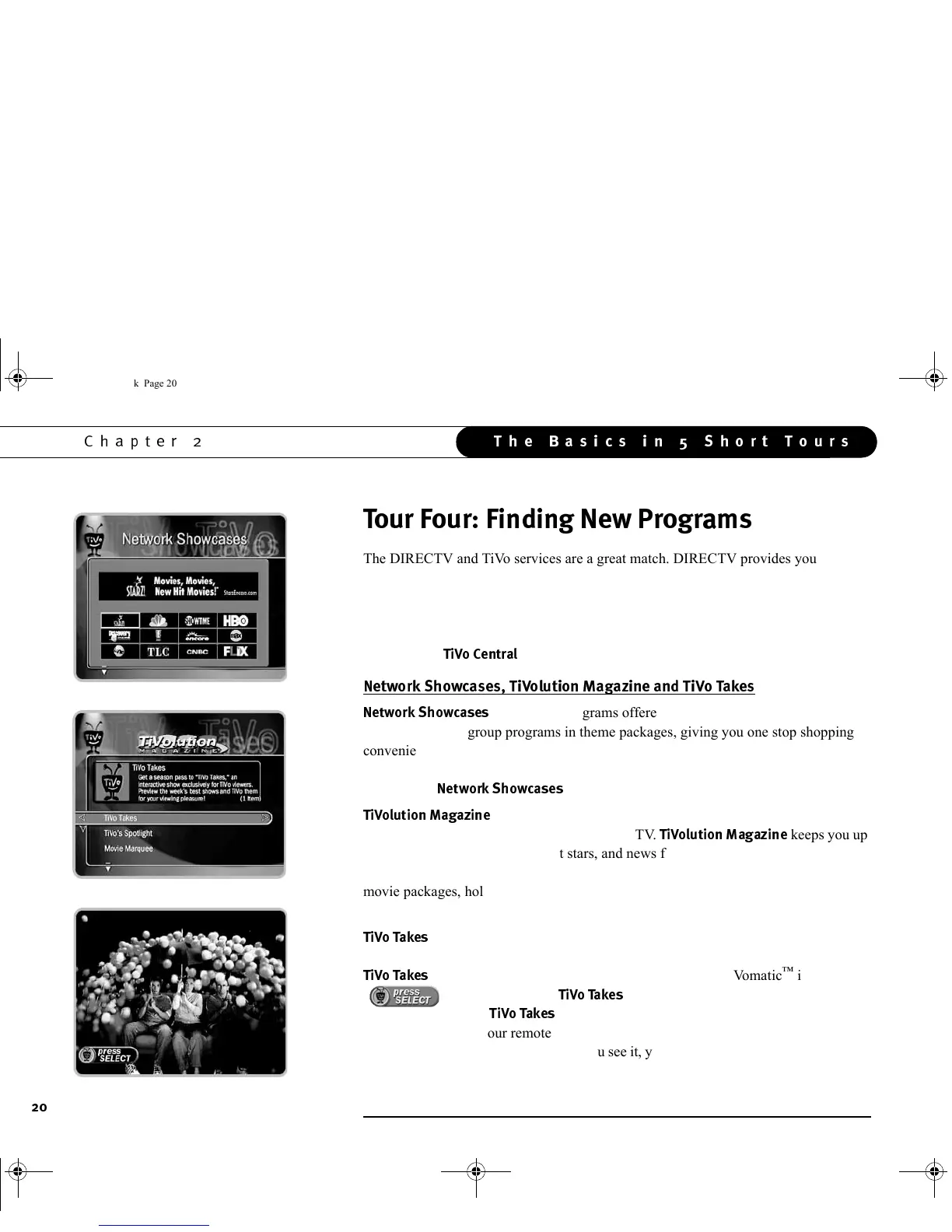
In fact, finding new programs is easier than ever with features like TiVo Takes™,
Network Showcases, TiVolution Magazine and TiVo’s Suggestions™, all of which
you’ll find at
!
by pressing the TiVo button on your remote control.
&%%'(
3"
list the best programs offered by television’s biggest networks.
These showcases group programs in theme packages, giving you one stop shopping
convenience when browsing for programs to record. Packages include the biggest
blockbuster movies, miniseries, hottest specials, hit series and shows from the greatest
stars on TV.
3"
are updated several times each week.
!$>
, a product of TiVo’s independent editorial team, offers the latest,
inside information about the best programs on TV.
!$>
keeps you up
to date on the latest trends, hottest stars, and news from Hollywood. It includes theme
packages—collections favorite talk shows, top soap operas, animation festivals, theme
movie packages, holiday specials, children’s programming, and sporting events—that
help you find and record great shows, regardless of their time or channel.
"
isn’t on TiVo Central—it’s an innovative, 30 minute, weekly program that
brings you exclusive content and previews of the week’s best upcoming shows. But
"
also has a groundbreaking new special feature: a TiVomatic
™
icon
( ) appears during the
"
previews. Whenever you see a TiVomatic
icon (whether during
"
or during other previews on TV), simply press the
SELECT button on your remote control. The Receiver automatically schedules a
recording of the previewed program! You see it, you like it, you press select and you’re
GC Viewer's Guide.book Page 20 Tuesday, March 13, 2001 8:59 AM



 To Next Page