+9
,
'
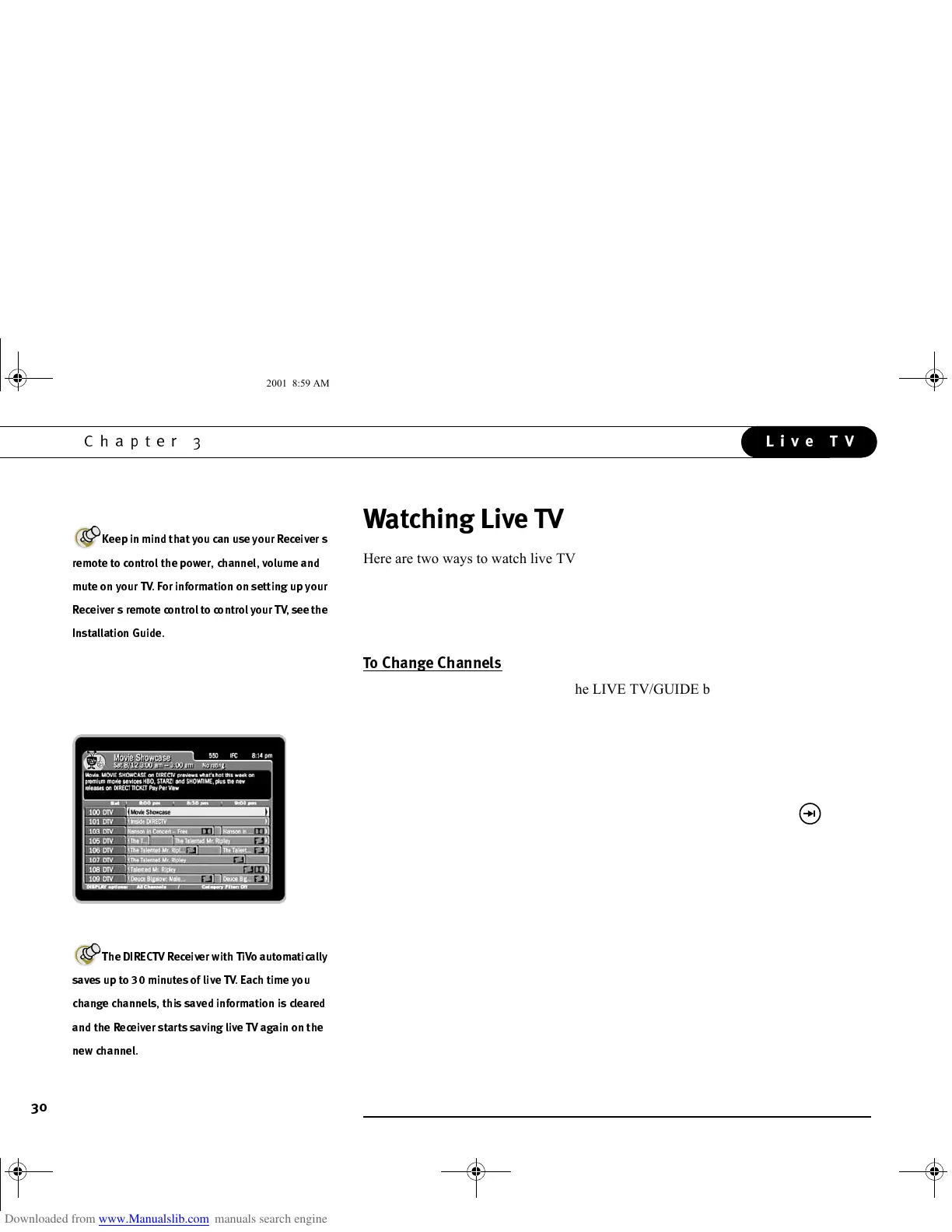
Here are two ways to watch live TV:
• Press the LIVE TV/GUIDE button on your remote control.
• From TiVo Central, highlight “Watch Live TV,” and press SELECT. From the
DIRECTV Menu, highlight “Program Guide,” and press SELECT.
• Tired of channel surfing? Press the LIVE TV/GUIDE button to bring up the
Program Guide. Then highlight a program in progress and press SELECT. (For
more information on the Program Guide, see page 32).
• You can also change channels by pressing the numbers on your remote control. The
channel automatically changes after a few seconds, or you can press ENTER/
JUMP to make the change right away. If you make a mistake, press CLEAR to
delete numbers you have entered. Use the ADVANCE/DASH button ( ) for
long channel numbers to separate the first three digits from other digits.
• Use the CHAN UP/DOWN button on your remote control to tune to channels on
the current channel list. (For more information on channel lists, see “Customize
Channels,” on page 68.)
• To jump back to the last channel you were on without entering any numbers, press
ENTER/JUMP.
H(3
3
.$
(3 .
,(-*.(3.
3:B3.-
3
(333.
GC Viewer's Guide.book Page 30 Tuesday, March 13, 2001 8:59 AM



 To Next Page