,23
69
0
"
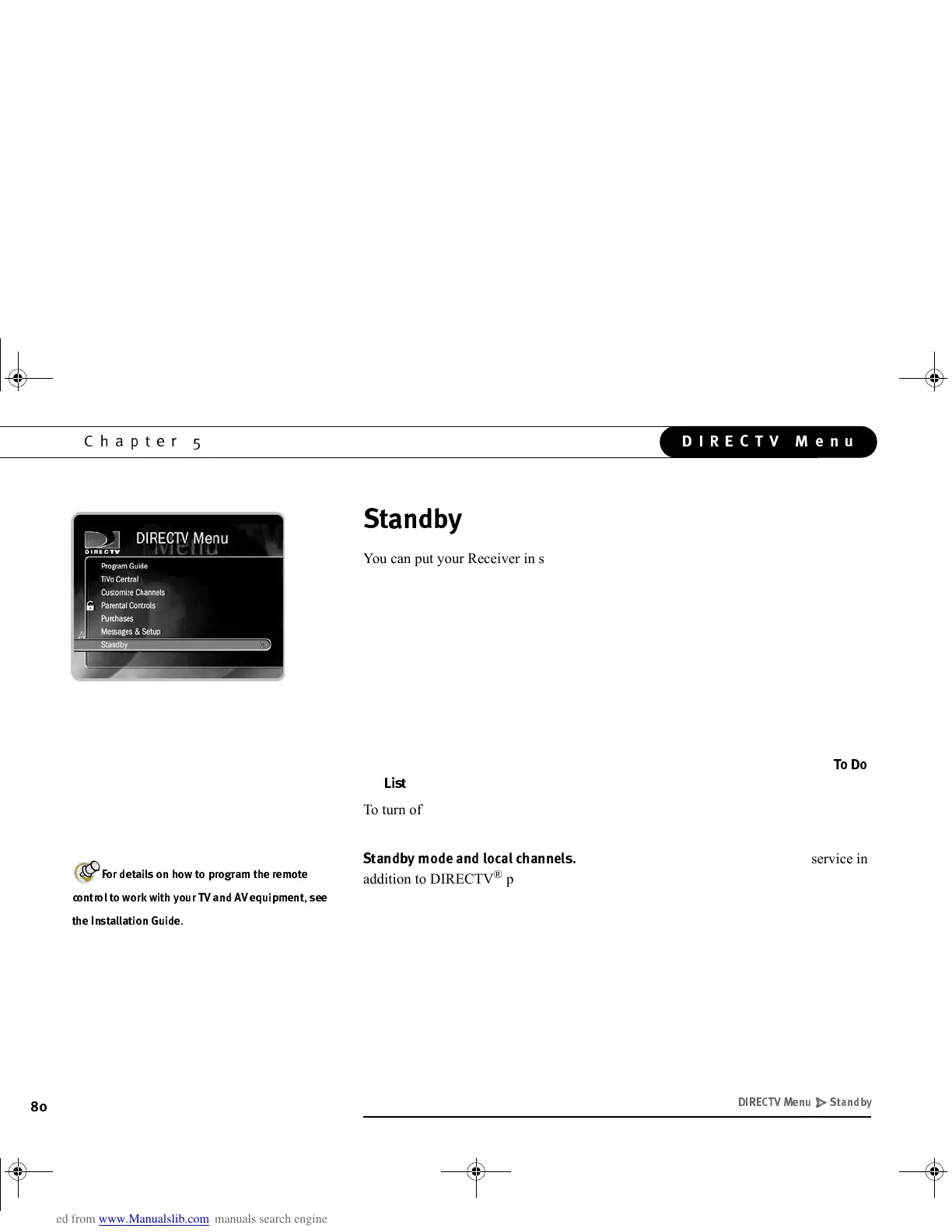
You can put your Receiver in standby mode by selecting “Standby” from the
DIRECTV menu, or by pressing the STANDBY button on the front of your Receiver.
Putting your Receiver in standby mode does the following:
• The lights on the front of the Receiver go out and it shows a black screen on
your TV.
• If you have temporarily disabled Parental Controls, standby mode enables them
again.
• While in Standby mode, the Receiver will not tune to previously ordered Pay Per
View programs unless you have them scheduled to be recorded.
• Programs that are recording or scheduled to record (i.e., any programs in the
%
) will record in standby mode.
To turn off standby mode, press the TiVo button on your remote control, or press the
STANDBY button on the front of the Receiver.
*&**!!!
If you have an antenna or receive cable service in
addition to DIRECTV
®
programming, you may have it connected to your Receiver’s
RF input. In this case, standby mode lets you watch channels received by your antenna
or cable. However, you won’t be able to use the TiVo Service with those channels. (For
example, you cannot make Season Passes for those programs.)
$
'.+.6
"(+ '&
GC Viewer's Guide.book Page 80 Tuesday, March 13, 2001 8:59 AM



 To Next Page