09
.
$:!!
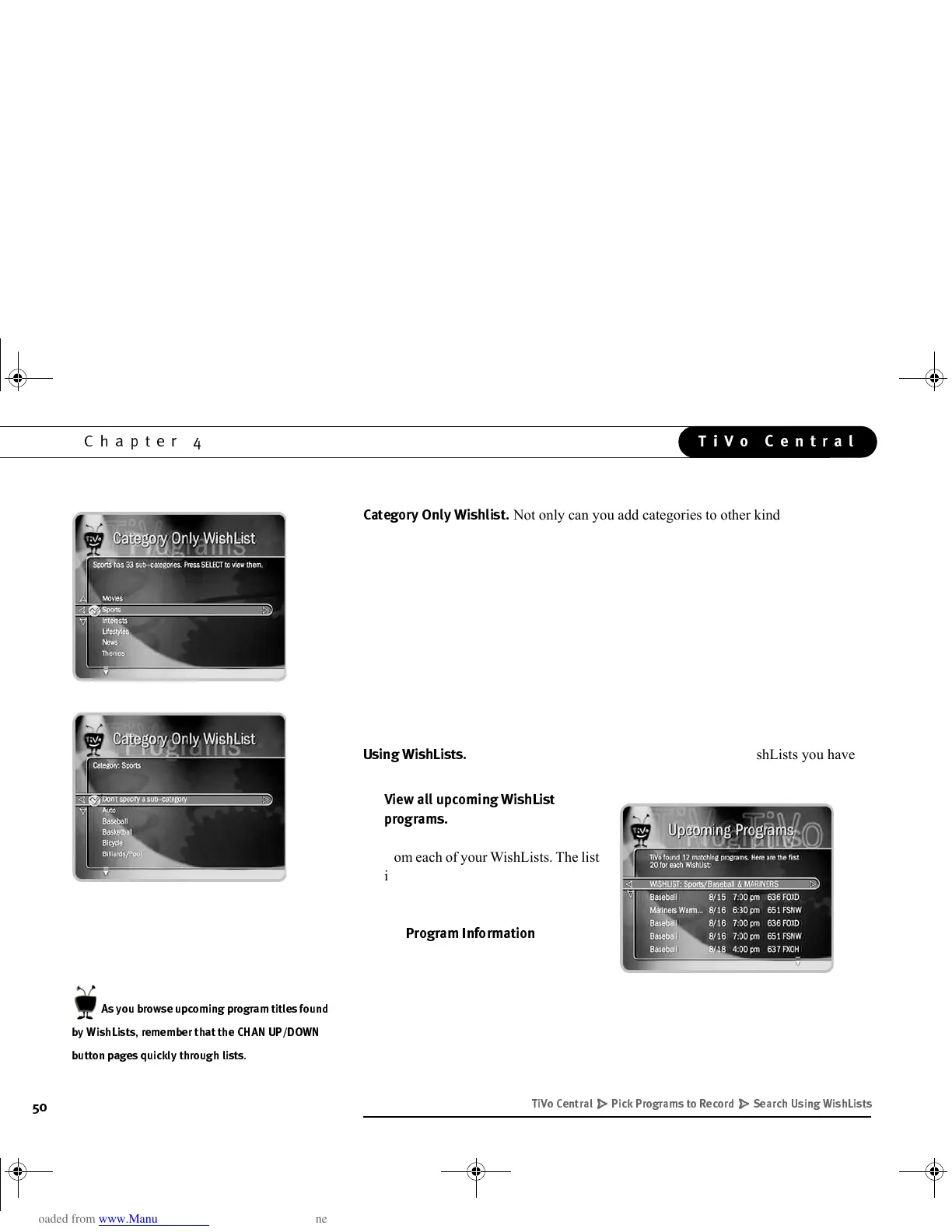
Not only can you add categories to other kinds of WishLists,
you can also create a Category Only WishList. You can use categories to search for all
kinds of things, from certain kinds of sports programs (for example, category “Sports,”
sub-category “Tennis” finds all tennis programs); to finding programs with Dolby
Digital audio (the “Audio & Video” category); to finding programs broadcast in a
specific language (the “Languages” category); to finding lists of mini-series (the
“Show Types” category).
To add categories to a WishList or make a Category Only WishList:
1. Highlight a category, then press SELECT or RIGHT arrow.
2. A sub-categories list displays. Highlight a sub-category, then press SELECT or
RIGHT arrow. You can also select “Don’t specify a sub-category.”
;$%
Selecting “Search Using WishLists” displays WishLists you have
already created. It also presents the option to “View all upcoming WishList programs.”
•
!!&$%
$&
This selection displays a
list of up to 20 upcoming programs
from each of your WishLists. The list
is divided to display programs found
by each WishList. To record a
program, select its title; you will see
the
$&&
screen,
described on page 57.
+
C/*D+#!5,9C#
6'
( " - )* '#)#
GC Viewer's Guide.book Page 50 Tuesday, March 13, 2001 8:59 AM



 To Next Page