04
$+2 +
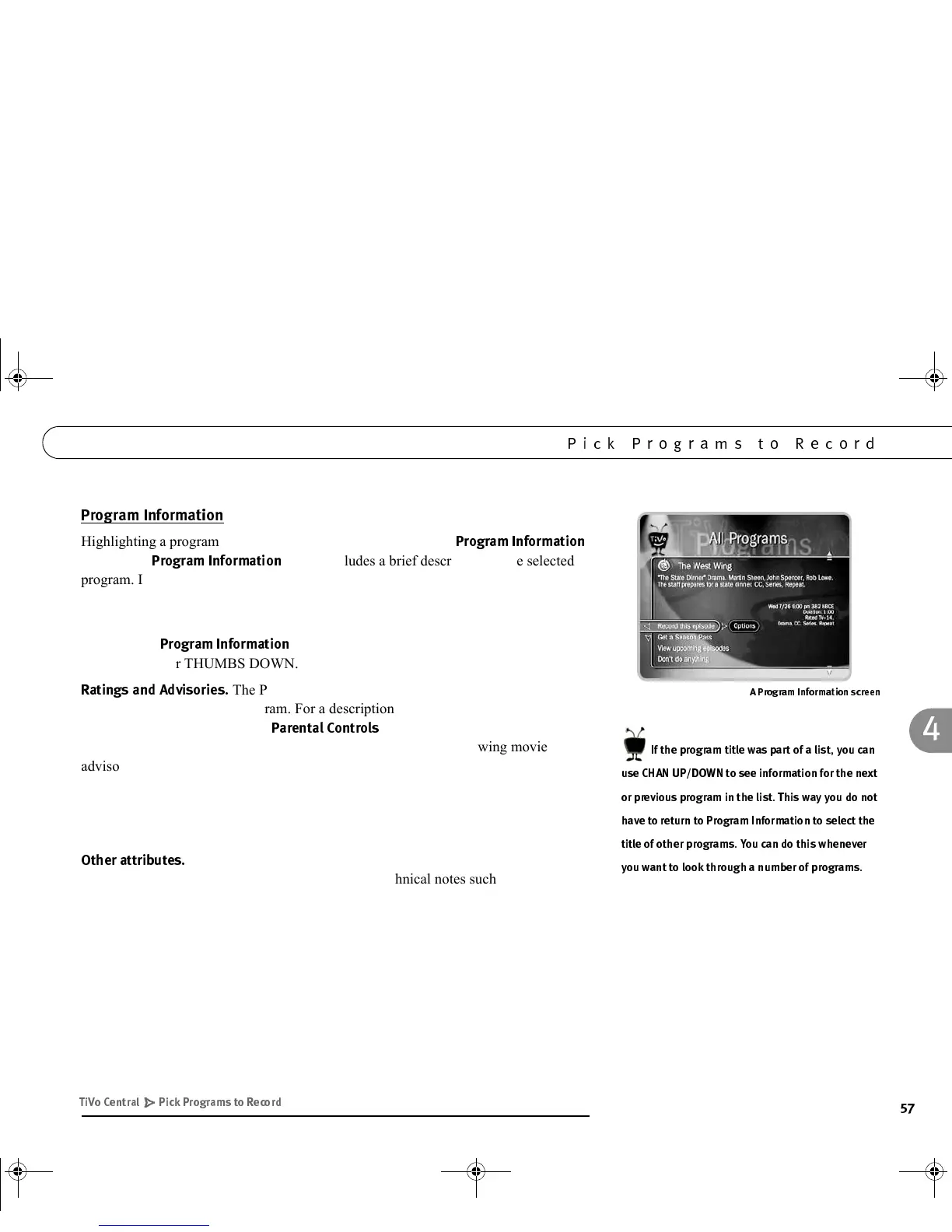
Highlighting a program title and pressing SELECT displays the
$&&
screen. The
$&&
screen includes a brief description of the selected
program. It also shows the program’s start time, channel, duration, ratings, advisories,
and other attributes.
If you have given a program a Thumbs rating, THUMBS UP/DOWN icons appear at
the top of the
$&&
screen. You can change the rating here by pressing
THUMBS UP or THUMBS DOWN.
$*5*
The Program Information screen shows ratings and
advisories for the selected program. For a description of movie and television ratings,
and of television advisories, see
!!
, starting on page 70. A movie may
also have advisories, regardless of whether it has a rating. The following movie
advisory codes may appear in parentheses after the description:
:
Other attributes may appear in parentheses after the description of a
program. These may include genre information or technical notes such as CC (for
closed captioning), Letterbox (which means the program is broadcast in Letterbox, a
wide screen format) and Dolby Digital.
AC: Adult Content SC: Sexual Content N: Nudity
AL: Adult Language MV: Mild Violence BN: Brief Nudity
GL: Graphic Language GV: Graphic Violence RP: Rape
!
/$%
*D+#!5,9C#
3
3
?3
'
( " - )*
GC Viewer's Guide.book Page 57 Tuesday, March 13, 2001 8:59 AM



 To Next Page