40
*$!&
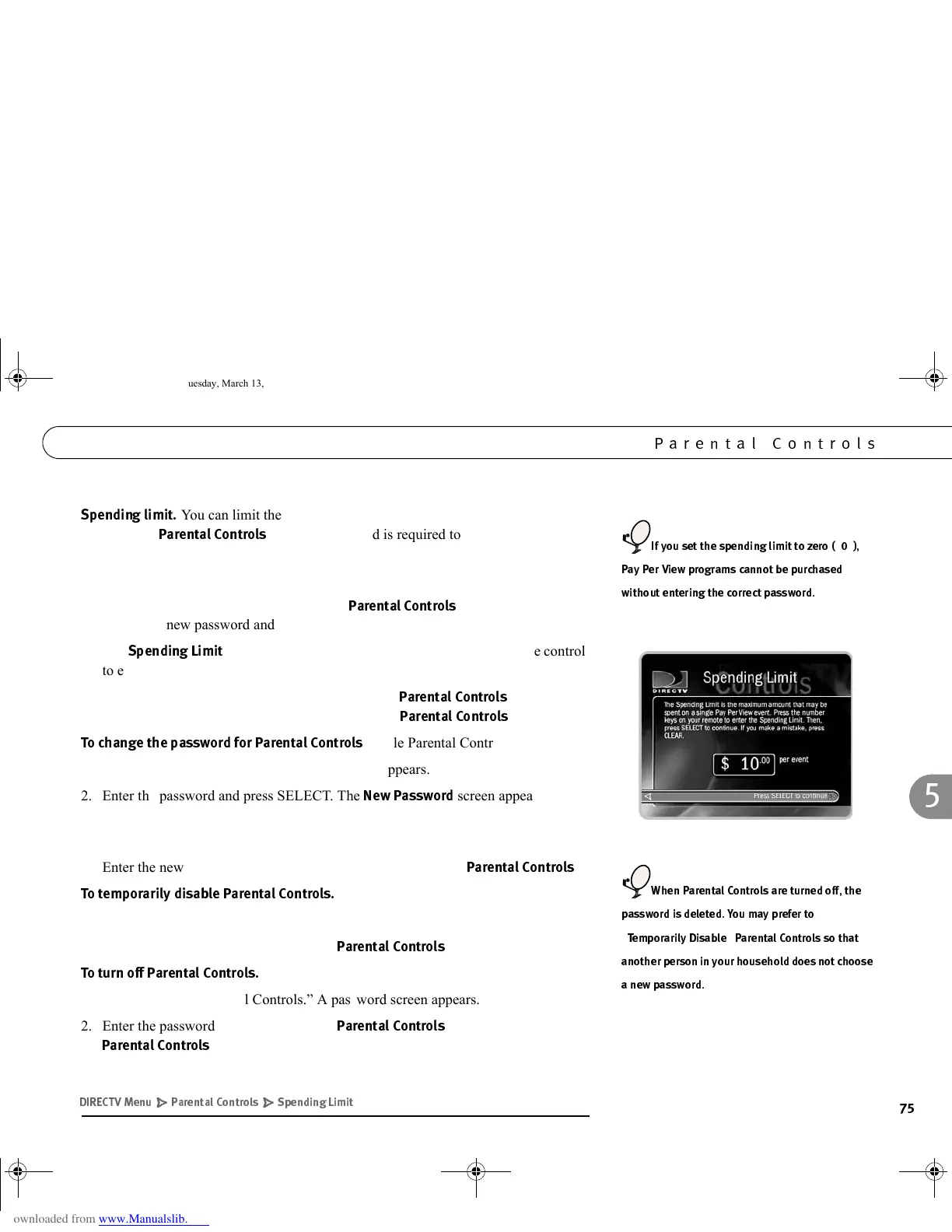
You can limit the amount that may be spent on a single Pay Per View
event. When
!!
are on, a password is required to purchase any event
that exceeds the limit. To set the spending limit:
1. Select “Spending Limit.” A password screen appears.
2. Enter the password and press SELECT. If
!!
are off, you are asked
to create a new password and they are turned on.
3. The
*$%&
screen appears. Use the number buttons on the remote control
to enter a spending limit.
4. Press SELECT to save your changes and return to
!!
, or press
LEFT arrow to discard your changes and return to
!!
.
$*!!
(while Parental Controls are on).
1. Select “Change Password.” A password screen appears.
2. Enter the password and press SELECT. The
3*
screen appears.
3. Use the number buttons on the remote control to enter a new four digit password.
Press SELECT. A confirmation screen appears.
4. Enter the new password again and press SELECT to return to
!!
.
&!*!!!
1. Select “Temporarily disable Parental Controls.” A password screen appears.
2. Enter the password and press SELECT.
!!
are disabled.
!!
1. Select “Turn off Parental Controls.” A password screen appears.
2. Enter the password and press SELECT.
!!
are turned off. When
!!
are turned off, the password is deleted.
0 B 1
.
C*
?
, *
"(+ " ')*
GC Viewer's Guide.book Page 75 Tuesday, March 13, 2001 8:59 AM



 To Next Page