66
4
2
$!$:
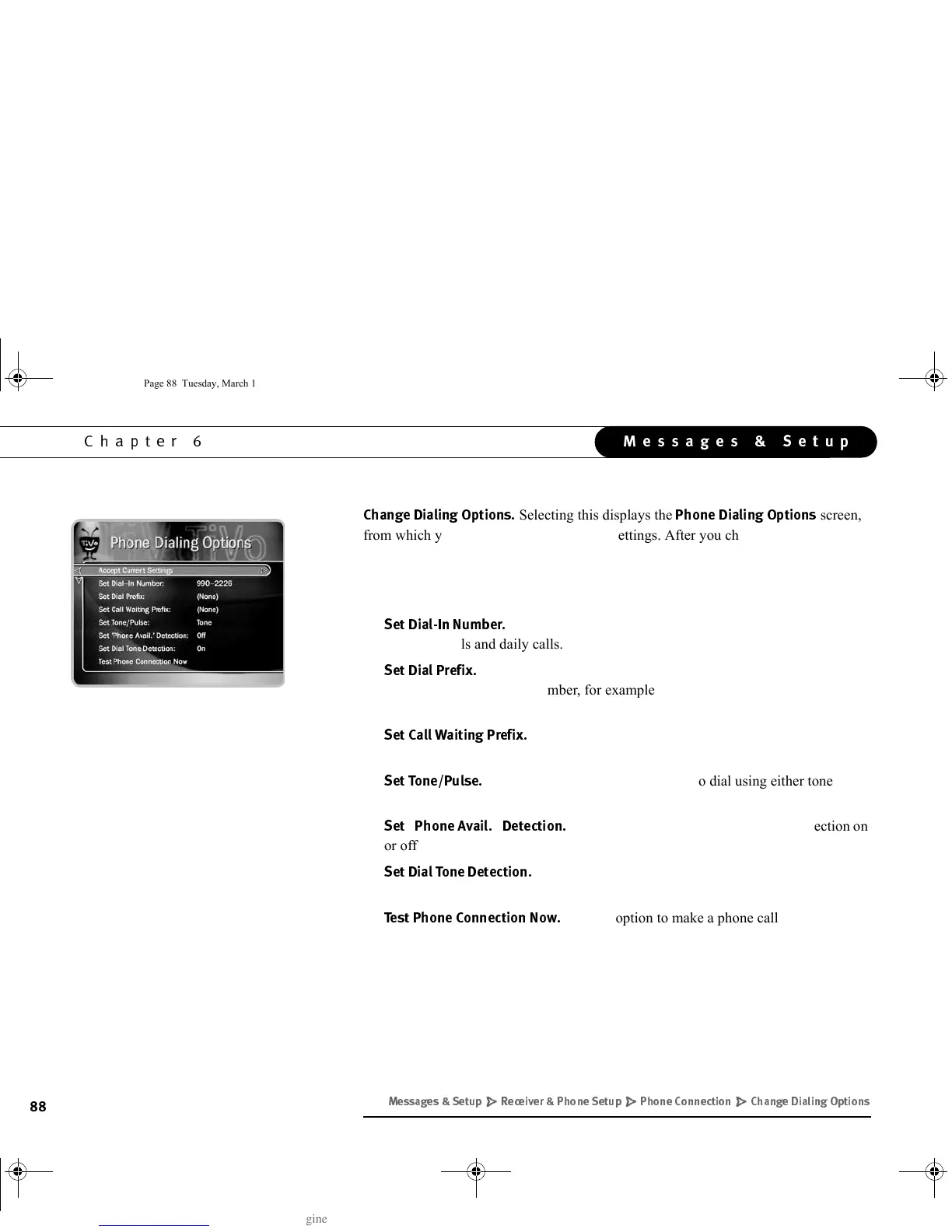
Selecting this displays the
!$:
screen,
from which you can change the following settings. After you change any of these
settings, the Receiver will automatically check phone settings by making a test phone
call. If the test call is not successful, you may have to change some phone dialing
options; see “Phone Troubleshooting,” described on page 92.
•
!<3&
Use this option to change the number the Receiver uses to
make test calls and daily calls. See page 89.
•
!#
Use this option to set a prefix that must be dialed before the
Receiver uses the dial-in number, for example, to reach an outside line.
See page 90.
•
!!$#
Use this option to set a prefix to turn off call waiting.
See page 90.
•
E!
Use this option to tell the Receiver to dial using either tone or
pulse mode. See page 90.
•
5!
Use this option to turn “Phone Avail.” Detection on
or off. See page 91.
•
!
Use this option to turn Dial Tone Detection on or off. See
page 91.
•
3
Use this option to make a phone call to test your
Phone Dialing Options. See page 91.
+)/' /# ' # " "#))
GC Viewer's Guide.book Page 88 Tuesday, March 13, 2001 8:59 AM



 To Next Page