127
Appendix 2: How to Network Your DVR
Along with the requirements listed at the beginning of Appendix 2, you will
need:
Note:
If you live in an apartment or condo, you may have to adjust the security settings on your
Ethernet Adapter to ensure that your neighbors with similar adapters do not intercept
your data. Refer to the manufacturer’s instructions for your Ethernet Adapter.
A powerline connection uses your home’s existing power lines to connect your DSL/cable
router to your DIRECTV Plus
®
DVR via an Ethernet Adapter that uses HomePlug
®
or a
similar power line technology.
Two Ethernet Adapters are needed: one to connect to the router and one to connect to the
DIRECTV Plus
®
DVR.
Please be advised that your Ethernet Adapters must
be plugged directly into a wall. However, if you have
a power strip that is certified to work with your
Ethernet Adapter, you may use it. If you do not have
a certified power strip, you must plug your Ethernet
Adapter directly into an electrical outlet.
2 Ethernet Adapter Devices
2 Ethernet Cables
Powerline Connection
Step 1:
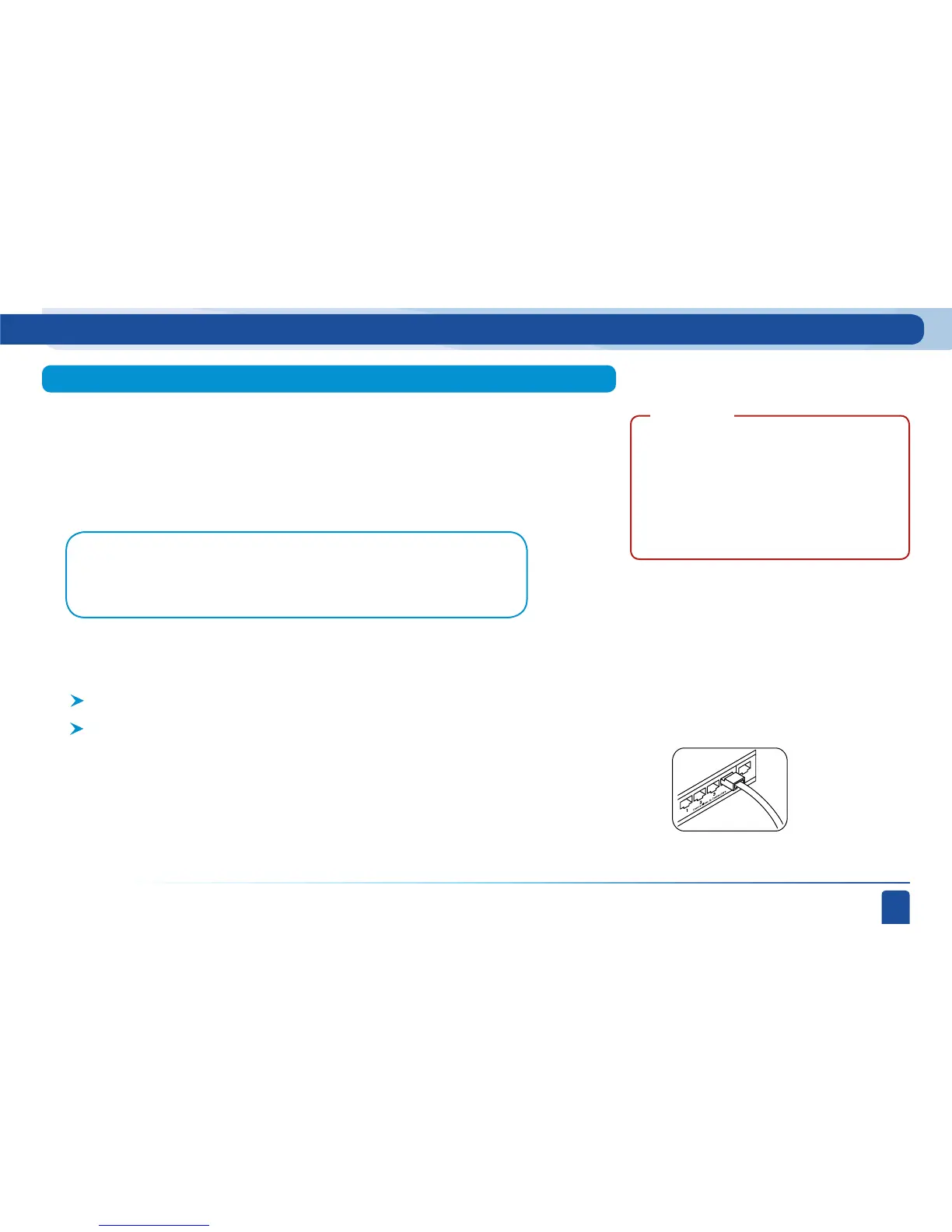
If you can access your router, make sure that it is providing Broadband to the Ethernet jack
that you are connecting your DVR to. Plug one end of the Ethernet cable into an unused
port on the router.
Ethernet cable
connects to an
unused port on the
router.
IMPORTANT:



 To Next Page