128
DIRECTV PLUS
®
DVR USER GUIDE
Ethernet cable
plugs into DVR
Ethernet
Adapter
Wall Mount
into Wall
Outlet
Ethernet
Adapter
Wall Mount
into Wall
Outlet
Router
DVR
Ethernet Cable
Ethernet
Cable
Wall Mount Configuration
Wall Mount Configuration
Appendix 2: How to Network Your DVR
Note:
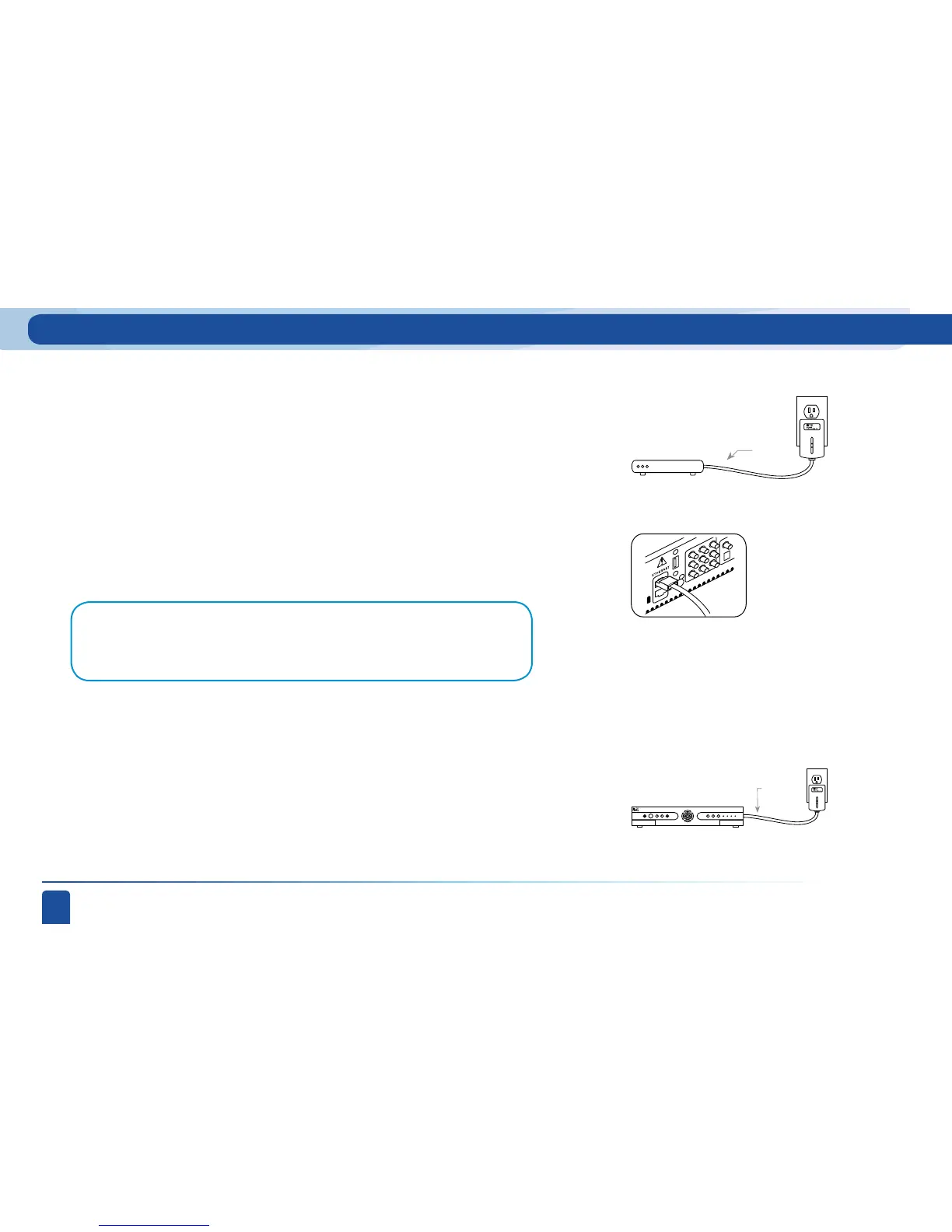
You may have one or two Ethernet ports, depending on your model. If you have 2, use the
TOP Ethernet port.
Step 2:
Step 3:
Step 4:
Connect the other end of the Ethernet cable to the Ethernet jack on the Ethernet Adapter
and plug the Adapter into the Wall Outlet. If your Ethernet Adapter is combined with your
power strip, then plug your power strip into the wall and connect the Ethernet cable to the
jack on the power strip.
At the back of the DIRECTV Plus
®
DVR, connect another Ethernet cable into the back of
your DIRECTV Plus
®
DVR.
Connect the other end of the Ethernet cable to the other Ethernet Adapter and plug the
Adapter into the Wall Outlet.



 To Next Page