130
DIRECTV PLUS
®
DVR USER GUIDE
Appendix 2: How to Network Your DVR
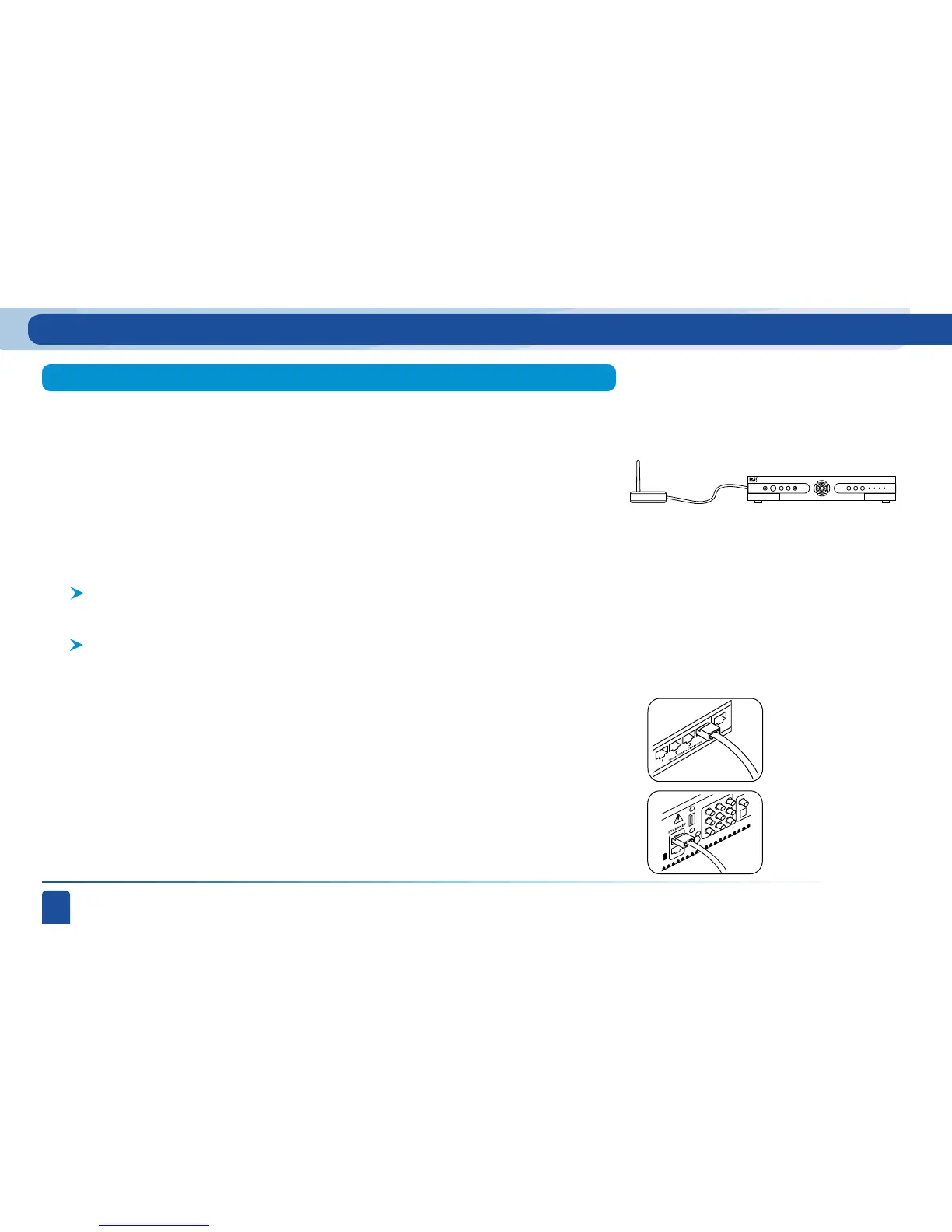
Wireless Connection
Ethernet Cable
Wireless
Transceiver
HD DVR
Step 1:
Along with the requirements listed on page 124, you will need:
Connect one end of an Ethernet cable to the LAN port on the back of the wireless
transceiver.
A Wireless Transceiver that uses an Ethernet Port to connect to a media device.
[USB devices are not supported by the DIRECTV Plus
®
DVR.]
A Wireless Router (in place of a regular router). You must have initialized
your wireless device for your home network before beginning to network your
DIRECTV Plus
®
DVR.
A wireless connection uses your own wireless router and a wireless transceiver to
send data from your DSL/cable router to the DIRECTV Plus
®
DVR. Please be advised
that DIRECTV does not recommend using a wireless device, because it may not provide
the best experience. For the best digital entertainment experience, the better options
are Wired and Powerline. However if you prefer to use Wireless, you must follow the
manufacturer’s directions on configuring your Wireless device before connecting it to
your DIRECTV Plus
®
DVR. These instructions will help you to make the right connections
to your DIRECTV Plus
®
DVR.
Step 2:
Connect the other end of the Ethernet cable to the DIRECTV Plus
®
DVR jack
labeled ETHERNET.
Ethernet cable
plugs into DVR
Ethernet cable
connects to
the LAN port
of the wireless
transceiver.



 To Next Page