Chapter 1
Chapter 2 Chapter 3 Chapter 4 Chapter 5
67
CHAPTER 2 - DETAILED INFORMATION
67
1.
2.
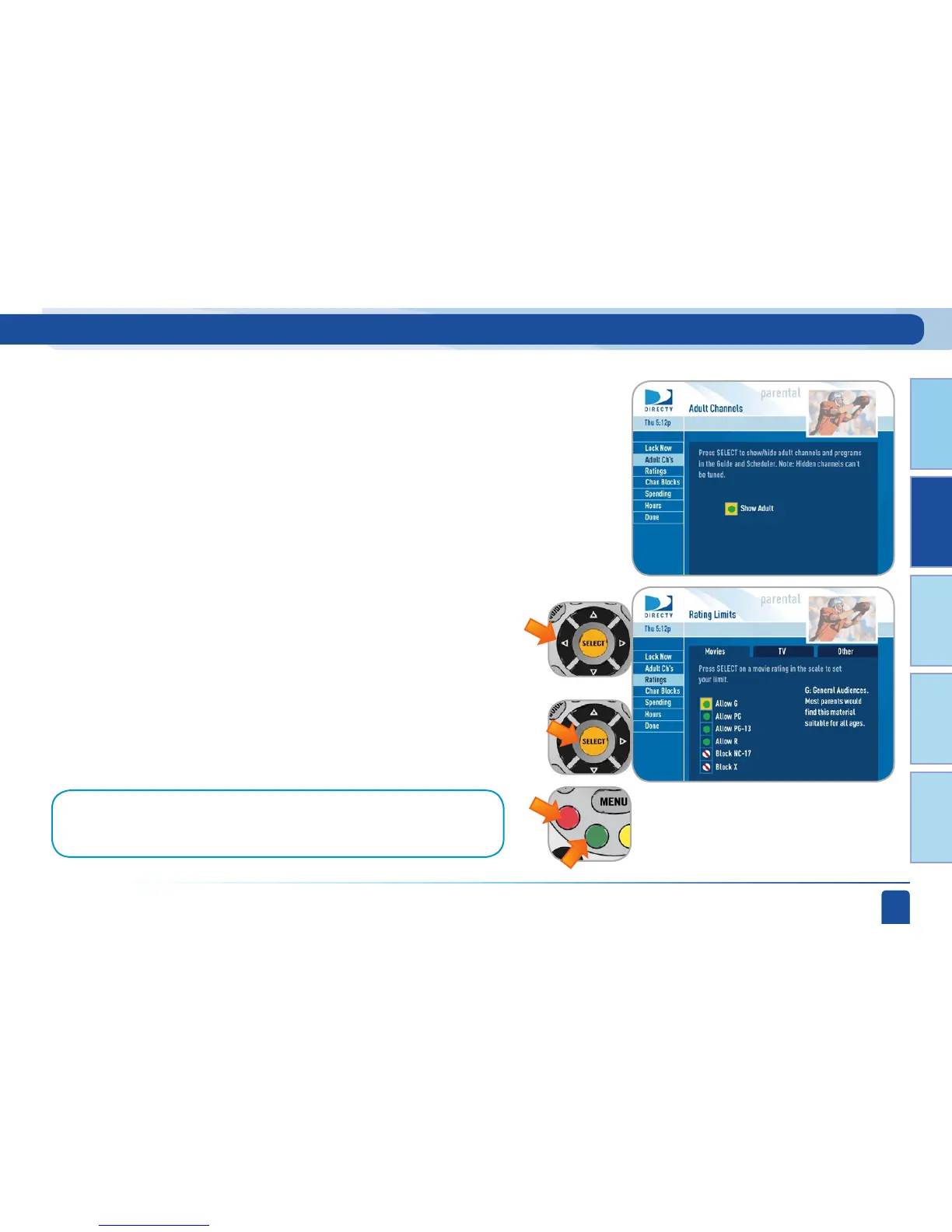
Select Adult channels, then press SELECT again to completely remove those
channels from the Program Guide.
Pressing SELECT toggles between Show Adult and Hide Adult.
Adult Channels
Main Menu - Parental, Fav’s & Settings
Note:
You can also use the RED or GREEN buttons to move between the tabs (movies, TV,
other)
Here you can set rating limits for Movies and TV:
Select Ratings.
Highlight the desired tab using the ARROW keys and press
SELECT.
Ratings



 To Next Page